
Visual guide creation
Build guides from screenshots or photos, then add short step instructions in one flow instead of assembling separate assets elsewhere.

GuideYou is a web app for creating visual, step-by-step guides for everyday technology. It helps families document recurring tech help once and share it privately across devices.
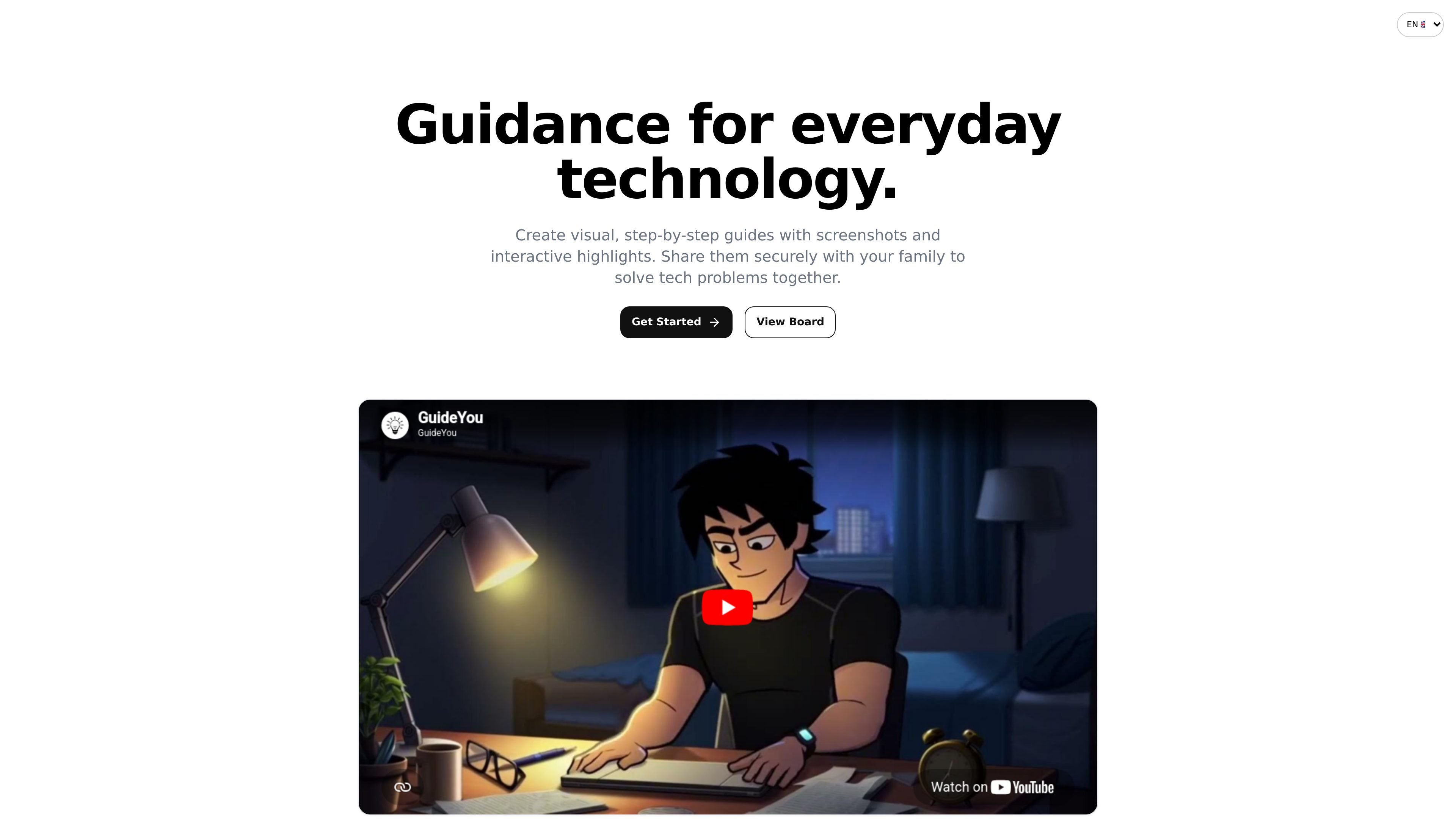
GuideYou is a web product for creating visual, step-by-step help guides for everyday technology. It is designed around family tech support, where one person documents a process once and shares it so other family members can follow the same instructions later.
The product centers on screenshots, photos, cropped instructions, and visual highlights to make procedures easier to follow than a phone call or text explanation. It also includes shared access controls, private-by-default family guides, and support for reuse so repeated support requests can be handled from a common library instead of from scratch each time.
Build guides from screenshots or photos, then add short step instructions in one flow instead of assembling separate assets elsewhere.
Mark buttons, cables, or menu items with glowing hotspots so readers can quickly see what matters on each screen.
Share published guides inside a family workspace so multiple people can use the same instructions without recreating them.
Open guides on phones, tablets, laptops, and desktops, which makes the instructions usable wherever the problem appears.
Receive mismatch reports when a screen changes and update the guide when the workflow no longer matches what users see.
Generate guide assets with AI when you do not have the right image available, and reuse editable published guides and assets from a shared library.
Document a login or recovery flow once so relatives can follow the same steps later without repeating the explanation over the phone.
Create a visual walkthrough for common household problems such as TV setup, streaming issues, or router resets.
Show someone how to attach a file, print a PDF, or complete a recurring digital task with screenshots and highlighted controls.
Publish a shared guide for Wi-Fi, apps, or settings so someone can work through the process on their own device.
Keep a reusable library of published guides and update them when interface changes cause screens to stop matching the instructions.
GuideYou is built for creating visual, step-by-step instructions that family members can open when they need help with everyday technology. The source examples focus on tasks like online banking, TV and streaming, email attachments, and smartphone settings.
The homepage shows a simple three-step flow: create a guide by uploading screenshots or photos, highlight the important parts, and then share the guide with your family.
Published guides are shared through a family workspace and can be opened on phones, tablets, laptops, and desktops. Family members stay signed in on their device for up to 90 days.
The pricing page loads but does not show pricing details in the available source text, so the page only confirms that pricing information exists elsewhere on the site.
The available pages show local account registration with email and an option to continue with Google. The source does not provide a deeper team or workspace setup guide.

Spotit è un’app per macOS che legge lo schermo e evidenzia dove cliccare, con domande vocali e guida sullo schermo nell’app che usi.

TubeKit turns public YouTube videos and playlists into AI-powered tools that creators can customize and share. It is free to try and requires no signup for the initial workflow.

AGINE Academy — игровая онлайн-академия для практического освоения Claude в работе, творческих задачах и автоматизации. Подходит тем, кто хочет начать с бесплатного урока и учиться на реальных миссиях без опыта в разработке.

La Guida all'Ingegneria dei Prompt è una risorsa completa che aiuta gli utenti a padroneggiare le competenze di ingegneria dei prompt per ottimizzare l'applicazione dei modelli di linguaggio di grandi dimensioni.

《动手学深度学习》 è un libro di testo sul deep learning rivolto ai lettori cinesi, che copre le implementazioni di PyTorch, NumPy/MXNet, TensorFlow e PaddlePaddle.

La comunità 飞桨星河 è una comunità di apprendimento e formazione in intelligenza artificiale rivolta agli studenti di IA, che offre una vasta gamma di corsi e risorse gratuite di IA.