
Local-first feed storage
Huminn fetches RSS feeds, parses them, and stores them on the user's device. The homepage explicitly says there is no backend, no proxy, and no cloud provider involved.

Huminn is a local-first RSS reader that replaces Chrome’s New Tab page with feeds, search, shortcuts, and optional bookmark access. It runs on Google Chrome desktop and keeps feed data on the user’s machine.
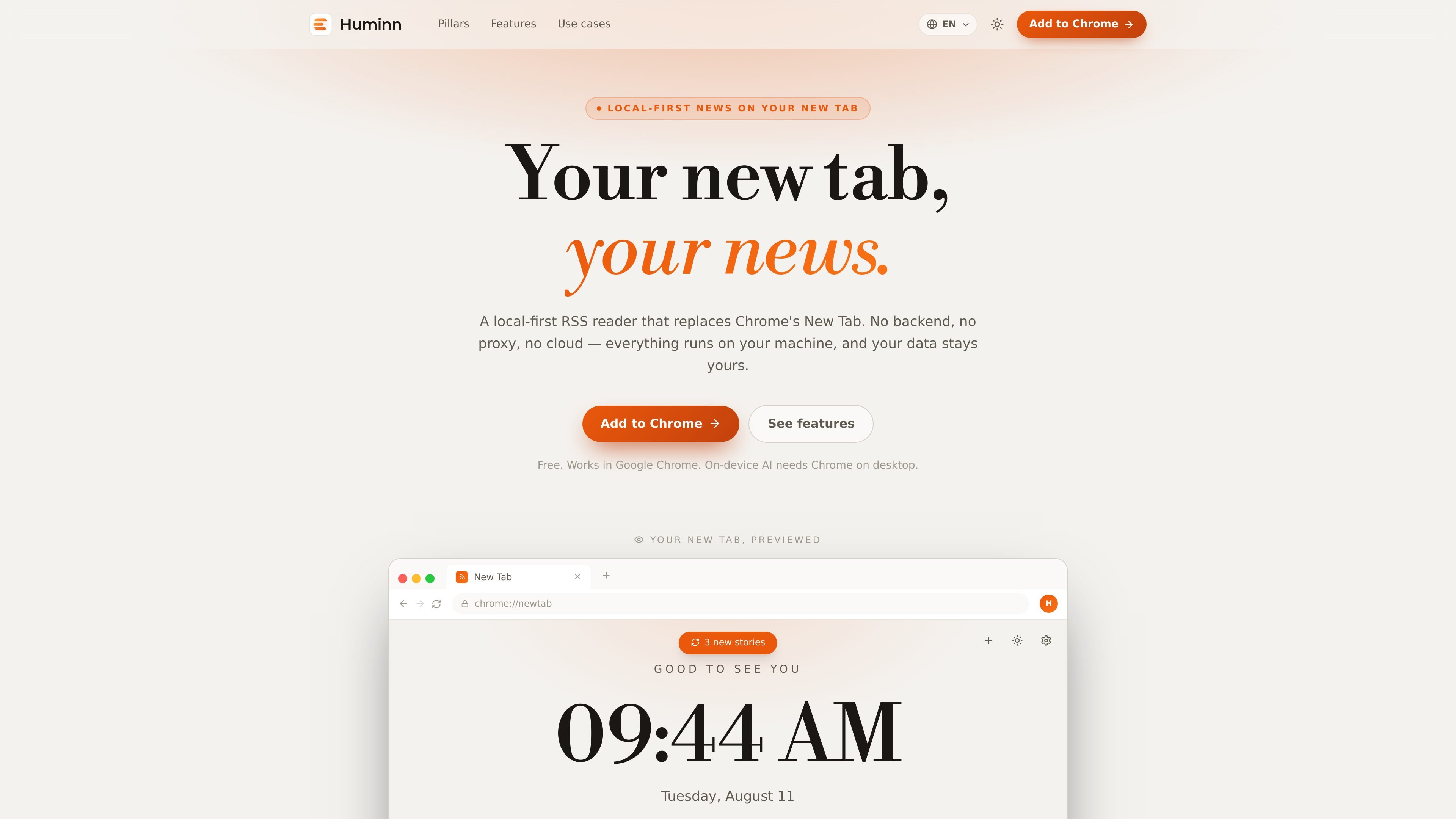
Huminn is a local-first RSS reader built to replace Chrome's New Tab page. It combines news reading, search, shortcuts, and browser-bookmark access into a single home screen that opens from local cache and refreshes in the background.
The product is designed around privacy and on-device processing. Feeds are fetched, parsed, and stored on the user's machine, and its translation and summarization features use Chrome's built-in AI so reading activity does not need to leave the device.
Huminn fetches RSS feeds, parses them, and stores them on the user's device. The homepage explicitly says there is no backend, no proxy, and no cloud provider involved.
The app replaces chrome://newtab natively and loads from local cache as soon as a tab opens, while refreshing stories in the background.
Stories are presented in a magazine-style grid rather than a long list. The layout groups items into blocks of five with a hero, medium cards, and a wide card.
Huminn includes web search and shortcut tiles in the new tab view, plus optional Chrome bookmarks access. Search engines can be selected from a list or set with a custom template.
Using Chrome's built-in AI, Huminn can translate story titles and descriptions and summarize articles in the side panel in formats such as key points, TL;DR, teaser, or headline.
The settings drawer exposes theme, language, translation, summaries, search engine, retention, and OPML backup/import-export controls, all from inside the tab.
Use Huminn as the page you see whenever you open a new tab, so news, search, and shortcuts are available immediately instead of a blank browser page.
Read RSS feeds without a server-side account or sync layer, keeping feed fetching and storage on your own machine.
Translate stories and generate summaries while staying in the browser, using Chrome's on-device AI features for the current article.
Collect the sites you open often into shortcut tiles and browse recent bookmarks without leaving the tab, which reduces trips to the bookmarks manager.
Use Discover, starter packs, and OPML import/export to organize a feed library and add sources by URL or by finding RSS for a site address.
Huminn is designed to work in Google Chrome on desktop. The page also notes that on-device AI features require Chrome on desktop.
The homepage states that Huminn is free.
Huminn can replace Chrome's native New Tab page and show feeds, search, shortcuts, and stories from local cache when a new tab opens.
Its AI translation and summarization features use Chrome's built-in AI and run on the device, rather than sending content to a server.

Goldfish is an AI memory app for macOS that helps you reply, write, summarize, and continue using the context already on your Mac. It stores memory locally and writes in your tone.

ArtDeck is a visual reference board app for iPhone, iPad, and Mac that lets artists collect mixed reference material on one canvas and study it with ToolBox lenses. It works offline, supports optional iCloud sync, and is sold as a one-time purchase with no account required.

Dcyde is a decision log for product teams that captures what was decided, the reasoning behind it, and the source in one shared place. It supports pinning decisions from Slack, Figma, or inside Dcyde and keeps the record searchable over time.

qbrin is an enterprise AI search and governed agent platform that turns company knowledge into cited answers and can abstain when evidence is missing. It is built for teams that need source-backed responses, policy controls, and traceable AI actions.

Lasso is an ecommerce product data platform for enriching catalog records, processing supplier files, generating product content, and monitoring competitors. It combines a web app with a REST API, SDK, and MCP server for teams and developers.

Biji è una piattaforma versatile progettata per migliorare la produttività attraverso strumenti e funzionalità innovative.