
Real-time editing
Perform edits while audio is playing, rather than rebuilding regions afterward.

iVox is a Mac desktop audio editor for real-time wave slicing and vintage tape-style edits. It is aimed at users who want to create multi-edits locally on Apple Silicon or Intel Macs.
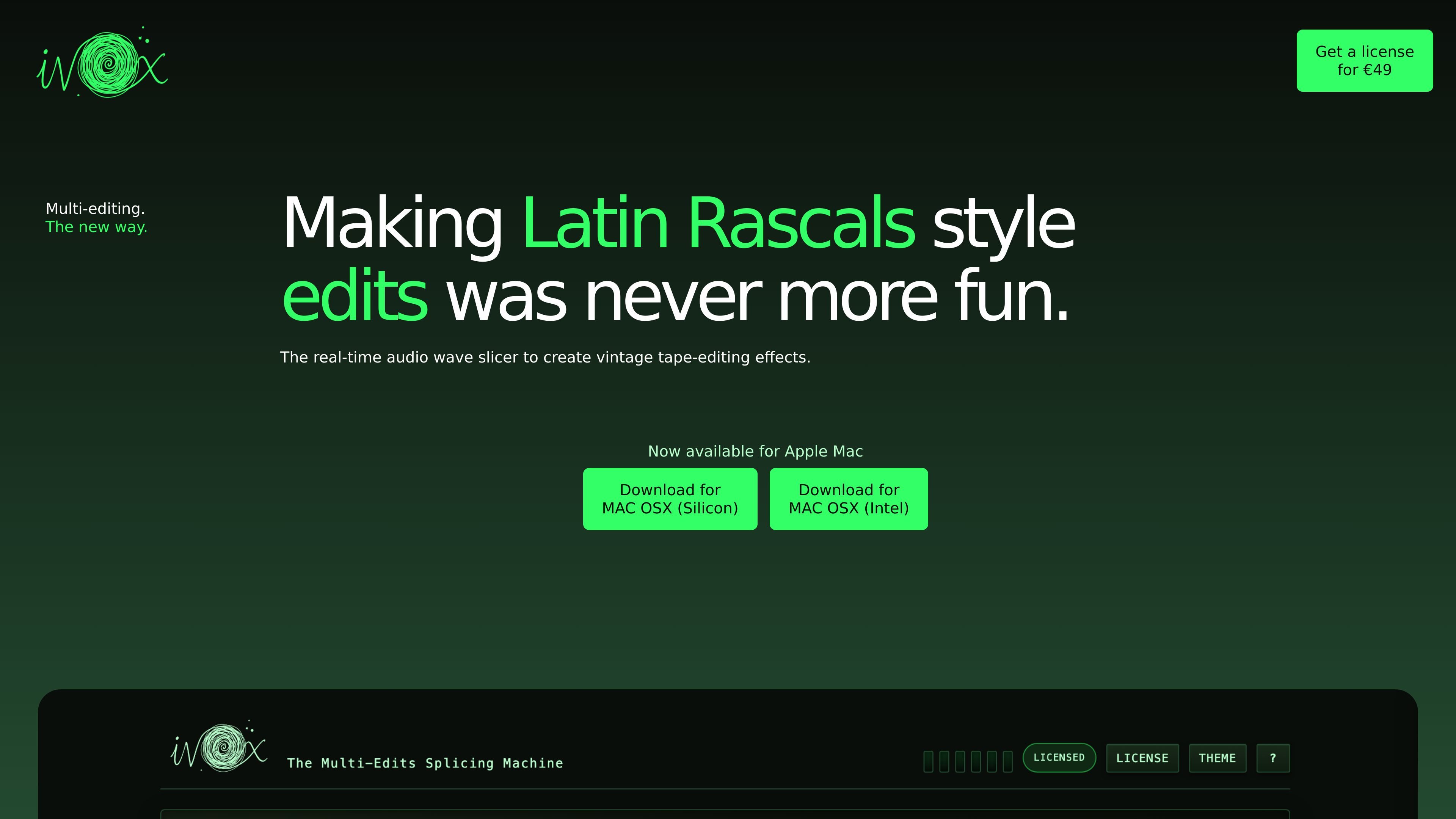
iVox is a Mac desktop audio editing application built around real-time wave slicing for vintage tape-editing effects. The homepage describes it as the first app dedicated to making 1980s-style tape edits and positions it for users interested in multi-edits.
The product is available for Apple Mac, with separate downloads for Mac OS X Silicon and Mac OS X Intel. A pricing page lists a €49 license, and the privacy policy explains that audio processing happens locally on the user’s computer without uploading audio files or sending usage telemetry.
Perform edits while audio is playing, rather than rebuilding regions afterward.
Create slice-based effects aimed at vintage tape-editing workflows.
Work with automatically created regions to speed up the editing process.
Trigger and shape edits with a slice pad control interface.
Adjust timing with triplet editing and region shifting tools.
Save, lock, and export pattern settings for reuse.
Use iVox when you want to build Latin Rascals-style edits or other vintage tape-inspired effects directly in a live editing workflow.
Use the app on a Mac workstation for local audio editing without uploading source files to a cloud service.
Use the slice pad, triplet editing, region shifting, and pattern tools to refine a repetitive edit into a more controlled arrangement.
Join the Windows waitlist if you are interested in the product but need a Windows release before adopting it.
iVox is available for Apple Mac. The site provides separate downloads for Mac OS X Silicon and Mac OS X Intel.
The website says iVox is a real-time audio wave slicer designed to create vintage tape-editing effects and Latin Rascals style edits.
The site lists a €49 license on the pricing page.
iVox processes audio files locally on your computer. The privacy policy says the app does not collect, upload, or access the audio files you load into it.
Yes. The site invites Windows users to join a waitlist if they cannot wait for a Windows version.

CAMB.AI Streams dubs live audio in multiple languages in real time for broadcasts on platforms like YouTube, Twitch, and X. It plugs into existing live workflows using common streaming protocols and avoids a post-production step.

LALAL.AI is an AI audio processing platform for stem separation, voice cleanup, and voice transformation. It supports browser-based upload, preview, and download workflows for audio and video files, plus premium and enterprise options.

Optimo is a free, open-source CLI for optimizing and converting images and videos with format-specific commands built on ImageMagick and FFmpeg. It helps developers prepare web assets, batch process media, and automate compression from the shell or a Node.js script.

Kits AI is an AI music production platform for voice cloning, vocal generation, and vocal processing. It offers a Free plan, paid tiers, and a Windows desktop app for producers and creators working with studio-style audio workflows.

Converleon is an offline file converter for Mac that handles images, video, audio, documents, PDFs, and archives without uploading files. It supports batch conversion, preset-based compression, and common workflows like HEIC to JPG, MOV to MP4, and HTML to PDF.

ElevenMusic is a web-based music platform for discovering tracks, remixing music, and creating original songs. It also supports prompt-led generation with mood tags and account-based saving for libraries, generations, and playlists.