
Visual and semantic diffs
Review schematic and PCB changes in a browser-based workspace that uses base/head comparisons instead of raw KiCad syntax alone. The view is designed to show changed hardware objects, not just file lines.

KiHub is a hardware review platform for KiCad projects. It helps teams review schematic and PCB changes in context using visual diffs, checks, pinned discussions, and traceable decisions connected to GitHub.
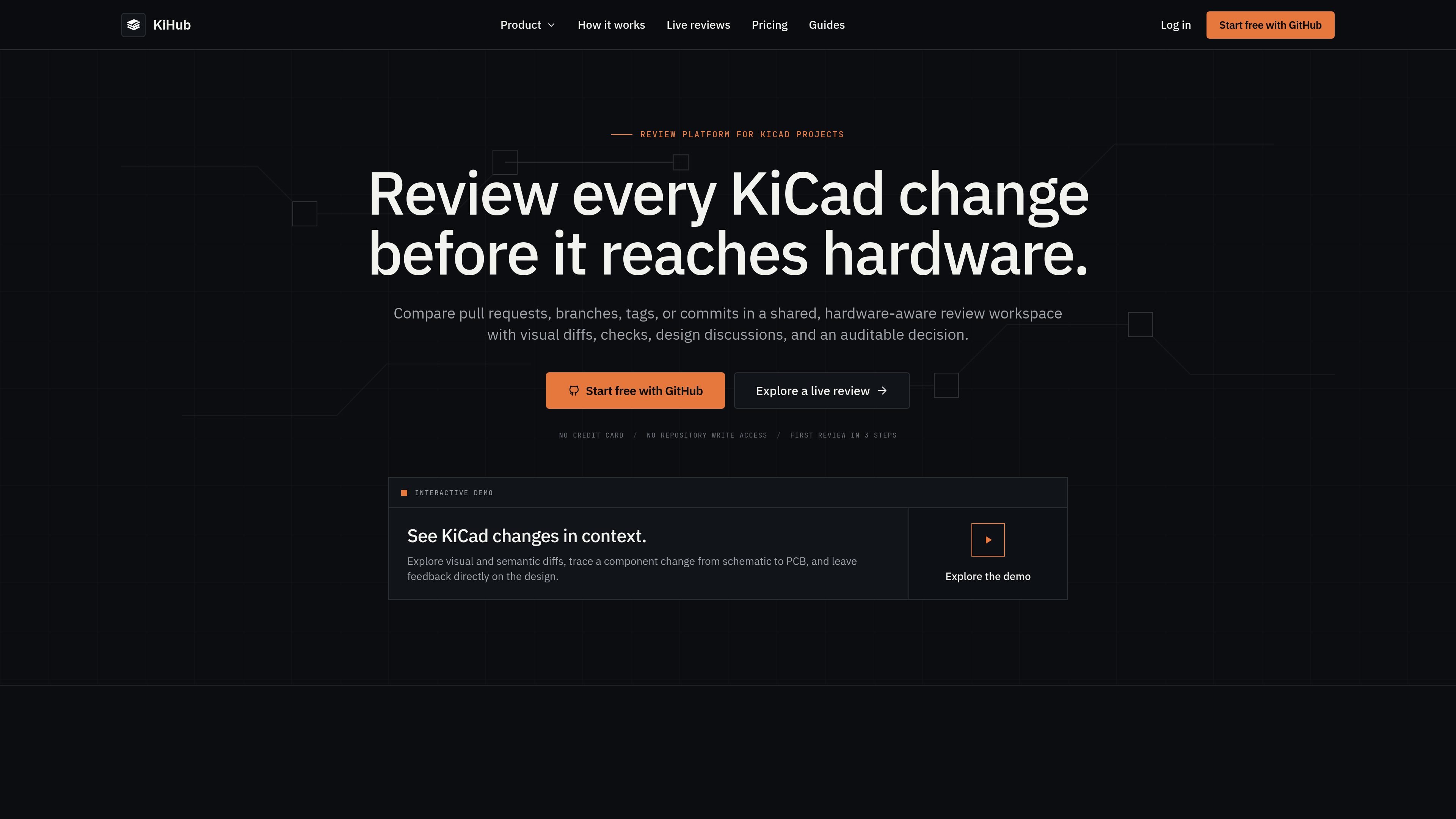
KiHub is a hardware review platform for KiCad projects. It adds a browser-based review workspace between KiCad authoring and a merge decision so teams can inspect changes in context instead of relying on file diffs alone.
The product is centered on review, not editing or repository hosting. KiCad remains the design tool, GitHub remains the source of truth, and KiHub layers in visual diffs, review checks, pinned discussions, and an auditable decision trail for schematic and PCB changes.
Teams can review a GitHub pull request automatically or compare any two revisions on demand, including branches, tags, and commits. The workflow is designed to make readiness signals such as ERC, DRC, BOM completeness, and design discussion visible in one place before a revision is approved.
KiHub also supports controlled sharing. Review links can be published as read-only pages, and the security model emphasizes repository-scoped access, temporary source processing, and no repository write access.
Review schematic and PCB changes in a browser-based workspace that uses base/head comparisons instead of raw KiCad syntax alone. The view is designed to show changed hardware objects, not just file lines.
Surface ERC, DRC, schematic-to-PCB parity, BOM completeness, and project policy as part of the review process. Checks can appear as informational signals or required gates so reviewers can judge readiness before merge.
Attach questions and requested changes to the relevant schematic sheet, component, footprint, route, or board location. Threads remain associated with the design context rather than a source-file line number.
Keep a durable record of what changed, which checks passed, who approved the revision, and why it was ready to merge. Review activity and decision history stay attached to the revision.
Start from a GitHub pull request or compare any two revisions on demand, including branches, tags, and commits. KiHub keeps the review current as pull requests update and can also support manual comparisons without a PR.
Use KiHub when a pull request changes a schematic or PCB and the team needs to understand the impact before merging. Reviewers can inspect visual evidence, checks, and threads in one workspace instead of piecing together status from multiple tools.
Use the manual compare flow when you need to compare two revisions that are not already in a PR, such as a branch against a tag or a commit against another commit. This supports independent review of a specific hardware revision.
Use the review workspace when comments need to refer to a capacitor, connector, trace, footprint, or board area rather than a line in a source file. Pinned threads keep the discussion attached to the design context.
Use the checks view when approval depends on readiness signals such as ERC, DRC, schematic-to-PCB parity, BOM completeness, or project policy. The review record keeps these signals separate from the final merge decision.
Use controlled read-only links when you want to share a review with stakeholders who should see the current review state but not edit, merge, or rerun checks. Links can be revoked and can expire.
No. KiHub is positioned as the review layer between KiCad and GitHub. Engineers keep designing in KiCad, and GitHub remains the repository and source of truth.
KiHub works with modern .kicad_sch and .kicad_pcb projects. The repository’s toolchain is selected when you connect it, and the site recommends contacting KiHub before evaluating a legacy or mixed-version project.
KiHub uses a GitHub App with read access to repository contents, pull requests, metadata, and relevant organization membership events. It can publish review status back to pull requests through GitHub Checks, but it does not need repository write access.
Original KiCad source files are processed temporarily to generate review models and artifacts, then removed from active processing storage after processing is complete.
Public review links are accessible to anyone with the link, are read-only, and can be revoked or given an expiration date. KiHub does not publish pull request reviews or manual compare reviews automatically; a user must create the link.

ByteAsk is a terminal-first AI coding agent for C and C++ that edits repositories and verifies changes with the real compiler, debugger, sanitizers, and tests before showing a diff. It offers a free tier plus paid plans, with editor connectors and zero-retention handling described in the source.

hob is an independent workspace for coding agents that keeps agent sessions, terminals, history, and follow-up work organized around the tools and providers you already use. It is aimed at developers who want local control over routing, history, and workspace structure rather than a bundled model stack.

Manta AI is an autonomous web app testing tool for teams that want to map application behavior, catch regressions, and generate tests without writing scripts or maintaining selectors. It works from a URL and supports plain-English test flows, run results with screenshots, and scheduled or deployment-triggered checks.

CreateOS Sandbox is an isolated compute environment for running code and agent workloads inside Firecracker micro-VMs. It is designed for workflows that need machine-level isolation, private networking between sandboxes, and programmatic control through SDK, CLI, or MCP.

Biji è una piattaforma versatile progettata per migliorare la produttività attraverso strumenti e funzionalità innovative.

Ably Chat is a chat API platform for building custom realtime chat applications. It supports room-based messaging, typing indicators, presence, reactions, and message updates, with usage-based pricing options for different deployment stages.