
Proactive reminders
Kiwi reads connected calendar and email accounts to track upcoming calls, trips, bills, birthdays, and other commitments, then sends a timely message instead of requiring repeated manual checks.

Kiwi is a proactive AI assistant for iPhone and Android that monitors connected calendar and email accounts, sends timely messages, and completes approved tasks across supported services and websites. It is designed for people who want help with reminders, bookings, deliveries, travel updates, and other routine coordination.
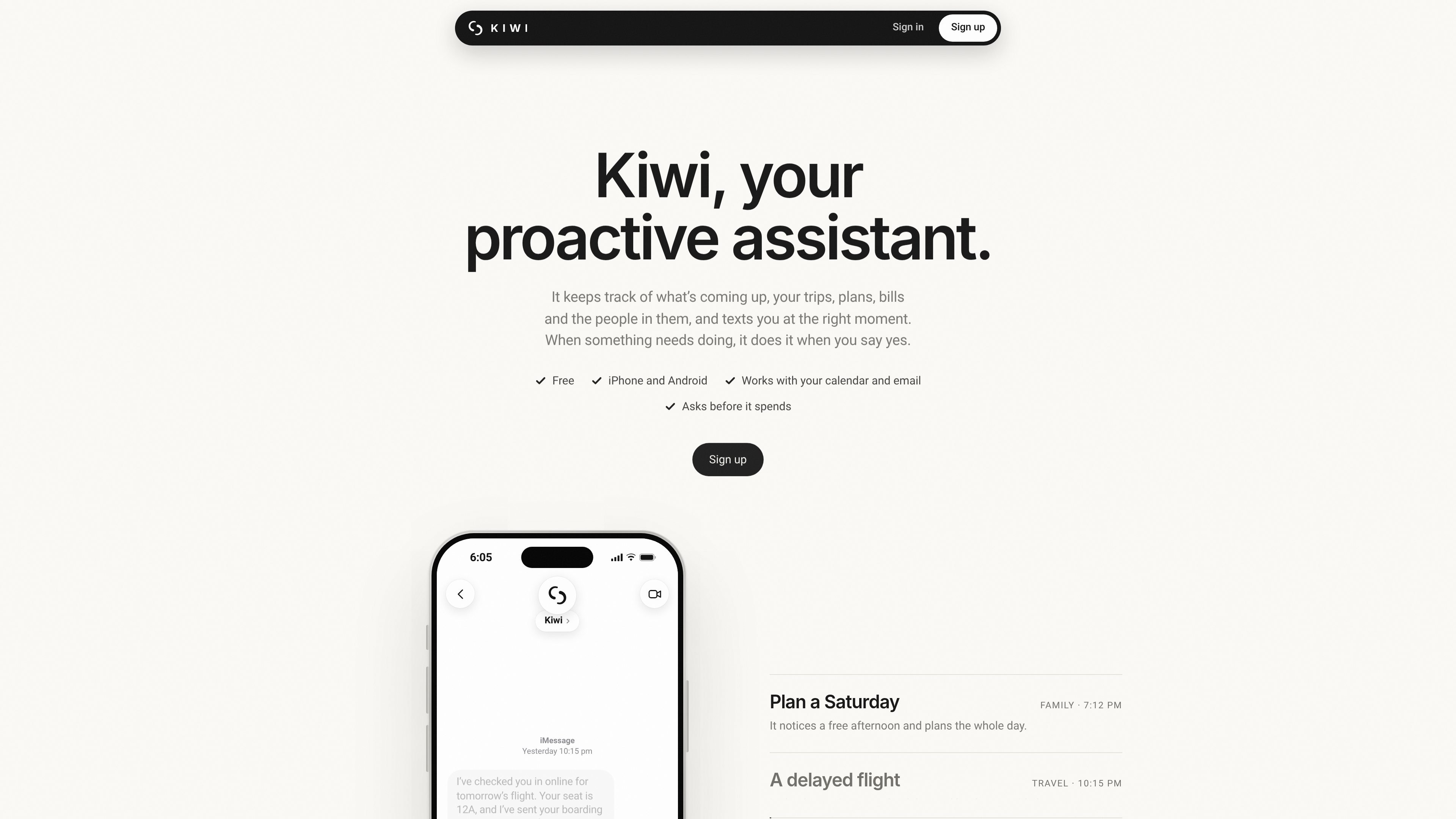
Kiwi is a proactive AI personal assistant that tracks information from connected calendars and email, identifies upcoming commitments or tasks, and texts the user when attention is needed. It is designed to reduce routine checking across apps by bringing reminders, updates, and small jobs into a messaging-based workflow.
When the user approves an action, Kiwi can carry out tasks such as booking travel or dinner, moving a delivery, sending a link, or replying on the user’s behalf. It asks before spending money or communicating with someone, and the site says it reports bookings only after the provider confirms them. Kiwi is available through its app, Messages/iMessage, and WhatsApp, with iPhone and Android setup paths described on the website.
Kiwi reads connected calendar and email accounts to track upcoming calls, trips, bills, birthdays, and other commitments, then sends a timely message instead of requiring repeated manual checks.
Users can ask Kiwi to monitor something, such as a flight price or delivery status, and receive a message when the relevant change occurs.
After the user approves an action, Kiwi can book, order, reply, or complete tasks across supported apps and websites. It reports completion only after the relevant company confirms it.
Kiwi requests approval before sending messages or spending money, displays prices before paid actions, and ignores instructions from emails or websites about what it should do.
The service is available through the Kiwi app, iMessage/Messages, and WhatsApp. The site says it works with calendars and email first, plus services including Slack, Spotify, Uber, and websites.
The site says passwords are encrypted before storage using AES-256-GCM and are not visible to Kiwi’s AI. It also says users can delete individual memories or their entire account and its data from the app.
Kiwi can watch a flight, notify the user about a delay or fare change, and—after approval—help arrange a ride or provide a booking link.
For an upcoming call or event, Kiwi can send a reminder with the relevant link or provide event-related information at the appropriate time.
Kiwi can identify delivery constraints from available information and, with approval, request a change such as moving a parcel to another delivery day.
For a meal with friends or family, Kiwi can help find or book a restaurant and arrange transport, showing the transport price before requesting approval.
Users can tell Kiwi to watch for a condition, such as a lower flight price, and receive an update when it occurs instead of checking repeatedly.
Sign up on the Kiwi website, choose iPhone or Android, and send the prewritten “Hi Kiwi” message. iPhone users open Messages, while Android users open WhatsApp; Kiwi then asks a few questions to complete setup. The Terms state that access is currently by invitation only.
Kiwi can read connected calendar and email accounts to identify upcoming events and tasks. The site specifically names Google Calendar, Gmail, and Outlook, and says Kiwi can also work with services such as Slack, WhatsApp, Spotify, and Uber, as well as websites when no app integration is available.
Kiwi sends reminders and updates at relevant times, with items that can wait included in a morning summary. It can create reminders and calendar entries for your plans, but actions involving spending money or contacting someone require your approval first.
Kiwi shows the price before an action that costs money, waits for your approval, and only reports a booking after the company confirms it. The site also says Kiwi does not pay twice for the same thing.
Kiwi is free to use according to the website. It says there are no ads, user data is not sold, and businesses cannot pay to change Kiwi’s suggestions. The pricing page does not provide additional plan or usage details.