
Workplace data connectors
Connects workplace services such as Slack, GitHub, Google Drive, Notion, Linear, Confluence, Outlook, Supabase, and Google Calendar, with the site also describing hundreds of connectors.
Laylight connects a company’s workplace tools into a shared organisational context layer. Teams can use daily briefings and plain-language questions to find cross-tool information, with citations to the underlying sources and approval before actions write to connected systems.
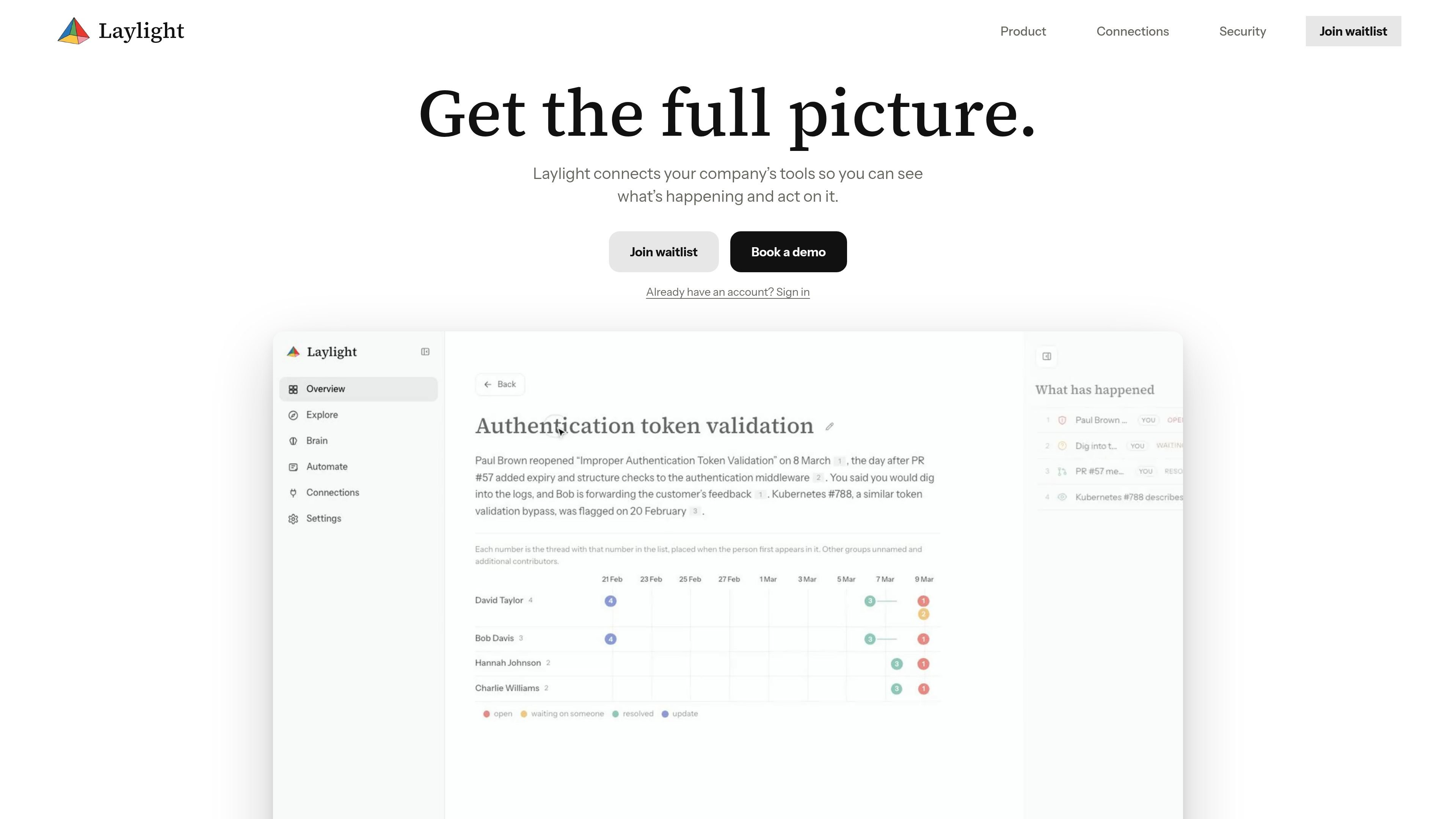
Laylight is an organisational context layer that connects the workplace tools a company already uses and brings their information into an answerable view. It is designed to help teams understand what is happening across messages, code, documents, issues, email, databases, and calendars without checking each system separately.
The product combines cross-tool context, daily briefings, and plain-language questions. It links related information about customers, projects, or people, cites the underlying source for answers, and requires a user click before actions write to another connected system.
Connects workplace services such as Slack, GitHub, Google Drive, Notion, Linear, Confluence, Outlook, Supabase, and Google Calendar, with the site also describing hundreds of connectors.
Lets teams specify the channels, folders, repositories, or tables Laylight can read, and narrow or revoke access as needed.
Links references to the same customer, project, or person across connected tools and maintains a page for each.
Surfaces changes and items requiring attention in a daily briefing, including examples such as approval requests, project risks, and resolved customer issues.
Answers organisational questions in plain language and cites the specific message, document, or issue behind each answer.
Can be used in the app, through Telegram, or from a user's own agent; actions that write to another system wait for the user's click.
A manager can start the day with a briefing that identifies changes, approval requests, project risks, and other items needing attention across connected systems.
A team member can ask about a customer, project, or person and receive a combined answer drawing on relevant Slack messages, Linear issues, and documents, with citations for verification.
Teams can connect selected channels, folders, repositories, or tables when they need context from specific parts of their organisation while keeping the scope controlled.
Users can turn information found in Laylight into automations or other system actions, while retaining a click-based approval step before writes are made.
Organisations with data in an internal tool, spreadsheet, file share, or other source can discuss a custom connector with Laylight's Omni offering.
Laylight connects to the tools a team already uses, with examples including Slack, GitHub, Google Drive, Notion, Linear, Confluence, Outlook, Supabase, and Google Calendar. The site also says it supports hundreds of connectors and can build a connector for other data sources or internal tools.
Teams can choose what Laylight can read, including specific channels, folders, repositories, or tables, and can narrow or revoke access later.
Laylight provides a daily briefing that highlights what changed and what needs attention. Users can also ask questions in the app, through Telegram, or from their own agent.
Answers cite the message, document, or issue used as evidence. Actions that write to another system require the user's click before they proceed.
The public site does not provide pricing details. The pricing page presents a sign-in screen, while the product page says the service is currently at full capacity and invites visitors to join a waitlist.

garden-md is an open-source Node.js CLI that turns meeting transcripts into a local company wiki. It links entities across transcripts, keeps the original text intact, and renders the result as a browsable wiki.

qbrin is an enterprise AI search and governed agent platform that turns company knowledge into cited answers and can abstain when evidence is missing. It is built for teams that need source-backed responses, policy controls, and traceable AI actions.

Goldfish is an AI memory app for macOS that helps you reply, write, summarize, and continue using the context already on your Mac. It stores memory locally and writes in your tone.

Lasso is an ecommerce product data platform for enriching catalog records, processing supplier files, generating product content, and monitoring competitors. It combines a web app with a REST API, SDK, and MCP server for teams and developers.

ArtDeck is a visual reference board app for iPhone, iPad, and Mac that lets artists collect mixed reference material on one canvas and study it with ToolBox lenses. It works offline, supports optional iCloud sync, and is sold as a one-time purchase with no account required.

Struere is an AI-native platform for turning spreadsheet data into structured operational software with dashboards, alerts, and automations. It is aimed at teams that want to replace manual spreadsheet workflows without building custom tools from scratch.