
End-to-end creative workflow
Luma Agents can plan, generate, iterate, and refine creative work with shared context across the project, so teams can move from concept to final delivery in one place.

Luma is an AI creative platform for generating and refining image, video, audio, and text work in one shared workflow. It supports individuals and teams with model selection, production exports, and guided creative use cases.
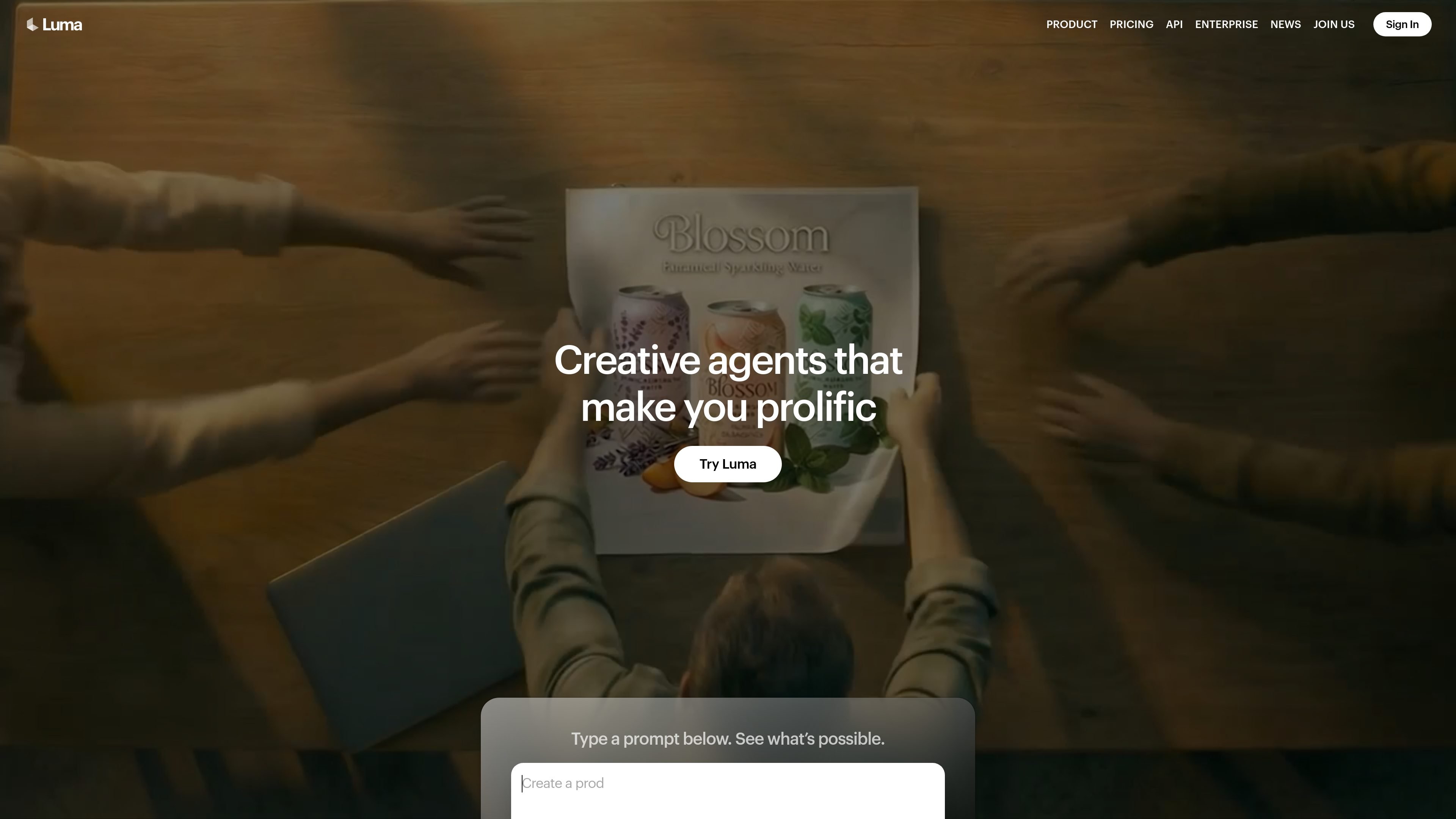
Luma is an AI creative platform built around “agents” that help teams plan, generate, iterate, and refine work across image, video, audio, and text. The site describes it as a way to direct creative work from concept to delivery with shared context across the full workflow.
The product combines Luma’s own models with third-party image, video, and audio models, and it includes focused tools such as Ray3.2 for video workflows. It is positioned for individual creators as well as teams that need collaborative workspaces, usage tracking, and production-oriented exports.
Luma Agents can plan, generate, iterate, and refine creative work with shared context across the project, so teams can move from concept to final delivery in one place.
The product supports image, video, audio, and text generation and transformation, letting teams move between formats without switching tools for each stage.
The app highlights shared context, team workspaces, and collaboration so multiple people and agents can work in parallel on the same project.
Users can work from spoken ideas, edit existing images or videos, and export production-oriented outputs such as EXR files for downstream workflows.
Ray3.2 adds controls such as Multi-Keyframe, Modify Video V2, Reframe, Motion Transfer, and facial-performance preservation for more directed video work.
The Learning Center provides guided boards and workflow tutorials for tasks such as demo boards, product campaigns, slide decks, lip sync, and motion control.
Build pitch decks, slide decks, and presentation-ready visuals from early ideas, then refine them inside a guided creative workflow.
Create product shots, campaign variations, packaging mockups, and brand assets across multiple formats for marketing and e-commerce use.
Generate short-form ads, storyboards, trailers, and social video variants with framing, captions, and video controls for different channels.
Localize footage, adjust motion, and preserve performance across edits for post-production tasks that need continuity.
Use demo boards, guided lessons, and workflow templates to learn techniques such as lip sync, motion control, and character consistency.
Luma Agents is a creative work system that combines planning, generation, editing, and refinement in one workflow. The source materials show support for tasks such as slide decks, product visuals, storyboards, video localization, and video generation workflows.
The product is designed to keep context synced across creative work so teams and agents can move through a project without restarting between steps. The site describes shared context, collaboration, and production-oriented output as core parts of the workflow.
Yes. The pricing page includes business plans for teams and an enterprise option. Team plans add member management, project organization, team-wide sharing, usage analytics, shared team credits, and SSO; Enterprise adds dedicated education and training plus custom fine-tuning.
The site positions Luma as a multi-model creative platform rather than a single-model tool. It shows Luma models and third-party models for image, video, and audio work, including Ray3.2, Uni-1, Seedance, Kling, Veo, and ElevenLabs options.
Ray3.2 supports video workflows with controls such as Multi-Keyframe, Modify Video V2, Reframe, Motion Transfer, and export formats including HDR and EXR. The source also notes 1080p outputs across modes and up to 20-second Modify Video results.

艺映AI is a free AI video creation tool for generating video from text, images, or existing footage. It is positioned for short-form social content, promotional clips, and stylized AI video projects.

VIDEOAI.ME is an AI video generator for making spokesperson-style videos, ads, explainers, and social content from a script. It is aimed at founders, marketers, agencies, and creators who want to produce videos without filming.

讯飞绘镜 (iFlytek Huijing) è una piattaforma di creazione video basata sull'IA che trasforma rapidamente ed efficientemente idee creative in sceneggiature, immagini storyboard e video dinamici.

Topview AI is a web-based AI video creation platform for social ads, ecommerce creatives, avatar videos, and short drama workflows. It combines channel-based templates, prompt-driven generation, reference uploads, and storyboard-based production tools.

Coursebox AI Training Video Generator creates training videos from scripts, slides, or avatar-based setups. It is aimed at course authors and teams that want to produce training content without filming equipment or manual editing.
MIRA vision develops synthetic-data-driven AI for pathology image analysis in medical diagnostics. Its website positions the product for teams that need privacy-compliant training data, automatic annotations, and controlled data generation.