
Schema import and tool generation
Import API schemas from a URL, pasted content, or uploaded files, then generate MCP tools from OpenAPI, GraphQL introspection, WSDL, or gRPC definitions.

MCP Bridge is a self-hosted platform that converts existing REST, GraphQL, SOAP, and gRPC APIs into MCP tools for AI agents. It helps teams expose and govern enterprise APIs with schema import, runtime controls, and built-in observability.
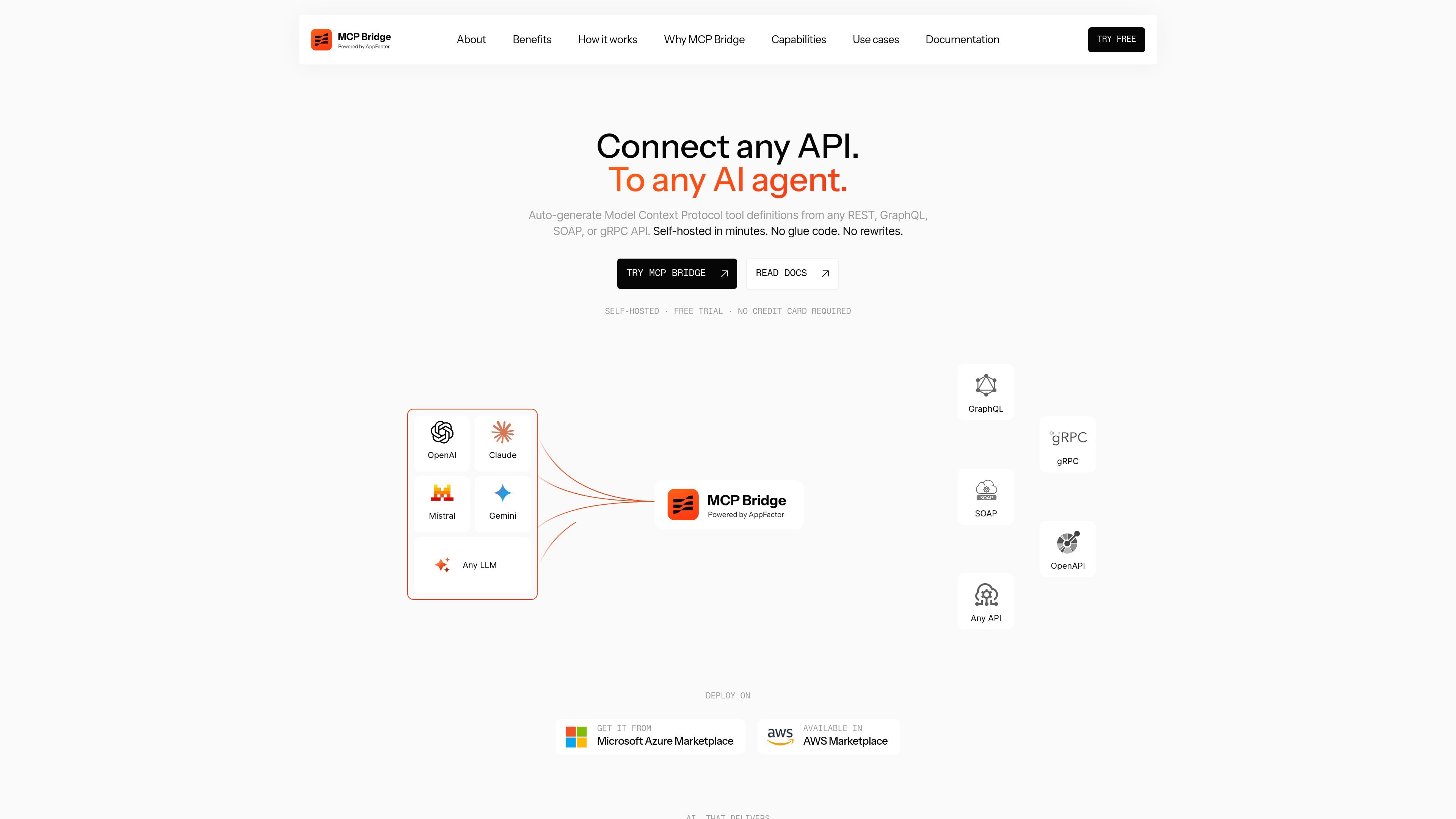
MCP Bridge is a self-hosted product that turns existing APIs into Model Context Protocol tools for AI agents and MCP-compatible clients. The homepage says it supports REST, GraphQL, SOAP, and gRPC APIs, and can generate fully typed, annotated tools from existing schemas without hand-writing tool definitions.
The product is positioned as a control layer for teams that want to expose and govern enterprise APIs for LLM use. It adds schema import, authentication handling, response post-processing, context-window management, and observability so agents can call APIs directly without building separate MCP servers for every service.
Import API schemas from a URL, pasted content, or uploaded files, then generate MCP tools from OpenAPI, GraphQL introspection, WSDL, or gRPC definitions.
Each operation becomes a typed MCP tool with input and output schemas, parameter mappings, behavioral annotations, and documentation.
Configure tool curation, response post-processing, authentication, rate limits, retries, and health checks from the control plane.
Use Code Mode to replace large tool catalogs with three meta-tools, reducing context window usage when agents need to work across many operations.
Run the product as a self-hosted Docker container with no external SaaS dependencies at runtime, and deploy it on AWS ECS, Azure Container Apps, or another orchestrator.
Track latency, throughput, token usage, and error rates through built-in AI observability features, with OTel listed in Enterprise.
Platform teams can expose internal services to AI agents through a single control plane instead of maintaining separate MCP adapters for each API.
AI engineers can build workflows that call enterprise APIs with authentication, parameter mapping, response handling, and observability already in place.
Organizations can adopt MCP as a standard interface over an existing API portfolio without refactoring backend services first.
Teams with large APIs can use Code Mode to keep the tool surface smaller and reduce token usage during agent orchestration.
MCP Bridge imports API schemas and turns operations into MCP tools. The homepage says it supports OpenAPI, GraphQL introspection, WSDL, and gRPC inputs, and that users can point the product at a schema URL, paste content, or upload files.
The source says it is self-hosted and can be deployed as a Docker container on AWS ECS, Azure Container Apps, or any orchestrator. The company also lists availability in Microsoft Azure Marketplace and AWS Marketplace.
The homepage states that MCP Bridge can expose tools with authentication, parameter mappings, response post-processing, and observability. The pricing page also shows plans with collaboration and enterprise support features, but the exact feature set varies by plan.
The homepage highlights Code Mode for large APIs, which replaces a full tool catalog with three meta-tools to reduce context window usage. The page also says the platform can handle tool curation, response post-processing, and AI-specific observability.
No. The homepage says self-hosted and zero external SaaS dependencies at runtime, but the source does not provide a full list of environments, supported identity providers for all deployment modes, or detailed setup requirements.

AakarDev AI helps teams manage AI provider access, project-level setups, logs, and analytics from one dashboard. It supports BYOK workflows and lists providers including OpenAI, Google Gemini, Anthropic, Groq, Mistral AI, and Perplexity AI.

Arduino VENTUNO Q is an edge AI computer for AI and robotics applications. It combines AI inference and deterministic control on a single board and is designed to work with Arduino App Lab.

Devin is an AI coding agent and software engineer that helps developers and engineering teams plan and execute complex software tasks. It is available through desktop, cloud, JetBrains, and CLI surfaces, with plans for individuals, teams, and enterprises.

Open Computer Use is an open-source Computer Use service wrapped as MCP for macOS, Linux, and Windows. It helps AI agents and MCP clients run desktop automation workflows through client setup commands or manual MCP configuration.

Codex Plugins bundle reusable skills, app integrations, and MCP servers into workflows you can install in the Codex app or use from Codex CLI. They help extend Codex with connected-service tasks, reusable instructions, and shared team workflows.

Ably Chat is a chat API platform for building custom realtime chat applications. It supports room-based messaging, typing indicators, presence, reactions, and message updates, with usage-based pricing options for different deployment stages.