
Inspector playground
Connect local or remote MCP servers, call tools, prompts, and resources, and inspect exact arguments and results in a local playground.
MCPJam is a developer platform for testing, debugging, and evaluating Model Context Protocol servers across models and AI clients. It combines a local Inspector with user testing, simulated swarms, repeatable evals, and CI/CD checks for pre-production workflows.
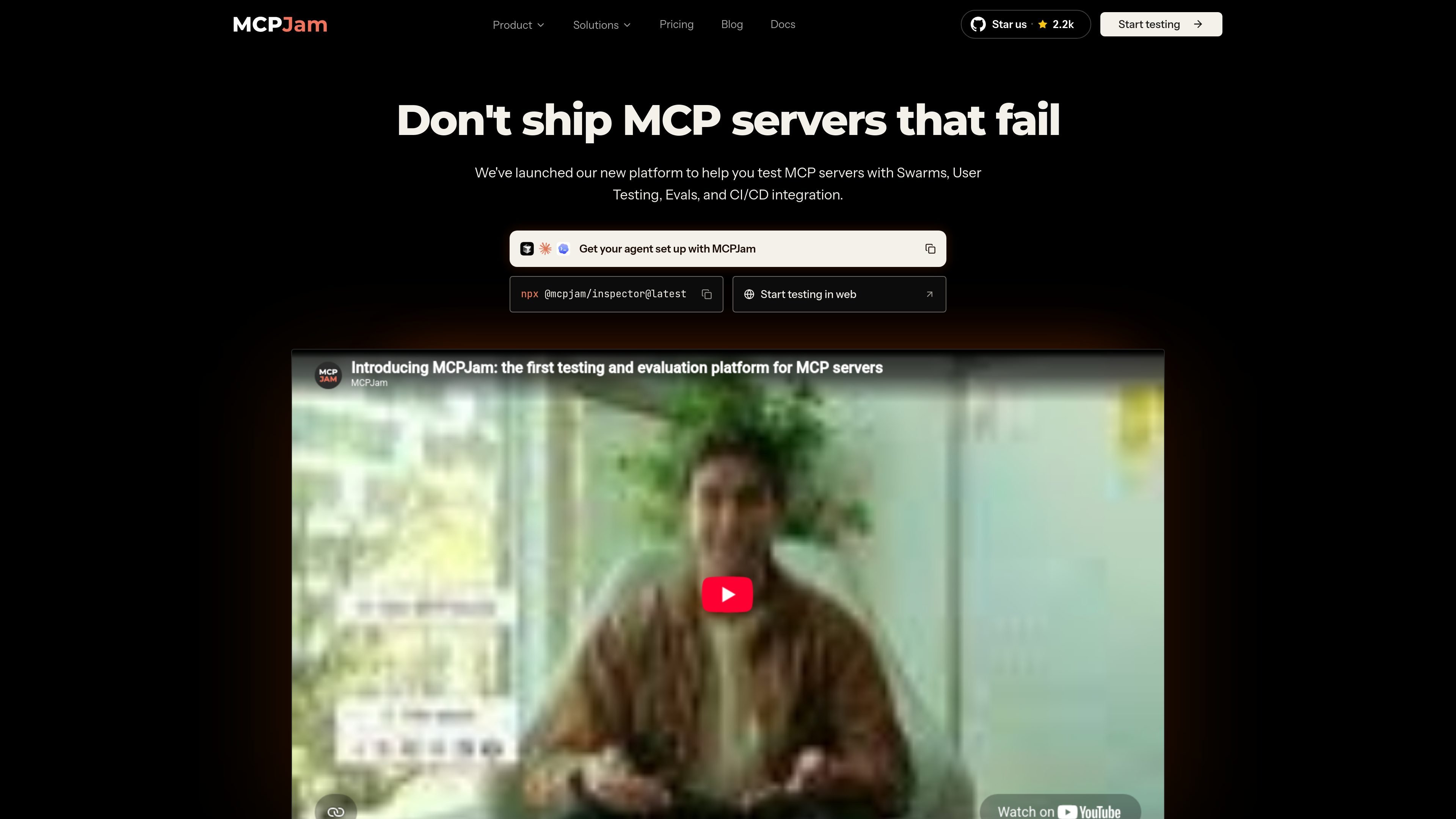
MCPJam is a testing and debugging platform for Model Context Protocol (MCP) servers. It provides an open-source Inspector for connecting to local or remote servers, calling their capabilities, comparing model behavior, and examining JSON-RPC traffic and end-to-end traces.
The platform extends interactive testing into repeatable workflows: teams can run user tests, simulated swarms, cross-client evaluations, and CI/CD checks. It is designed for pre-production validation rather than live-traffic instrumentation, helping developers investigate failures and detect behavior regressions before release.
Connect local or remote MCP servers, call tools, prompts, and resources, and inspect exact arguments and results in a local playground.
Compare multiple models side by side on one prompt and read a user-to-agent-to-server waterfall trace with individual tool-call timing.
Visualize OAuth and EMA/XAA handshakes, with specification conformance checks to help identify where authentication flows break.
Generate repeatable evaluation suites from server tools, run them across selected clients, and review accuracy, latency, and diagnosed failure patterns.
Run simulated user journeys across personas, goals, and selected clients, or share hosted user-testing environments whose sessions can become replayable regression tests.
Run the same checks headlessly through the CLI or SDK and add MCPJam evaluation gates to GitHub Actions so pull requests can be blocked on behavior regressions.
Connect a server during development, call its tools or resources, and inspect raw arguments, results, JSON-RPC messages, and timing to reproduce implementation problems.
Run the same workflow across ChatGPT, Claude, and other selected clients to compare tool selection and response quality, rather than validating protocol conformance in only one environment.
Describe support, finance, or developer workflows and let simulated personas execute multi-turn journeys across chosen clients, exposing edge cases before launch.
Turn important workflows into durable suites, review pass rates, latency, token use, and tool-call counts, and rerun them as the server changes.
Add evaluation and conformance checks to a repository workflow so a pull request can be blocked when model behavior falls below a required threshold.
MCPJam can be started through the web app, desktop app, or locally with `npx @mcpjam/inspector@latest`. The open-source Inspector, core CLI, and SDK can run locally or in a user's own CI without signup.
Yes. MCPJam supports local and remote MCP servers. Its built-in tunnel can expose a local server to ChatGPT, Claude, or Gemini over a secure URL for testing without deploying the server first.
MCPJam is described as SDK-, framework-, and deployment-agnostic. If an MCP client can connect to a server, MCPJam can test it using the same configuration shape as an `mcp.json` file.
The Inspector tests tools, prompts, and resources and records JSON-RPC requests and responses, including direction, payload, latency, and a waterfall trace of each run.
The Free plan includes 200 credits per day and a one-time grant of 500 eval iterations, with no credit card required. Paid Pro, Team, and Enterprise plans add higher usage allowances and, depending on the plan, unlimited trace history, RBAC, SSO, audit logs, and enhanced support.

ByteAsk is a terminal-first AI coding agent for C and C++ that edits repositories and verifies changes with the real compiler, debugger, sanitizers, and tests before showing a diff. It offers a free tier plus paid plans, with editor connectors and zero-retention handling described in the source.

CreateOS Sandbox is an isolated compute environment for running code and agent workloads inside Firecracker micro-VMs. It is designed for workflows that need machine-level isolation, private networking between sandboxes, and programmatic control through SDK, CLI, or MCP.

GitBot is a local browser-based workspace for creating reusable coding bots powered by Claude Code, Codex, or OpenCode. It helps developers run those agents across repository folders with persistent threads and configurable permissions.

Manta AI is an autonomous web app testing tool for teams that want to map application behavior, catch regressions, and generate tests without writing scripts or maintaining selectors. It works from a URL and supports plain-English test flows, run results with screenshots, and scheduled or deployment-triggered checks.

AakarDev AI helps teams manage AI provider access, project-level setups, logs, and analytics from one dashboard. It supports BYOK workflows and lists providers including OpenAI, Google Gemini, Anthropic, Groq, Mistral AI, and Perplexity AI.

Trigger.dev chat agent is a durable AI chat backend for developers building stateful conversations that can survive refreshes, crashes, and long-running turns. It connects with the AI SDK `useChat` flow and runs on managed infrastructure with no timeout on a turn.