
Full run history and filtering
Browse full run history and filter past runs by workflow, branch, or result so you can review what happened without opening a browser.

Mobile Builds is an app for tracking Xcode Cloud CI runs from Apple devices, with build status, history, analytics, notifications, and workflow actions in iPhone, iPad, Mac, and Vision Pro apps.
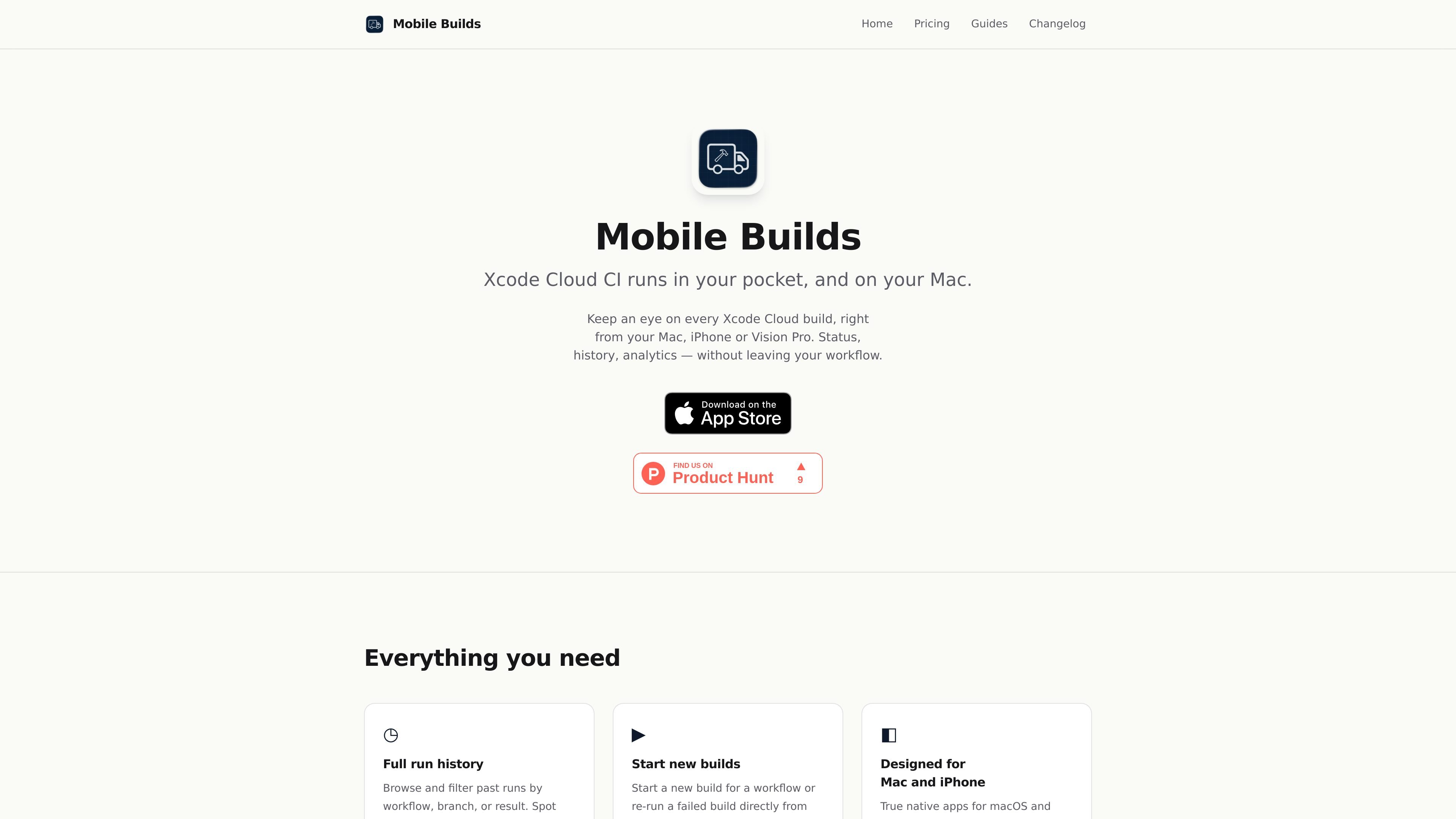
Mobile Builds is an app for tracking Xcode Cloud CI runs from Apple devices. It is available on iPhone, iPad, Mac, and Vision Pro, and is designed to keep build status, history, analytics, and notifications available inside the user’s workflow.
The app supports reviewing past runs, starting new builds, re-running failed builds, and managing workflows. It connects directly to Apple’s APIs, uses iCloud Keychain for secure sync across devices, and offers a free download with optional Pro subscriptions for more advanced history and filtering features.
Browse full run history and filter past runs by workflow, branch, or result so you can review what happened without opening a browser.
Start a new build for a workflow or re-run a failed build directly from the app.
Create a new workflow or edit an existing one from Mobile Builds.
Use the latest-runs widget on iOS or the menu bar app on macOS to check recent activity quickly.
Ask Siri to start or re-run a build, and use Mobile Builds actions inside Shortcuts; recent runs also appear in Spotlight.
The app talks directly to Apple’s APIs and says your credentials and build data do not touch the developer’s servers.
Check the latest Xcode Cloud run status on iPhone, Mac, or Vision Pro while moving between tasks, instead of opening a browser or switching to another workflow.
Review past runs by workflow, branch, or result to identify flakes and spot trends before they become harder to trace.
Start a new build or rerun a failed build when you want to validate a fix without leaving the app.
Edit or create workflows from the app when your CI setup changes and you want to make the adjustment in place.
Use the iOS widget, macOS menu bar app, Siri, Shortcuts, or Spotlight to check status and launch common actions from wherever you already work.
You need an Apple Developer account with access to Xcode Cloud, and a device running iOS 26, macOS 26, or visionOS 26 or later.
Mobile Builds uses an Apple API key for App Store Connect authentication. After signing in, your details can sync across devices through iCloud Keychain.
No. Credentials live in the system or iCloud Keychain and are used to talk directly to Apple’s APIs. The app says it does not send credentials or build data to its servers.
Email [email protected] for help.

ClawTick is an AI agent automation platform for scheduling jobs from the CLI, dashboard, or REST API. It is aimed at developers and teams running LangChain, CrewAI, webhook, or custom agent workflows that need monitoring, alerts, and logs.

OpenFlags is an open-source, self-hosted feature flag platform for modern JavaScript teams. It supports local evaluation, targeted rollouts, and controlled launches while keeping flag data in your own infrastructure.

ByteAsk is a terminal-first AI coding agent for C and C++ that edits repositories and verifies changes with the real compiler, debugger, sanitizers, and tests before showing a diff. It offers a free tier plus paid plans, with editor connectors and zero-retention handling described in the source.

PromptScout tracks how ChatGPT, Gemini, Google AI Overviews, and Perplexity mention your brand or competitors, then pairs those results with source analysis and website audits. It helps teams decide what to fix in content, positioning, or site readiness next.

CreateOS Sandbox is an isolated compute environment for running code and agent workloads inside Firecracker micro-VMs. It is designed for workflows that need machine-level isolation, private networking between sandboxes, and programmatic control through SDK, CLI, or MCP.

Sleek Analytics is a privacy-friendly web analytics tool with real-time visitor tracking, Core Web Vitals, and revenue attribution. It helps site owners understand traffic and conversions without cookie banners or a heavy setup.