
Cross-platform community management
Neon is positioned as an AI community manager that can answer questions, manage tickets, post updates, and send reports across Discord, Telegram, and X.

Neon is an AI community manager for Discord, Telegram, and X. It replies in a community’s voice, handles tickets, schedules posts, and sends reports across those channels.
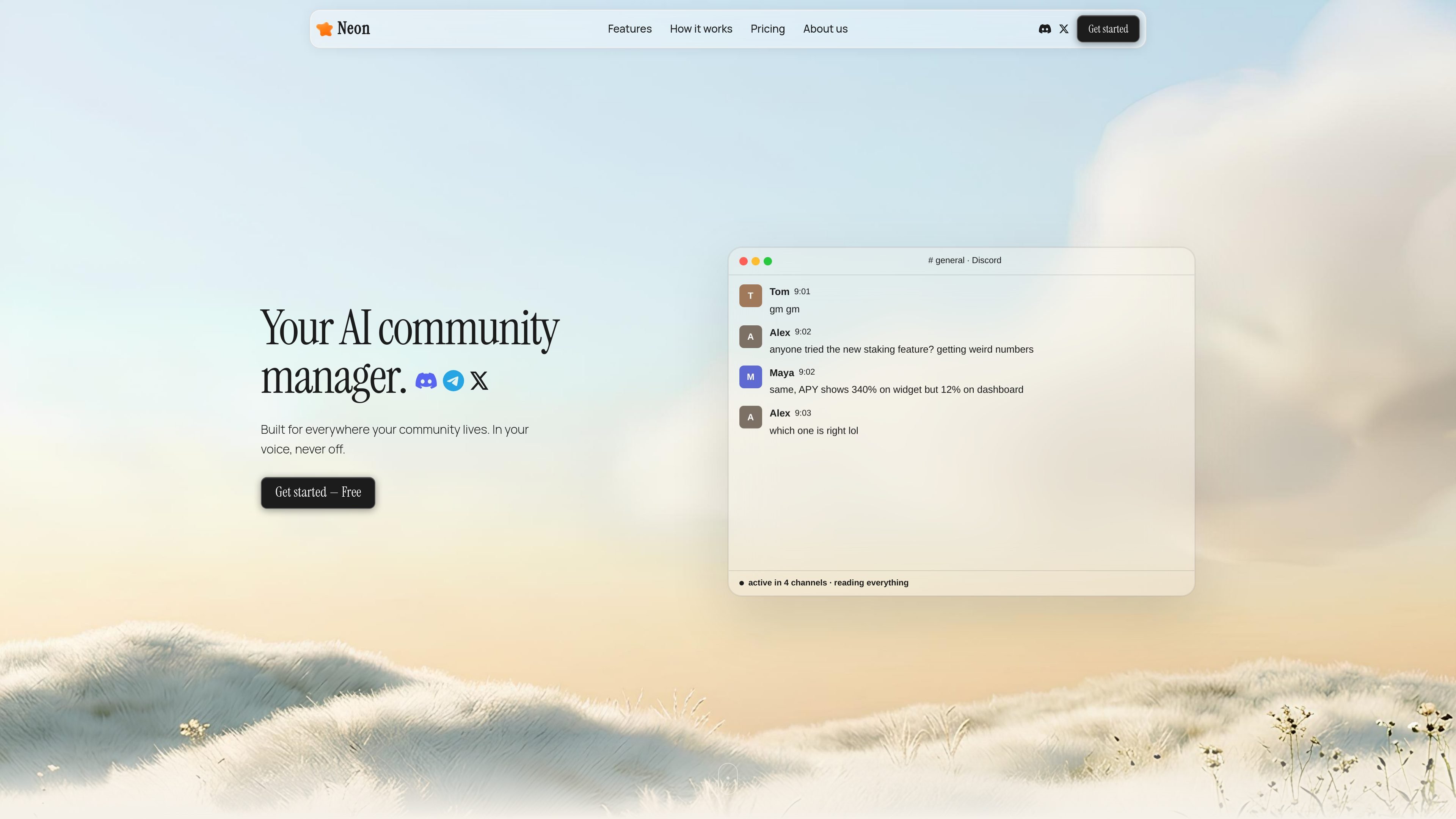
Neon is an AI community manager for Discord, Telegram, and X. It is built to answer questions, manage tickets, publish posts, and send reports in the voice and rhythm of the community it serves.
The product is organized around platform-specific agents rather than a single generic chatbot. The site shows separate experiences for X, Telegram, and Discord, each tuned to the way people use that channel: threads and DMs on X, group support on Telegram, and server-wide coverage on Discord.
Neon’s core purpose is to keep community conversations moving without requiring constant manual attention. The product emphasizes timing, tone, and context so the agent can respond when needed, skip noise, and escalate only when a human handoff is appropriate.
Neon is positioned as an AI community manager that can answer questions, manage tickets, post updates, and send reports across Discord, Telegram, and X.
The product is tuned to match a community’s tone, including casual or lowercase styles, and to avoid sounding like a generic chatbot.
On Telegram, Neon can open a ticket from natural language, reply with context from docs or history, and close the loop when the issue is resolved.
On X, Neon can draft posts, replies, threads, DMs, and collab outreach, with the user able to review or edit before publishing.
The site describes platform-specific behavior for X, Telegram, and Discord, including scheduled posting, room or channel coverage, and report cadence.
Neon’s Humalike behavior layer is presented as reading conversation context to decide when to respond and when to stay quiet.
Use Neon to answer routine member questions, keep discussions moving, and reduce the time spent watching every channel manually.
Use the Telegram workflow to open tickets from plain-language messages, resolve issues in-thread, and notify the team only when escalation is needed.
Use the X workflow to draft posts, threads, replies, and DMs that can be reviewed before they go out, while keeping a content queue active.
Use Neon on Discord to cover multiple channels, engage around the server, and produce recurring reports for the team.
Use the agent for outreach and collaboration messages on X when the goal is to manage conversations and close partnerships in one place.
Neon is designed to manage community activity across Discord, Telegram, and X. It can reply in a community’s voice, handle tickets, post on schedule, and send reports.
Neon supports Discord, Telegram, and X, but the exact workflow differs by platform. The site presents separate experiences for each channel rather than a single generic setup.
The source shows a quick setup flow: connect your platform account, set context and voice, and then let the agent run. Telegram and X pages both emphasize connecting once and using the account or session you already have.
Neon offers plans for a starter use case, a free trial on the Pro plan, and custom enterprise pricing. The pricing page also distinguishes between active agents, interaction limits, and support levels.
The source does not show broader third-party integrations beyond the supported social and messaging platforms. Enterprise pricing mentions custom integrations, but no integration list is provided.

Lasso is an ecommerce product data platform for enriching catalog records, processing supplier files, generating product content, and monitoring competitors. It combines a web app with a REST API, SDK, and MCP server for teams and developers.

Topple.lol is a public pay-to-rank leaderboard where listings start at $1 and their bid balance decays over time and with clicks. It helps makers and marketers buy short-term visibility for product sites or X profiles while tracking live board stats.

Botacts is a web directory for finding AI bots and agents you can contact by phone, email, SMS, WhatsApp, Telegram, or Signal. It also lets creators suggest bots for manual review before publication.

Tavus is an AI video platform for building real-time, face-to-face agents, digital twins, and AI companions. It combines APIs, custom replicas, and multilingual conversational workflows for developers and teams.

HiringPartner.ai is an autonomous AI recruiting platform for sourcing, screening, and interviewing candidates 24/7. It supports ATS-connected workflows, bulk resume uploads, and reviewable interview outputs for hiring teams.

Macuse is a macOS app that lets AI assistants control native Mac apps through MCP and use Computer Use for any app. It works with clients like Claude Desktop, Cursor, and Raycast, and keeps automation on-device.