
Offline-first sync
All notes and tasks are stored locally, and the app is built to work fully without internet access. When a connection is available, changes sync automatically through your chosen cloud storage.
NoteCove is a local-first notes and tasks app that syncs through your own cloud storage instead of a vendor-hosted backend. It combines structured note editing, task management, and CLI/AI access for users who want offline work and cross-device sync on their own accounts.
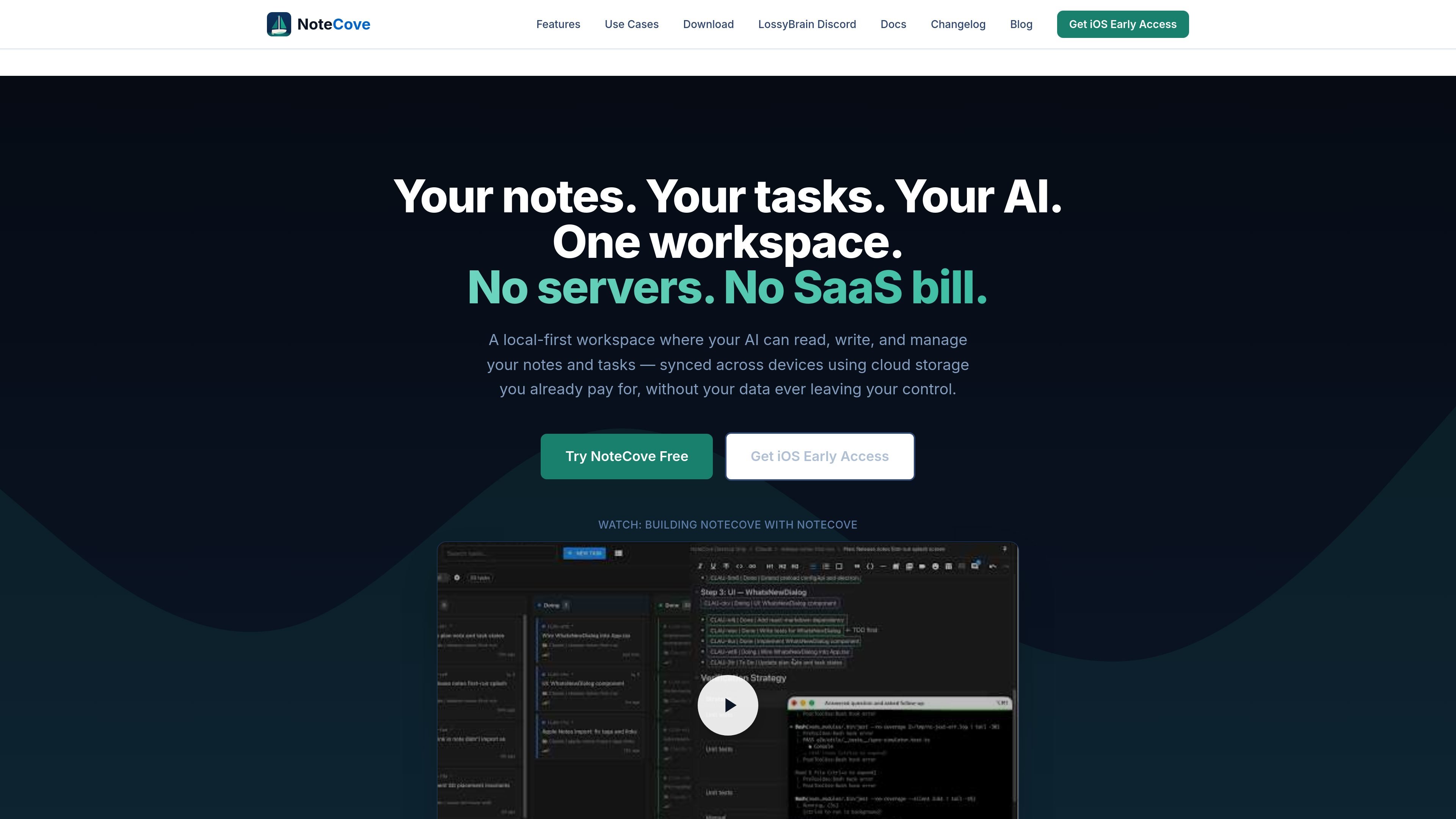
NoteCove is a local-first notes and tasks app built around your own storage instead of a vendor-owned backend. The homepage describes it as a workspace for notes, tasks, and AI collaboration that syncs through cloud storage you already use, while keeping the data on your devices and in your accounts.
The core idea is to let you work offline, organize notes and projects, and then sync across devices through services such as Dropbox, Google Drive, iCloud, and OneDrive. The docs also describe structured storage directories, so you can keep separate workspaces for different contexts such as personal notes, shared folders, or work content.
Beyond note editing, NoteCove includes task management, kanban boards, comments, search, and a CLI for terminal-based workflows and AI assistant integrations. The product is positioned for people who want a local file-backed workflow with richer structure than plain markdown and without a subscription-based sync layer.
All notes and tasks are stored locally, and the app is built to work fully without internet access. When a connection is available, changes sync automatically through your chosen cloud storage.
The desktop app includes a CLI that can create notes, manage tasks, search content, and support AI assistants. The docs also mention an MCP server for agent access.
Notes are stored in a local SQLite database, with sync data handled separately. The docs say sync uses CRDTs so edits are merged automatically instead of relying on last-write-wins behavior.
The editor supports tables, code blocks, images, embeds, comments, and mentions, giving it a richer structure than plain markdown note apps.
Task features include projects, custom workflows, kanban boards, parent-child relationships, and comment threads for coordination.
NoteCove has native apps for macOS and iOS, and the download page also lists Linux and Windows builds. The docs describe shared storage directories that can sync independently.
Use NoteCove as a personal workspace for notes, tasks, and projects when you want searchable, structured data stored locally rather than in a hosted SaaS app.
Create shared storage directories in cloud folders for household or partner workflows such as grocery lists, travel plans, and shared tasks that need to stay in sync.
Keep one storage directory for work and another for personal use, with each directory syncing through the cloud service that best fits that context.
Write and organize research, world-building, manuscript notes, and project tasks in one place with rich formatting and kanban support.
Use the CLI or MCP-based access for terminal automation, AI assistants, and scripted note or task management from the command line.
NoteCove is designed for offline-first use. You can create and edit notes and tasks without an internet connection, and changes sync when the connection returns.
Yes. The desktop CLI is bundled with the app and can be installed from the desktop menu. It is meant for terminal workflows, automation, and AI assistant access.
NoteCove syncs through your own cloud storage instead of its own servers. The docs mention Dropbox, Google Drive, iCloud Drive, and OneDrive support, depending on your setup.
The source states native apps are available for macOS desktop and iOS, with Linux and Windows downloads also listed on the download page.
SignalLEMO is a B2B lead intelligence and outreach platform for field-service and specialized service teams. It helps users find prospects, draft outreach, and track pipeline activity in one place.

OrgaNice is a Chrome extension that helps users organize tabs into workspaces, collections, and nested folders, with tab rules and snooze controls for managing pages over time. It also adds search tools for finding saved tabs and collections more quickly.

Lasso is an ecommerce product data platform for enriching catalog records, processing supplier files, generating product content, and monitoring competitors. It combines a web app with a REST API, SDK, and MCP server for teams and developers.

Biji è una piattaforma versatile progettata per migliorare la produttività attraverso strumenti e funzionalità innovative.

Struere is an AI-native platform for turning spreadsheet data into structured operational software with dashboards, alerts, and automations. It is aimed at teams that want to replace manual spreadsheet workflows without building custom tools from scratch.

garden-md is an open-source Node.js CLI that turns meeting transcripts into a local company wiki. It links entities across transcripts, keeps the original text intact, and renders the result as a browsable wiki.