
AI-generated Insights
Write a natural-language note and have Notif add useful context, such as a deadline, location detail, opening hours, or weather on the planned day.

Notif is an AI reminders app for iPhone and iPad that adds contextual Insights and next-step Action Buttons to notes in Apple Reminders. It works without a Notif account, with a free plan and optional Pro features for more frequent Insights, private notes, smarter actions, and daily planning.
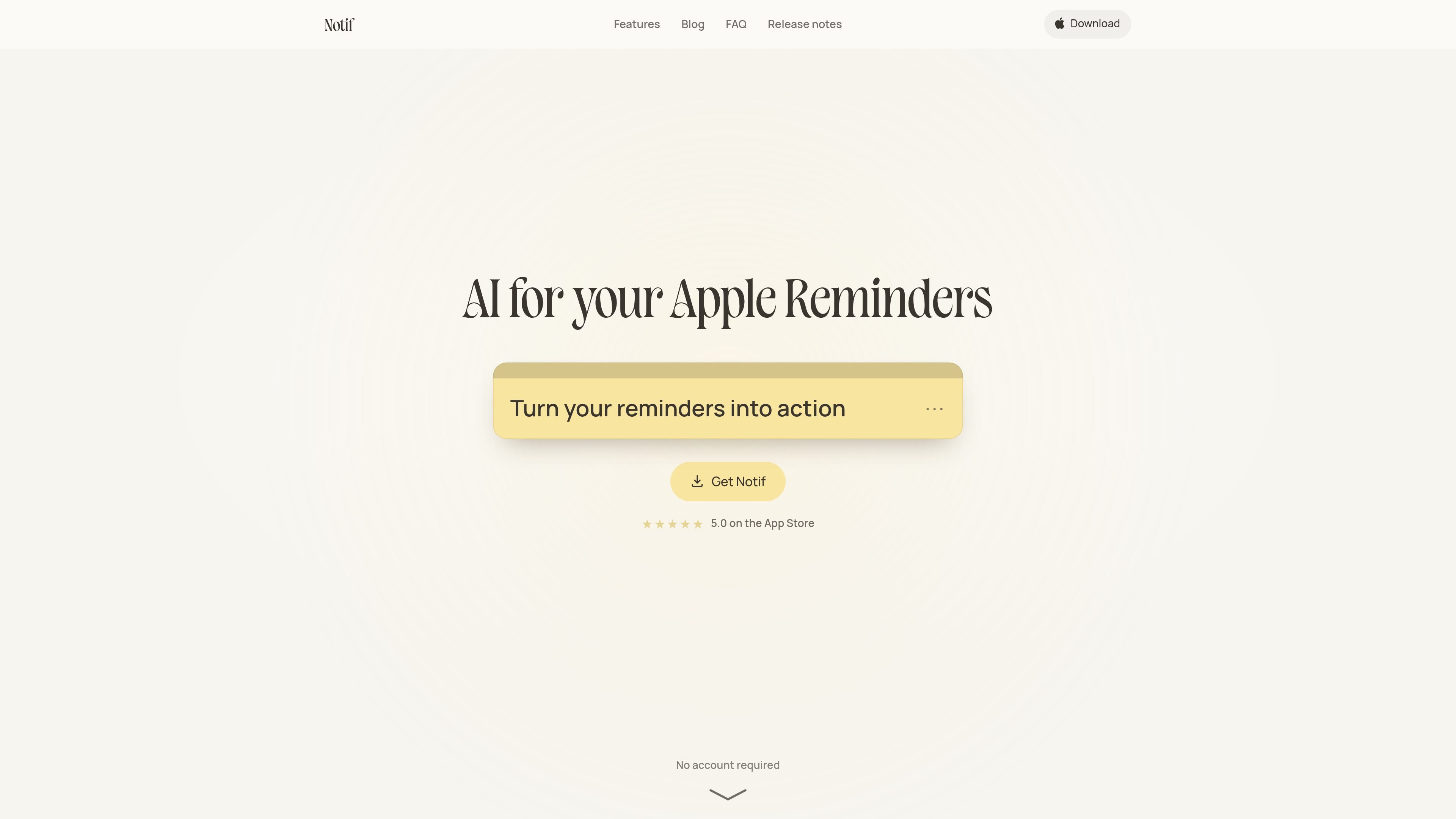
Notif is an AI reminders app for iPhone and iPad that turns short notes into actionable Apple Reminders. After you write a note, it adds an Insight with relevant context and an Action Button for a likely next step, such as calling someone, finding a place, or opening an official page.
The app is designed for people who want more help completing reminders without moving their task list into a separate system. Notes sync with Apple Reminders and work across the user's Apple devices; no Notif account or login is required. A free plan includes one Insight per day, while Pro adds more advanced actions, private notes, and a daily plan.
Write a natural-language note and have Notif add useful context, such as a deadline, location detail, opening hours, or weather on the planned day.
Each note can include a single next-step control, such as calling a contact, getting directions, opening an official website, finding a nearby store, or starting an action in a supported app.
Every note is a real reminder in Apple Reminders, so it remains available across the user's Apple devices through the existing Reminders workflow.
The free plan includes widgets, Siri, and sync, allowing reminders to be captured and accessed through Apple's built-in productivity features.
Pro adds a daily plan that helps organize what to do first around the day's schedule. The source specifies this feature for Pro on iOS 27.
Pro users can mark notes Private. These notes are encrypted on the iPhone with AES-256 and opened with Face ID, while staying out of Apple Reminders, widgets, iPhone Search, and alert wording.
Enter a task such as renewing a passport before a trip. Notif can add relevant planning context and provide a button to open the official site, reducing the steps between remembering and starting the task.
Create a reminder for a purchase or outing and use the resulting button to find a nearby store, restaurant, florist, or tickets. This suits tasks where the next step depends on a place or service.
Write reminders for birthdays, holidays, or family plans. An Insight can add a practical suggestion, while an Action Button can call a contact or help find a gift.
Use notes for outdoor plans or events where conditions matter. Notif can add information such as the forecast for the planned day, helping the user decide what to do next.
Mark sensitive information as Private with Pro when it should not appear in Apple Reminders, widgets, Search, or notification wording. Access is protected with Face ID on the iPhone.
No. Notif does not require a sign-up or login. Your reminders remain in your Apple Reminders account, and stopping a Pro subscription does not remove them from Reminders.
Notif works on iPhone with iOS 18 or later and iPad with iPadOS 18 or later. It also supports iPhone Duo. Reminders created through Notif are available in Apple Reminders on your other Apple devices.
You write a note, and Notif adds an Insight such as a deadline, place detail, or weather information, plus an Action Button for the next step. Buttons can call a contact, provide directions, open a website or app, or start an action such as finding a nearby store.
The free plan includes every note, widgets, Siri, sync, and one Insight per day. Pro adds an Insight to every note, smarter Action Buttons, encrypted private notes, and a daily plan. Pro costs $4.99 per month or $39.99 per year and can be canceled at any time.
Your notes live in Apple Reminders and are not stored on Notif's servers. Notif sends only the note being processed for its Insight. Pro private notes are encrypted on the iPhone with AES-256, opened with Face ID, and excluded from Apple Reminders, widgets, iPhone Search, and alert text.

Malyatko is a baby tracker for logging feeding, sleep, growth, teething, and milestones in one app. It works on iPhone, Apple Watch, and widgets, with no sign-up, offline use, and family sharing through iCloud.
Gemma AI is a phone call reminder app that calls you with scheduled reminders instead of push notifications. It helps people who want a more direct way to stay on schedule, with Google Calendar sync and conversational call interactions.

Yattayo: Slider To-Do Board is a productivity app that turns tasks into a physical-style slider board with sticky notes, widgets, reminders, and iCloud sync. It helps people who want a more tactile way to manage to-dos and, in Premium, recurring habits.

Goldfish is an AI memory app for macOS that helps you reply, write, summarize, and continue using the context already on your Mac. It stores memory locally and writes in your tone.

ArtDeck is a visual reference board app for iPhone, iPad, and Mac that lets artists collect mixed reference material on one canvas and study it with ToolBox lenses. It works offline, supports optional iCloud sync, and is sold as a one-time purchase with no account required.

Biji è una piattaforma versatile progettata per migliorare la produttività attraverso strumenti e funzionalità innovative.