
Conversational and classic forms
Create forms in a one-at-a-time conversational flow or switch to a classic all-at-once layout, depending on the experience you want to offer.

Onform is a form builder for creating conversational and classic web forms, collecting responses, and routing submissions into tools like Google Sheets, Zapier, n8n, and webhooks. It also supports built-in MCP control for compatible AI tools and optional self-hosting.
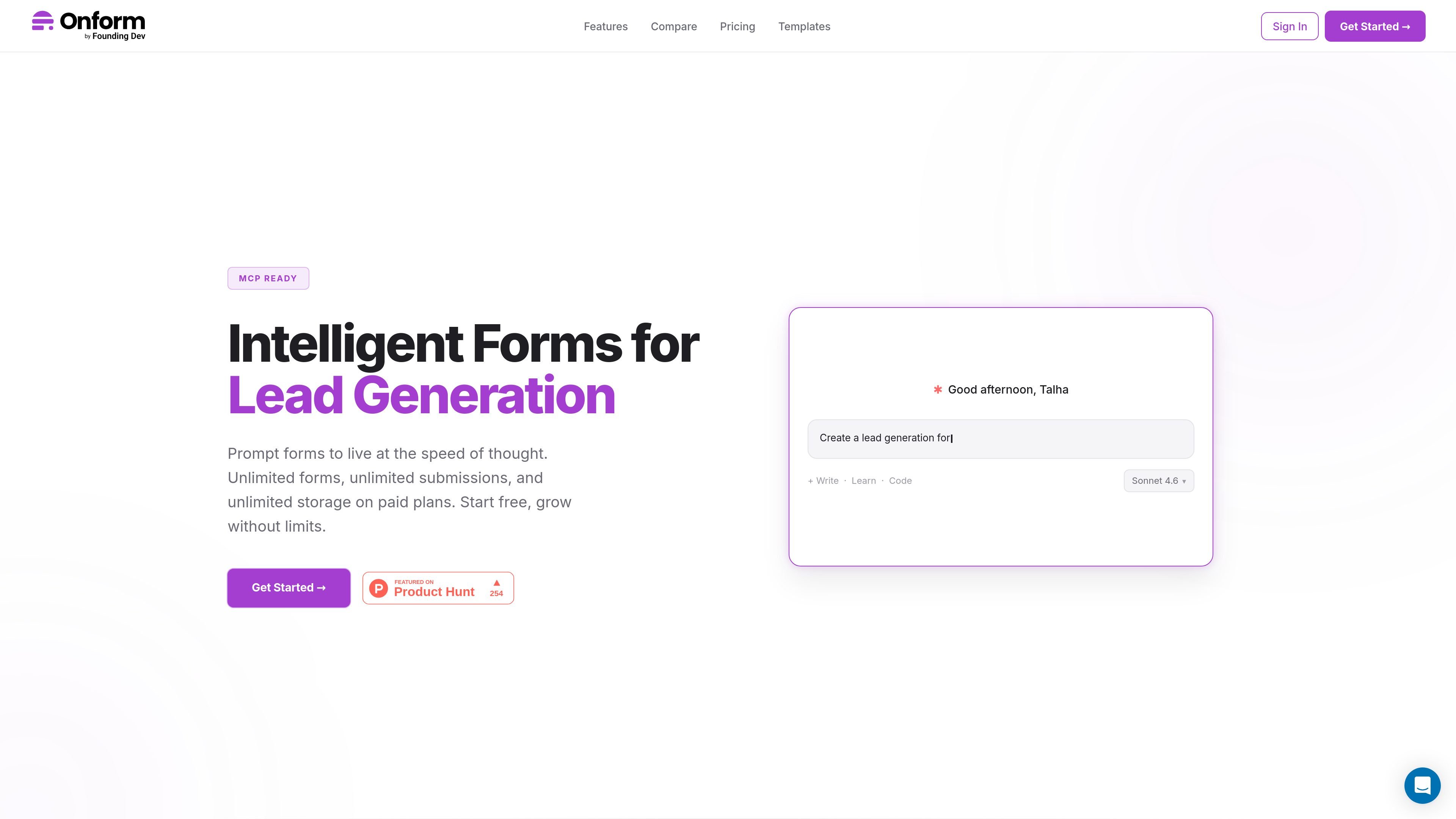
Onform is a form builder for creating conversational and classic web forms, collecting responses, and routing those responses into tools like Google Sheets, Zapier, n8n, and webhooks. The site positions it for builders who want control over form design, submission handling, and deployment without paying per response.
It includes a drag-and-drop builder, 13 field types, conditional show/hide logic, template-based starts, and a built-in MCP server for managing forms from AI tools such as Claude or Cursor. Onform can be used in the cloud or self-hosted on your own server, with paid plans adding more forms, storage, analytics, team features, and branding controls.
Create forms in a one-at-a-time conversational flow or switch to a classic all-at-once layout, depending on the experience you want to offer.
Use a drag-and-drop builder with 13 field types, smart show/hide logic, and unlimited forms on paid plans to assemble intake flows without per-response pricing.
Host in Onform’s cloud or deploy on your own server with Docker, backups, and your own storage when you need tighter control over data.
Connect submissions to Google Sheets, Zapier, n8n, webhook endpoints, and email alerts so responses can move into existing workflows.
Work with the built-in MCP server from Claude, Cursor, or any MCP-compatible tool to create forms, read submissions, export responses, and manage forms without using the UI.
Choose template-based starts from a library of 167+ free templates spanning lead gen, surveys, events, HR, customer success, and other common intake jobs.
Start with a template for a contact form, lead capture form, or demo request, then route submissions to a spreadsheet or automation tool for follow-up.
Use conversational surveys for product feedback, NPS, post-purchase follow-up, or website feedback when you want one question at a time and easier completion.
Publish event registration, webinar signup, workshop enrollment, or waitlist forms using template-based starts and conditional logic to collect the right details.
Collect job applications, onboarding information, leave requests, or employee feedback for HR workflows that need structured intake and exportable responses.
Build a self-hosted form stack when you need control over data, storage, and deployment, or use the MCP server to manage forms from an AI tool.
Onform is designed for both conversational and classic forms. The free plan includes up to 3 forms, 100 responses per month, 17 question types, ready-made templates, conditional logic, CSV export, file uploads, embed options, spam protection, search and filtering, and full MCP access through tools such as Claude and Cursor.
Paid plans include Unlock, Unleash, and Deploy. Unlock adds unlimited forms and responses, analytics, Excel export, Google Sheets auto-sync, webhooks, email alerts, branding removal, password protection, scheduled open and close, and email support. Unleash adds team collaboration, deeper analytics, custom CSS, more storage, API keys, unlimited email recipients, and priority support. Deploy is for self-hosting with source code access, your own database and storage, custom domain, white-labeling, and dedicated onboarding.
Yes. Onform supports cloud hosting or self-hosting. The site says self-hosting uses Docker for deployment and gives you control over your data, backups, and storage.
Onform can send responses to Google Sheets, Zapier, n8n, and webhook endpoints, and it can also send email alerts. The site also says it has built-in MCP support for AI tools that can create forms and manage submissions through natural language.
The templates gallery covers contact forms, lead capture, feedback surveys, event registration, HR workflows, and more. It is a fit if you want a form builder with conversational forms, template starting points, and AI/MCP-driven management.

Codex Plugins bundle reusable skills, app integrations, and MCP servers into workflows you can install in the Codex app or use from Codex CLI. They help extend Codex with connected-service tasks, reusable instructions, and shared team workflows.

Struere is an AI-native platform for turning spreadsheet data into structured operational software with dashboards, alerts, and automations. It is aimed at teams that want to replace manual spreadsheet workflows without building custom tools from scratch.

Wysera is an AI business platform that combines PostWyse for content and OpsWyse for CRM and revenue workflows, powered by the shared Wyse AI. It is built for solo operators, teams, and agencies that want approval-first automation across publishing, lead follow-up, and related operations.

OpenFlags is an open-source, self-hosted feature flag platform for modern JavaScript teams. It supports local evaluation, targeted rollouts, and controlled launches while keeping flag data in your own infrastructure.

ClawEase is an AI business operator that captures requests across calls, email, SMS, WhatsApp, LINE, and web forms, then completes booking and service workflows in existing web systems. It is aimed at appointment-based businesses that need intake, follow-up, and execution without API changes.

VForms lets you place questionnaires directly inside YouTube videos so viewers answer in context instead of switching to a separate form. It is aimed at collecting feedback and insights through timestamped, embeddable video forms.