
Wide command coverage
Provides a broad set of commands for unit and currency conversion, encoding, hashing, file conversion, formatting, validation, generation, lookup, and calculation tasks from one CLI.

openGyver is an open source Go command-line toolkit for conversions, encoding, hashing, formatting, validation, and related utility tasks. It is built as a single binary for Linux, macOS, and Windows and is designed for standalone use, scripts, CI/CD pipelines, and AI agent workflows.
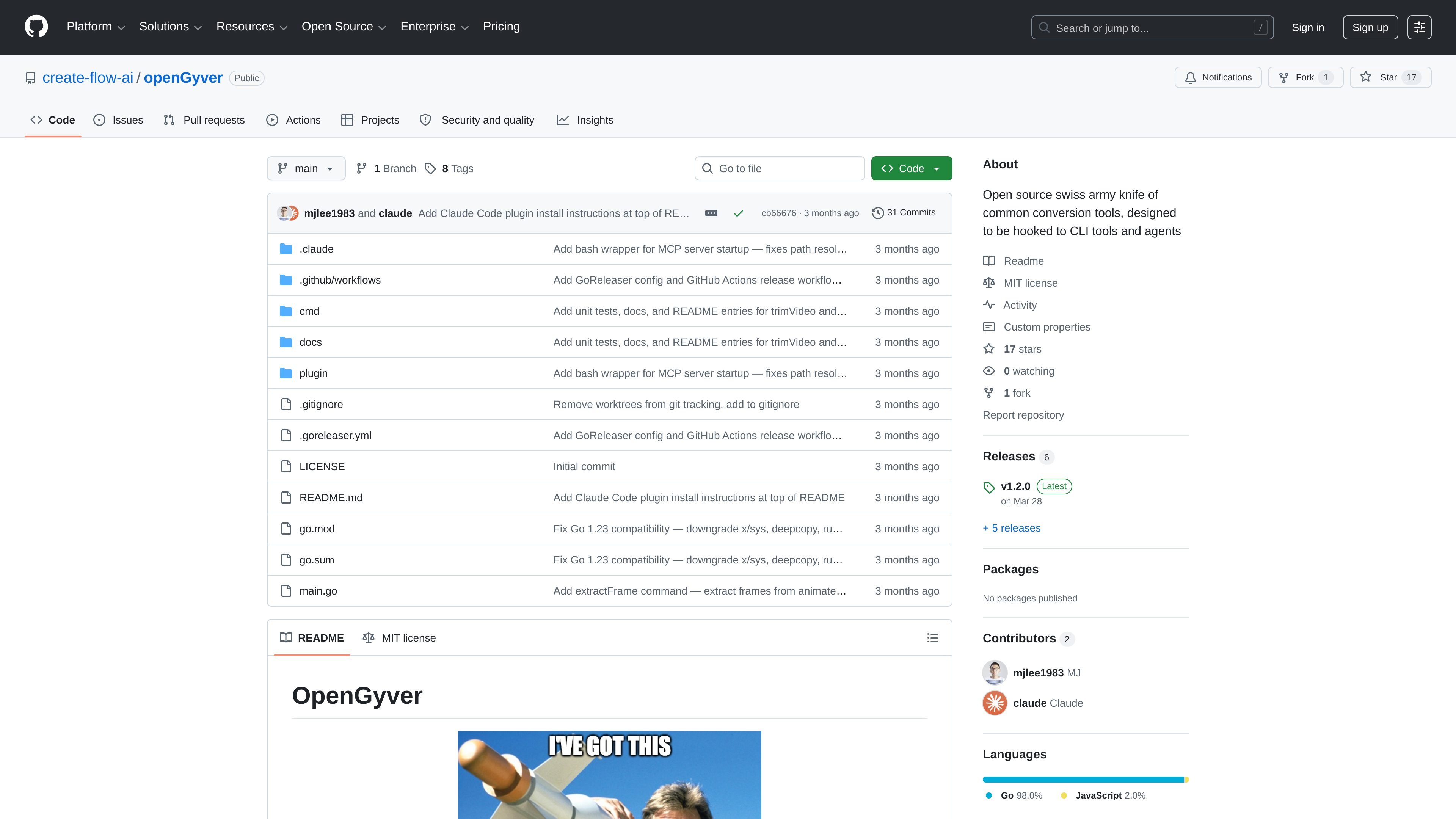
openGyver is an open source command-line toolkit for common conversion and utility work. The repository describes it as a “Swiss-army-knife” CLI with 47 commands and 180+ subcommands covering everyday tasks such as conversion, encoding, hashing, generation, formatting, validation, and lookup.
It is built in Go and packaged as a single binary for Linux, macOS, and Windows. The project is intended to run standalone or be hooked into CI/CD pipelines, shell scripts, and AI agents, and the README also points to a Claude Code plugin path for using openGyver as native tools.
Provides a broad set of commands for unit and currency conversion, encoding, hashing, file conversion, formatting, validation, generation, lookup, and calculation tasks from one CLI.
Supports multiple output modes such as JSON, abbreviated values, and quiet output so the same command can work in scripts, terminals, and agent workflows.
Includes conversion commands for images, audio, video, ebooks, presentations, documents, CAD files, fonts, and vectors, with examples of formats and external tool support noted in the README.
Bundles utilities for data transformation and inspection, including JSON formatting and querying, YAML/TOML/XML/CSV conversion, diffing, regex operations, and validation.
Adds generators and reference tools such as password, UUID, QR, barcode, stock, weather, time, network, color, phone, mime, and ASCII utilities.
Is built in Go and distributed as a single binary, which the repository positions as suitable for Linux, macOS, and Windows without extra runtime dependencies.
Run quick unit, currency, time, color, and file-format conversions from the terminal without switching between separate utilities.
Use JSON, abbreviated, or quiet output modes in shell pipelines, scripts, and automation jobs where predictable output matters.
Generate passwords, UUIDs, QR codes, barcodes, test data, and other throwaway values when building or testing software.
Format, validate, diff, and transform JSON, YAML, XML, CSV, HTML, SQL, and related text formats during data cleanup or debugging.
Integrate the CLI into Claude Code or other agent-driven workflows where tools for encoding, lookup, conversion, and inspection need to be available on demand.
It is a Go-based command-line tool. The repository notes a zero-dependency, single-binary distribution and provides build instructions with `go build` as well as installation via Homebrew or `go install`.
The repository highlights standalone CLI use, plus workflows for CI/CD pipelines, shell scripts, and AI agents. It also lists a Claude Code plugin route for using openGyver as native tools.
The README shows commands that return JSON, abbreviated values, or quiet output, depending on the task. For example, conversion commands can emit structured JSON, and some commands support single-value or silent modes.
The project covers conversion, encoding, hashing, generation, formatting, validation, lookup, math, finance, crypto, and archive tasks. The command list includes tools for files, media, text, time, network, and reference lookups.
The repository presents the project as a broad conversion and utility CLI rather than a focused single-purpose app. Some commands depend on external tools or services, such as ffmpeg, LibreOffice, Calibre, or live data sources for currency, stock, and weather lookups.

CreateOS Sandbox is an isolated compute environment for running code and agent workloads inside Firecracker micro-VMs. It is designed for workflows that need machine-level isolation, private networking between sandboxes, and programmatic control through SDK, CLI, or MCP.

GitBot is a local browser-based workspace for creating reusable coding bots powered by Claude Code, Codex, or OpenCode. It helps developers run those agents across repository folders with persistent threads and configurable permissions.

Exodus is a free developer tool that audits an application repository, compares its current deployment with a Google Cloud Run design, and creates an ordered migration plan for a coding agent. It also helps plan new products for Cloud Run with architecture and cost estimates.

AakarDev AI helps teams manage AI provider access, project-level setups, logs, and analytics from one dashboard. It supports BYOK workflows and lists providers including OpenAI, Google Gemini, Anthropic, Groq, Mistral AI, and Perplexity AI.

ByteAsk is a terminal-first AI coding agent for C and C++ that edits repositories and verifies changes with the real compiler, debugger, sanitizers, and tests before showing a diff. It offers a free tier plus paid plans, with editor connectors and zero-retention handling described in the source.

Epherem is a static security scanner for web apps built with AI coding tools such as Lovable, Bolt, v0, Replit, Cursor, and Claude Code. It checks source files and dependencies for common security mistakes, then provides categorized findings and suggested fixes without running the app.