
Microphone capture pipeline
Captures microphone input as 16 kHz PCM with AVAudioEngine before sending it through the translation pipeline.

Ora is a Mac app for real-time speech translation that works as a personal simultaneous interpreter. It runs locally on Apple Silicon and presents partial, streaming captions while you speak.
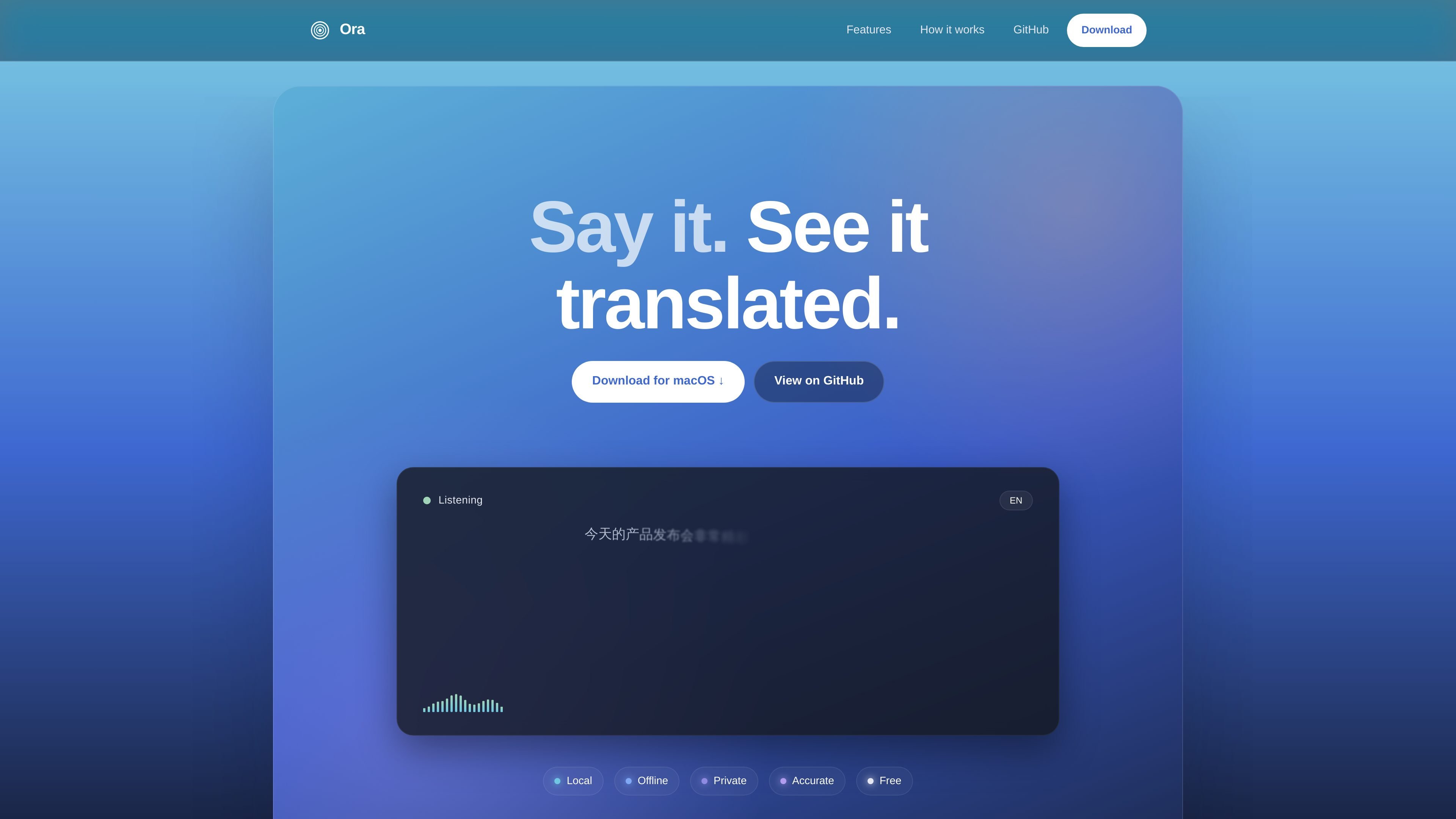
Ora is a real-time speech translation app for Mac that acts as a personal simultaneous interpreter. It translates spoken input into on-screen captions as you talk, then commits the final translation after a brief pause.
The product is built around on-device processing on Apple Silicon. The site says every inference stage — voice activity detection, speech recognition, and translation — runs locally with zero external servers, no uploaded audio, and no telemetry sent off the machine.
Captures microphone input as 16 kHz PCM with AVAudioEngine before sending it through the translation pipeline.
Uses Silero endpointing with hysteresis to detect speech boundaries and decide when a thought is complete.
Runs speech recognition on-device with Metal GPU acceleration on Apple Silicon.
Uses an on-device LLM to translate captions and stream partial tokens to the caption card while speech is still in progress.
Keeps processing local to the Mac and states that no audio is uploaded, no telemetry is sent, and no accounts are required.
Supports multiple languages for spoken input and translated captions, with examples shown in English, Japanese, Chinese, German, Italian, French, and Spanish.
Translate a live conversation on your Mac while keeping the audio and processing local to the machine.
Follow spoken content in another language and see partial captions before the sentence is finished.
Use the app while traveling or in places with unreliable connectivity, since the site says it works without internet access.
Capture and interpret idioms, technical terms, and nuanced phrasing with the on-device LLM described on the site.
Translate between multiple supported languages when switching between speakers or content sources.
Ora runs on macOS 15+ and Apple Silicon. The site also says it is free to download, free to use, and free to keep, with no accounts, subscriptions, or ads.
Ora is designed to work without an internet connection. The site says the speech recognition, translation, and other inference stages run on-device with zero external servers.
The site shows Ora translating spoken input into on-screen captions in another language. It describes partial results that appear while you are still speaking, then a committed translation after a short silence.
The source specifically describes local, on-device translation on a Mac. It does not mention team features, shared workspaces, or administrative controls.
The site names AVAudioEngine, Silero endpointing, on-device speech recognition, and an on-device LLM built with MLX Swift. It does not list additional integrations or external services.

Pewbeam is a church presentation app that listens to sermons, detects Bible verse references in real time, and displays the matching passage on screen. It is built for pastors, projection teams, and church media volunteers who want to reduce manual slide control during live services.

CAMB.AI Streams dubs live audio in multiple languages in real time for broadcasts on platforms like YouTube, Twitch, and X. It plugs into existing live workflows using common streaming protocols and avoids a post-production step.

Tavus is an AI video platform for building real-time, face-to-face agents, digital twins, and AI companions. It combines APIs, custom replicas, and multilingual conversational workflows for developers and teams.

Sanota is an app that turns spoken memories, reflections, and interviews into clear written stories. It supports personal storytelling, family history, and shared memories, with guided prompts and subscription pricing.

Carbon Voice is an asynchronous voice messaging app for teams and individuals, with transcripts, AI catch-up, and cross-device access. It helps people and agents communicate without needing a live call.

Talkpal is an AI-powered language learning web and mobile app for practicing speaking, listening, writing, and pronunciation. It offers guided courses, roleplays, and call-style conversation practice across 130+ languages.