
Bulk unsubscribe
Find mailing lists in your inbox and remove them in batches instead of unsubscribing one by one.

Paperweight is a local-first desktop app that scans your inbox to map your digital footprint, then helps you unsubscribe from mailing lists, check breach exposure, and generate GDPR deletion requests. It supports Windows, macOS, and Linux, and works with IMAP-based email providers.
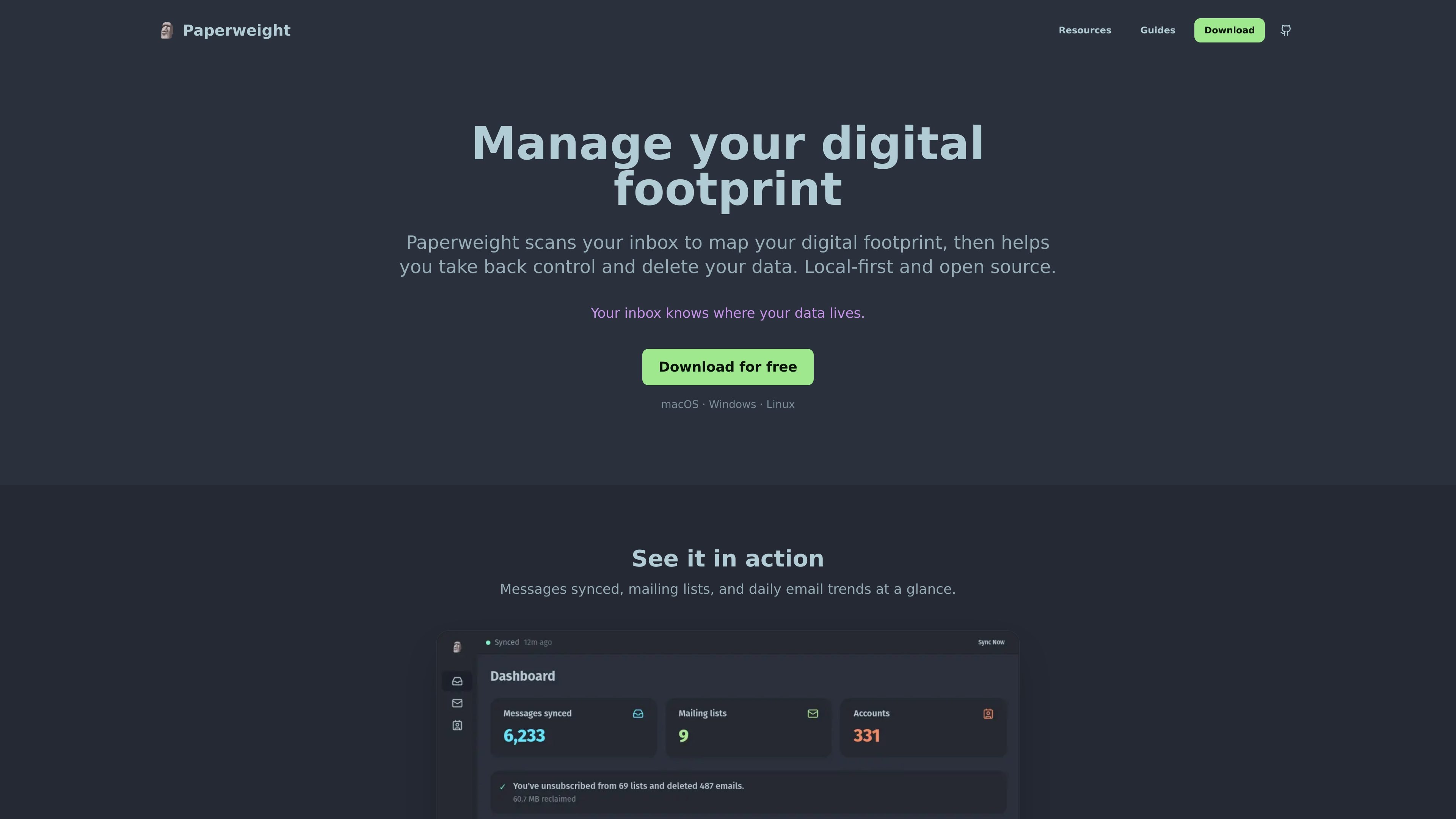
Paperweight is a desktop app for managing your digital footprint through email. It scans your inbox to map where your personal data may be stored, then helps you act on that information by unsubscribing from mailing lists, checking breach exposure, and preparing data deletion requests.
The product is local-first and open source, with support for Windows, macOS, and Linux. It works with IMAP-based email providers and is positioned as a practical tool for people who want to clean up accounts, understand where their data lives, and start removing it from services they no longer use.
Find mailing lists in your inbox and remove them in batches instead of unsubscribing one by one.
See whether companies you use have had breaches, with breach context powered by Have I Been Pwned.
Map companies that have your data so you can identify forgotten services and higher-risk accounts.
Generate GDPR access or deletion requests with pre-filled templates and company contact details.
Keep message processing on your own machine; the site says emails never leave your computer.
Review the code publicly; the project describes itself as open source and auditable.
Use the inbox scan to see which companies and mailing lists are tied to your email address, then decide which accounts are worth keeping.
Review breach alerts for companies you use so you can change passwords or take other protective steps after exposure.
Generate GDPR access or deletion requests when you want to ask a company to share or remove your data.
Batch-unsubscribe from mailing lists when your inbox has accumulated recurring newsletters or promotional mail.
Run the app locally on a personal machine when you want a desktop tool that keeps email processing on device.
Paperweight scans your inbox to identify companies, mailing lists, and breach-related exposure, then gives you tools to act on that information. It can generate GDPR request emails, support bulk unsubscribe, and show breach context from the resources section.
It is designed as a desktop app that runs locally on your computer. The product description says everything happens locally and that your emails never leave your machine.
The site says Paperweight works with IMAP providers and lists Google, Microsoft, Apple, Proton, and other IMAP email providers. The changelog also mentions Gmail, Microsoft, IMAP, SMTP, Apple/iCloud, and Proton Mail support.
The pricing page says the free version includes core features with a 90-day email scan, while the perpetual license adds unlimited email history, multi-account support, and one year of email support.
Yes. The site lists desktop downloads for Windows, macOS, Linux, and a Linux .deb package.

Liam is an AI copilot for managing inboxes, writing replies, prioritizing email, and scheduling meetings. It is offered free for individuals, with custom pricing for teams and enterprise.

AgentMail is an email inbox API for AI agents that lets developers create, send, receive, and search messages through REST APIs and SDKs. It supports agent workflows such as threaded replies, verification, customer support, scheduling, and inbox-based approvals.

ClawCard gives AI agents a dedicated identity stack: email, US phone number, virtual cards, wallet, on-chain identity, and access to paid APIs. It is built for automated signups, checkouts, credential storage, and machine payments through CLI and REST workflows.

Apparent for Gmail is a Chrome extension that makes Gmail easier to read, scan, and manage. It runs locally in the browser and focuses on reducing clutter without replacing Gmail.

Elvixs è uno strumento AI per outreach lavorativo per neolaureati e studenti: trova contatti hiring, scrive email personalizzate, invia da Gmail e traccia aperture e risposte.

Eleidon is an email identity layer for AI agents that verifies inbound messages before action and lets recipients verify outbound messages. It provides signing and verification tools for developers through SDKs, an MCP server, and a CLI.