
Cross-posting from one composer
Write a post once and publish it across connected networks, with platform-specific formatting handled by the app.

Postlia is a social media scheduler and cross-posting tool for publishing to multiple networks from one composer. It also includes 25+ free tools for handles, captions, hashtags, and other content tasks, with paid plans adding scheduling, analytics, multi-account support, and agent access.
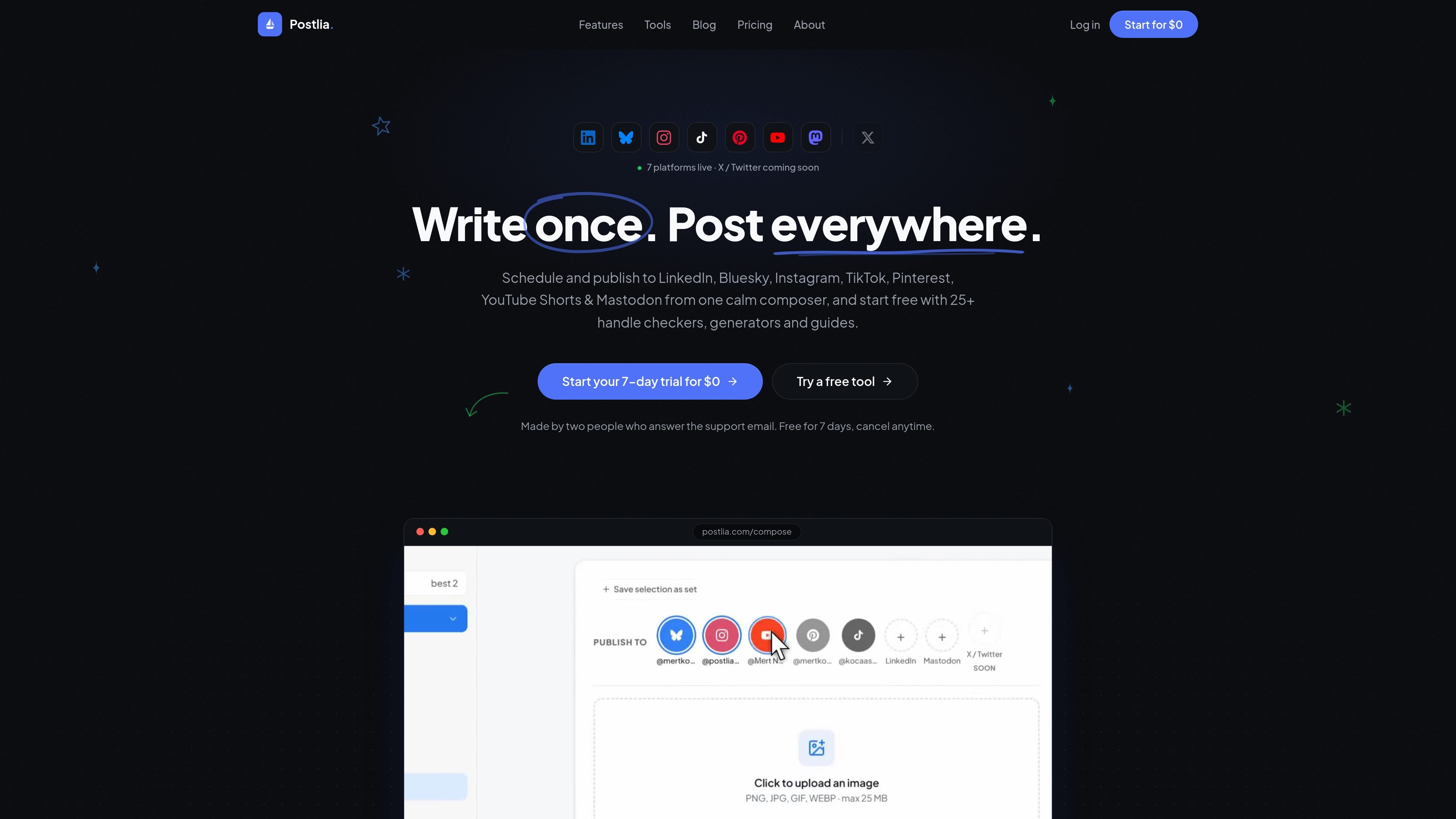
Postlia is a social media scheduler and cross-posting tool for publishing the same content across multiple networks from one composer. The live posting platforms listed on the site include LinkedIn, Bluesky, TikTok, Instagram, Pinterest, YouTube Shorts, and Mastodon, with X / Twitter marked as coming soon.
The product combines scheduling, platform-specific captioning, analytics, and a large set of free tools for usernames, handles, captions, hashtags, previews, and related publishing tasks. Paid plans add the full posting workflow, higher limits, multi-account support, and agent access through an MCP server.
Write a post once and publish it across connected networks, with platform-specific formatting handled by the app.
Queue posts on a visual calendar and choose a publish time instead of posting immediately.
Create native captions per platform from one draft, including AI caption writing, A/B caption variants, bio optimization, repurposing, and news digests on paid plans.
View engagement and follower growth for connected accounts, plus timing information for when your audience is active; per-post insights are included on Pro.
Use free handle checkers, username generators, caption tools, and other publishing helpers without signup for many of the tools.
Connect an AI agent through the MCP server to draft, schedule, publish, and verify posts from supported clients like Claude Code and ChatGPT.
Create one post and send it to several connected networks, while letting Postlia adapt the formatting for each destination.
Build a week of content in advance, place it on the calendar, and let scheduled posts go out at the chosen time.
Use the free handle checkers, caption writer, hashtag generator, and preview tools before opening an account or launching a new brand.
Manage several client or brand accounts from one place, using Pro features such as multiple accounts per platform, team seats, and client review links.
Connect an AI agent through MCP to draft, queue, publish, and verify posts as part of an automated workflow.
Yes. Postlia says its 25+ free social tools are free forever with no signup required, and the AI caption writer is also free without an account. Paid posting plans add scheduling, cross-posting, and the full AI content suite.
Postlia says seven platforms are live today: LinkedIn, Bluesky, TikTok, Instagram, Pinterest, YouTube Shorts, and Mastodon. X / Twitter is listed as coming soon.
The pricing page says every paid plan starts with a 7-day free trial and a card is required. You can cancel before the trial ends, and the free tools remain free even if you do not subscribe.
Yes. The Pro plan includes team seats, client review links, multiple accounts per platform, and advanced analytics, while Creator is positioned for solo use with one account per platform.
Postlia says one post counts as one piece of content published or scheduled, even if it is sent to multiple platforms at the same time.

PromptScout tracks how ChatGPT, Gemini, Google AI Overviews, and Perplexity mention your brand or competitors, then pairs those results with source analysis and website audits. It helps teams decide what to fix in content, positioning, or site readiness next.

SaveMRR is a Stripe retention tool for SaaS teams that scans billing data for churn and MRR leaks, then automates recovery through dunning, cancel-save offers, win-back emails, and onboarding nudges. It is built for founders and bootstrapped teams using Stripe.

Hype is a web tool for finding trending YouTube topics by category, time range, and scoring mode. It helps creators spot emerging ideas, inspect source videos, and decide what to cover next.

Liam is an AI copilot for managing inboxes, writing replies, prioritizing email, and scheduling meetings. It is offered free for individuals, with custom pricing for teams and enterprise.

Sleek Analytics is a privacy-friendly web analytics tool with real-time visitor tracking, Core Web Vitals, and revenue attribution. It helps site owners understand traffic and conversions without cookie banners or a heavy setup.

Topple.lol is a public pay-to-rank leaderboard where listings start at $1 and their bid balance decays over time and with clicks. It helps makers and marketers buy short-term visibility for product sites or X profiles while tracking live board stats.