
Source connections and 24/7 monitoring
Connect Gmail, Outlook, WhatsApp, IMAP, or upload files, then let the product monitor for incoming receipts and invoices continuously.

Receiptor AI is AI-powered software for extracting receipts and invoices from email, WhatsApp, and bulk uploads. It helps businesses, freelancers, and accounting firms automate receipt capture, retroactive inbox cleanup, and exports to tools like QuickBooks and Xero.
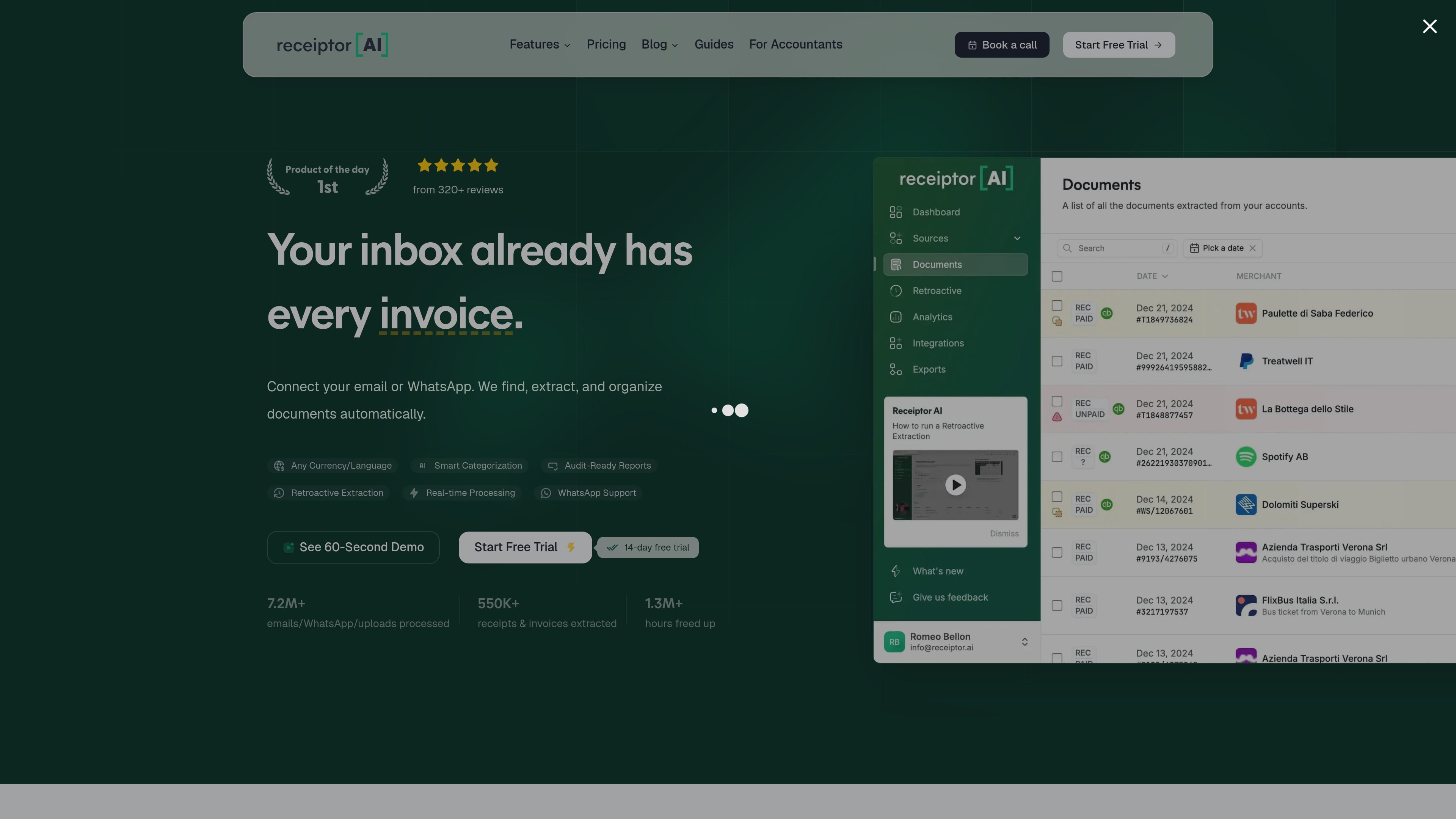
Receiptor AI is AI-powered software for extracting receipts and invoices from email, WhatsApp, bulk uploads, and related inbox sources. It is designed to reduce manual bookkeeping work by finding documents automatically, pulling out key fields, and organizing the results for accounting and expense workflows.
The product supports both ongoing monitoring for new receipts and one-time retroactive scans of past email history. Its site positions the workflow around automated extraction, categorization, and export to accounting tools such as QuickBooks and Xero, with additional delivery options including CSV, PDF, ZIP, and Google Drive.
Connect Gmail, Outlook, WhatsApp, IMAP, or upload files, then let the product monitor for incoming receipts and invoices continuously.
Extract dates, amounts, vendors, tax details, line items, and other receipt data into structured records that can be used downstream.
Automatically categorize documents and apply accounting context, with transaction matching, duplicate detection, error checks, and anomaly flags described on the accountant page.
Run retroactive scans on historical inboxes to recover older receipts and invoices, including year-end or backlog cleanup use cases.
Send extracted data to QuickBooks, Xero, Google Drive, or export it as CSV, PDF, or ZIP depending on the workflow.
Higher-tier plans mention custom automations, workspaces, API, MCP, CLI access, webhooks, and multiple accounting/export connections.
Link inboxes once and let the system continuously find receipts and invoices for day-to-day expense tracking, so documents do not have to be forwarded manually.
Recover older receipts from a backlog or year-end inbox history, which is useful when preparing books for tax season or cleaning up missing records.
Consolidate client documents across email and WhatsApp, then route structured data into Xero or QuickBooks with categorization, matching, and review checks for reconciliation.
Process receipts, invoices, and other documents from email, WhatsApp, and uploads for people who work across several businesses or handle frequent inbox volume.
Receiptor AI connects to email accounts, WhatsApp, and bulk uploads. The source pages say setup is a one-time connection step and that email accounts can be linked in about 2 minutes, but the exact setup process may vary by source and workflow.
Yes. The source pages describe workflows for single users and accounting firms, and the pricing page includes plans with unlimited email accounts, workspaces, and multi-entity features on higher tiers.
Receiptor AI exports structured data to tools such as QuickBooks, Xero, Google Drive, CSV, PDF, and ZIP. The accountant page also describes auto-export into Xero or QuickBooks for reconciliation workflows.
The pricing page separates ongoing subscription monitoring for new receipts from one-time Retroactive Scan jobs for past inbox history. Subscriptions cover new emails going forward, while retroactive scans are quoted per email volume.
The source says Receiptor AI ignores emails that are not related to receipts or invoices and does not move, delete, or modify messages in the inbox. It also states that personal emails are not read and that only financial-document messages are processed.

KlutterAI is an AI-powered expense tracker that helps people capture receipts, categorize spending, and monitor budgets from iOS or Android. The product also surfaces recurring charges, spending alerts, and exportable reports.

nolainocr is an AI OCR tool that extracts structured data from PDF invoices, receipts, forms, contracts, and bank statements. It helps teams move document data into Excel, Google Sheets, JSON, or CSV without manual entry.

Timebook is a time tracking, invoicing, and bookkeeping app for freelancers and single-member LLCs. It combines hours, invoices, and basic books in one place, with optional Plaid bank sync and AI-agent support.

司马阅是一款面向企业的AI文档智能体平台,帮助团队把分散在文档中的知识转成可用于问答、检索、写作和审查的结构化能力。它适合对准确性和数据安全要求较高、且有大量文档工作流程的企业。

Capso is a native macOS screenshot and screen recording app for capturing, annotating, recording, and extracting text from screen content. It is free forever, open source, and positioned as an alternative to CleanShot X.

Finchum is a personal finance planning tool that aggregates accounts and forecasts future balances for users in the US and Canada. It supports secure sync without sharing bank passwords, with OAuth where available and file-based imports as a fallback.