
Local screen and audio capture
Records screen and audio locally so work history can be searched later without relying on a separate cloud memory layer.

Screenpipe is an open-source, local-first screen and audio recording tool that captures work activity, transcribes meetings, and makes past context searchable. It helps individuals, teams, and enterprise pilots turn real work into notes, workflows, and automation inputs.
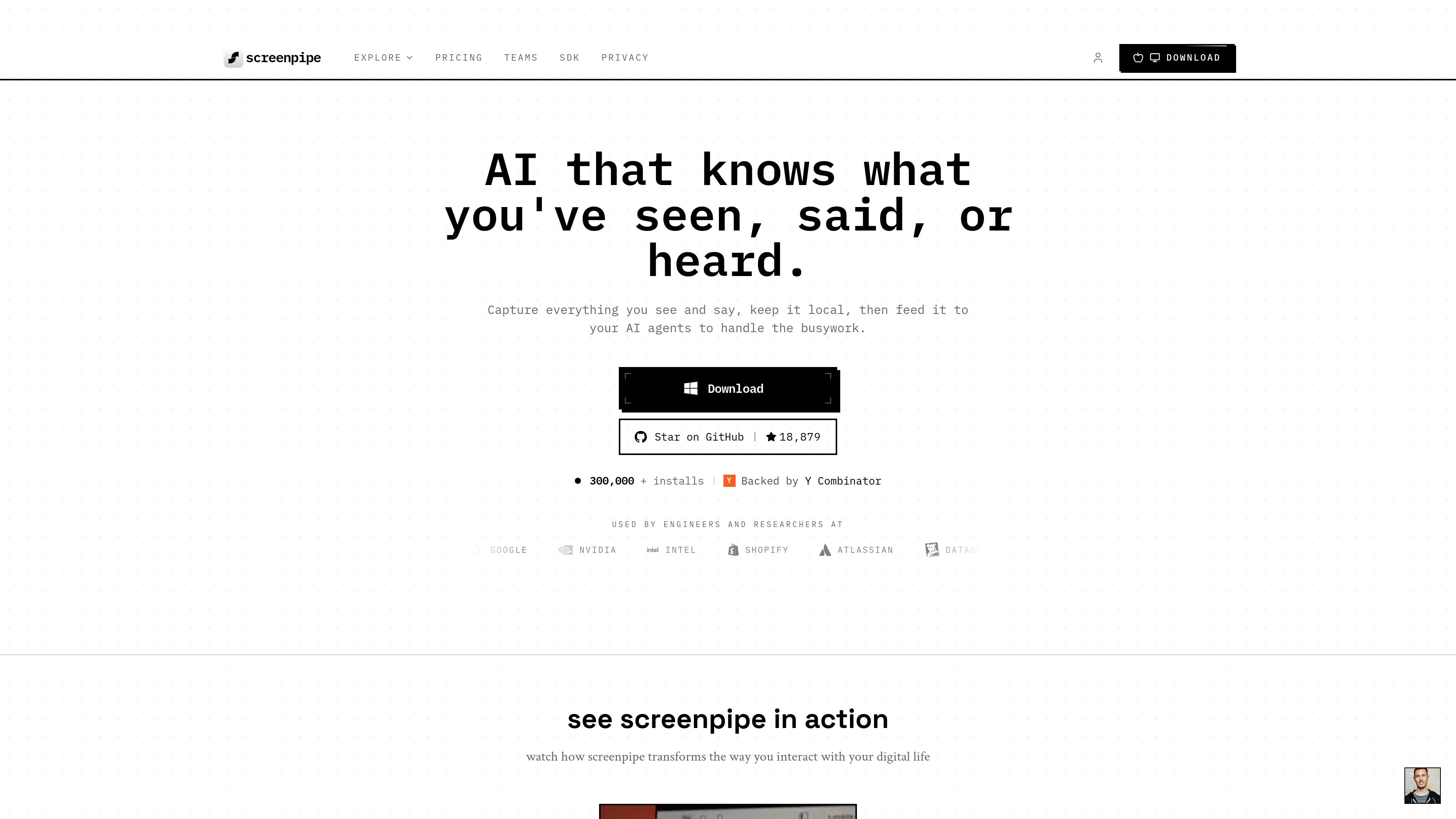
Screenpipe is an open-source, local-first screen and audio recording tool that captures what you see and hear on your device, then makes that history searchable and usable by AI. The product is positioned as a personal memory layer and a workflow layer for individual users, teams, and enterprise pilots.
On the individual side, Screenpipe can transcribe meetings, search past context, and support prompts such as drafting weekly updates or answering questions about a previous conversation. For teams, it extends that capture into workflow reports, SOP drafts, automation candidates, and other artifacts that are generated from real activity rather than manual reporting.
The product emphasizes local processing and scoped deployment. The site says capture, search, and privacy filtering run on-device, with admin controls available for team rollouts and options for local-only, local-plus-cloud-AI, or team/enterprise deployment models.
Records screen and audio locally so work history can be searched later without relying on a separate cloud memory layer.
Lets users ask AI questions about what they saw or said, and uses captured context to draft updates, summaries, and other work output.
Runs “pipes” that trigger after events such as a meeting ending, then write summaries or action items to notes and other tools.
Connects to many common workplace apps including Slack, Gmail, Notion, Linear, GitHub, Google Docs, Google Sheets, Google Meet, Zoom, Jira, Asana, Salesforce, HubSpot, and others shown on the site.
Applies on-device filtering and PII scrubbing so excluded apps, windows, and URLs never reach disk, while sensitive fields such as cards, SSNs, and keys are removed locally.
Supports team and enterprise rollout with admin policies, local capture on managed devices, MDM deployment paths, and scoped deployment modes.
Record meetings locally, then turn the transcript and captured context into summaries, action items, and follow-up notes once the meeting ends.
Search your screen and audio history to answer questions like what was discussed with a client, what you said about pricing, or what happened during a specific work session.
Capture how a team actually works, then turn repeated steps into SOP drafts, workflow reports, and automation candidates for review.
Push captured context into tools such as Linear, GitHub, CRM systems, or notes apps so routine updates and handoffs can be drafted from real activity.
Run scoped pilots on managed devices to evaluate privacy-sensitive capture, MDM deployment, and enterprise expansion decisions before a wider rollout.
Screenpipe records screen and audio locally, then lets you search that history or ask AI questions about what happened. The source also shows team and enterprise workflows for shared capture, SOP drafts, and automation candidates.
The product is designed for local-first capture. The source says screen, audio, transcripts, and related local history can stay on the device unless a deployment adds export, sync, or cloud AI options.
Screenpipe supports team and enterprise deployments with admin-controlled capture policies, and the enterprise pilot flow is described as one department on up to 10 machines for 30–60 days.
The source shows Desktop support for macOS, Windows, and Linux, with installs handled through a download flow. It also mentions MDM deployment paths such as Intune and SCCM for managed rollouts.
Pricing is offered for a Business plan starting at 5 seats, plus a custom Enterprise option. The pricing page does not provide a fuller published limit table in the collected text.

Gemma AI is a phone call reminder app that calls you with scheduled reminders instead of push notifications. It helps people who want a more direct way to stay on schedule, with Google Calendar sync and conversational call interactions.

Tavus is an AI video platform for building real-time, face-to-face agents, digital twins, and AI companions. It combines APIs, custom replicas, and multilingual conversational workflows for developers and teams.

Spotit è un’app per macOS che legge lo schermo e evidenzia dove cliccare, con domande vocali e guida sullo schermo nell’app che usi.

Sanota is an app that turns spoken memories, reflections, and interviews into clear written stories. It supports personal storytelling, family history, and shared memories, with guided prompts and subscription pricing.

Carbon Voice is an asynchronous voice messaging app for teams and individuals, with transcripts, AI catch-up, and cross-device access. It helps people and agents communicate without needing a live call.

Talkpal is an AI-powered language learning web and mobile app for practicing speaking, listening, writing, and pronunciation. It offers guided courses, roleplays, and call-style conversation practice across 130+ languages.