
Read-only work connections
Connect Google Workspace, Microsoft 365, Slack, or GitHub so StandIn can use selected work context where teammates already ask questions. The service is described as read-only and does not post or change anything.

StandIn gives each team member a read-only work representative that answers colleagues’ questions from published briefs, handoffs, and selected connected-tool data. It is designed for distributed teams that need sourced answers while an owner is away, without allowing the system to edit or act in their tools.
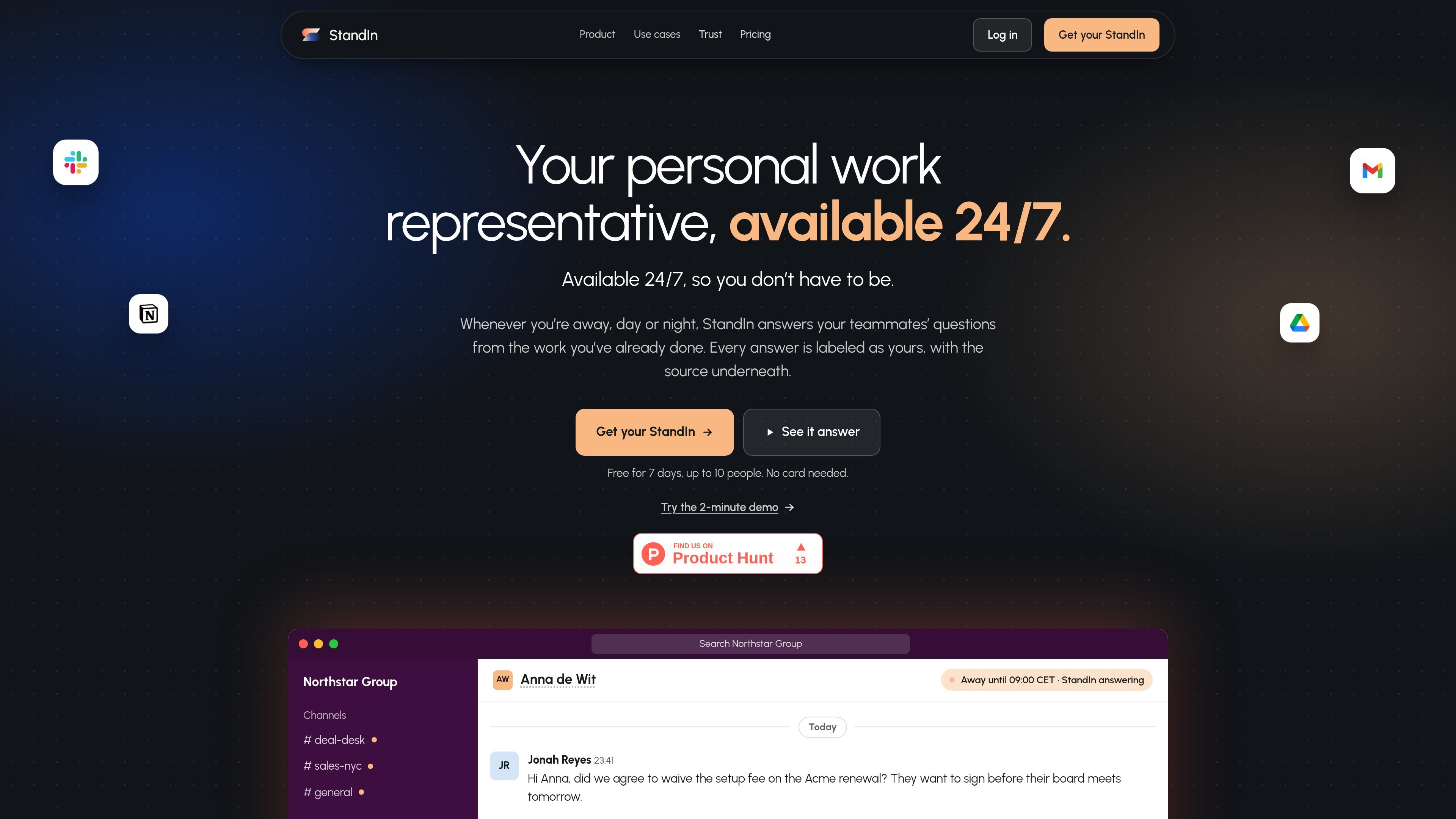
StandIn is a work-representation service for teams that need answers while a colleague is away. Each person gets a StandIn that answers questions about that person’s work using explicitly published briefs, handoffs, and selected metadata from connected tools. Responses are labeled as being on the person’s behalf and include a source.
The product is built around read-only access and controlled disclosure. Teammates can ask about decisions, policies, status, or other shared work without waiting for the owner to return. StandIn does not send messages, edit records, approve requests, or take actions in connected systems; when the relevant information is missing, it is intended to say so and flag the owner.
Connect Google Workspace, Microsoft 365, Slack, or GitHub so StandIn can use selected work context where teammates already ask questions. The service is described as read-only and does not post or change anything.
Users can write and publish briefs or handoffs describing decisions, updates, agreements, and open items. Teammates can ask questions about this intentionally shared context.
Each response identifies the person whose StandIn is answering and shows a source beneath the answer, helping teammates trace a decision to its brief or connected work.
When the available context does not contain an answer, StandIn is designed to state that limitation and flag the owner instead of filling the gap with an unsupported guess.
Users choose what their StandIn can see or speak about, can review what it answered, and can pause it when needed.
The service retrieves a bounded context at question time rather than giving the language model open access to connected systems. The source says prompts, answers, and sources are saved for answer-quality review and audit.
A salesperson can ask about renewal terms, discount limits, or an approval condition and receive the decision from the relevant owner’s published brief, with the source and any stated qualification included.
A product or marketing teammate can ask about a launch date, rollout condition, or current status and get the project owner’s documented update without scheduling another handoff meeting.
People and support teams can ask about policies such as leave rules or other internal guidance while the usual policy contact is unavailable, provided that guidance has been shared with the StandIn.
A founder, senior specialist, or team lead can publish the decisions and updates their colleagues most often need, reducing interruptions while preserving attribution to the person who made the decision.
A colleague working in another time zone can ask a question during the owner’s evening or absence and receive a sourced response, or a clear indication that the owner needs to answer it.
You connect Google Workspace, Microsoft 365, Slack, or GitHub, then review what StandIn knows and publish briefs or handoffs that teammates can ask about. The product is designed to be set up once and used while you are away.
StandIn reads connected systems and explicitly published briefs or handoffs. It does not post, edit, book, approve, or otherwise write to connected tools. You can choose what it can see and pause it at any time.
Answers are labeled as being on a named person’s behalf and include the underlying source, such as a published brief or connected work metadata. Questions, answers, and sources are saved in the product, and the person can review what was answered.
StandIn is intended for questions about work that a person has shared or published. When the relevant answer is not available, it is designed to say that it does not know and flag or direct the question to the owner rather than guess.
The free trial costs €0 for 7 days, supports up to 10 seats, and does not require a card. The pricing page lists a Team plan at €25 per seat per month as a Product Hunt launch price, marked as coming soon, and Enterprise pricing for organizations with more than 100 people or additional security and procurement needs. Prices exclude VAT.