
Voice and text input
Record spoken thoughts or paste written notes, then let Sway turn them into structured output without asking you to format anything first.

Sway is a voice-first thinking tool that turns spoken thoughts into structured summaries, key points, and action steps. It is aimed at people capturing ideas, conversations, and meetings without interrupting their flow.
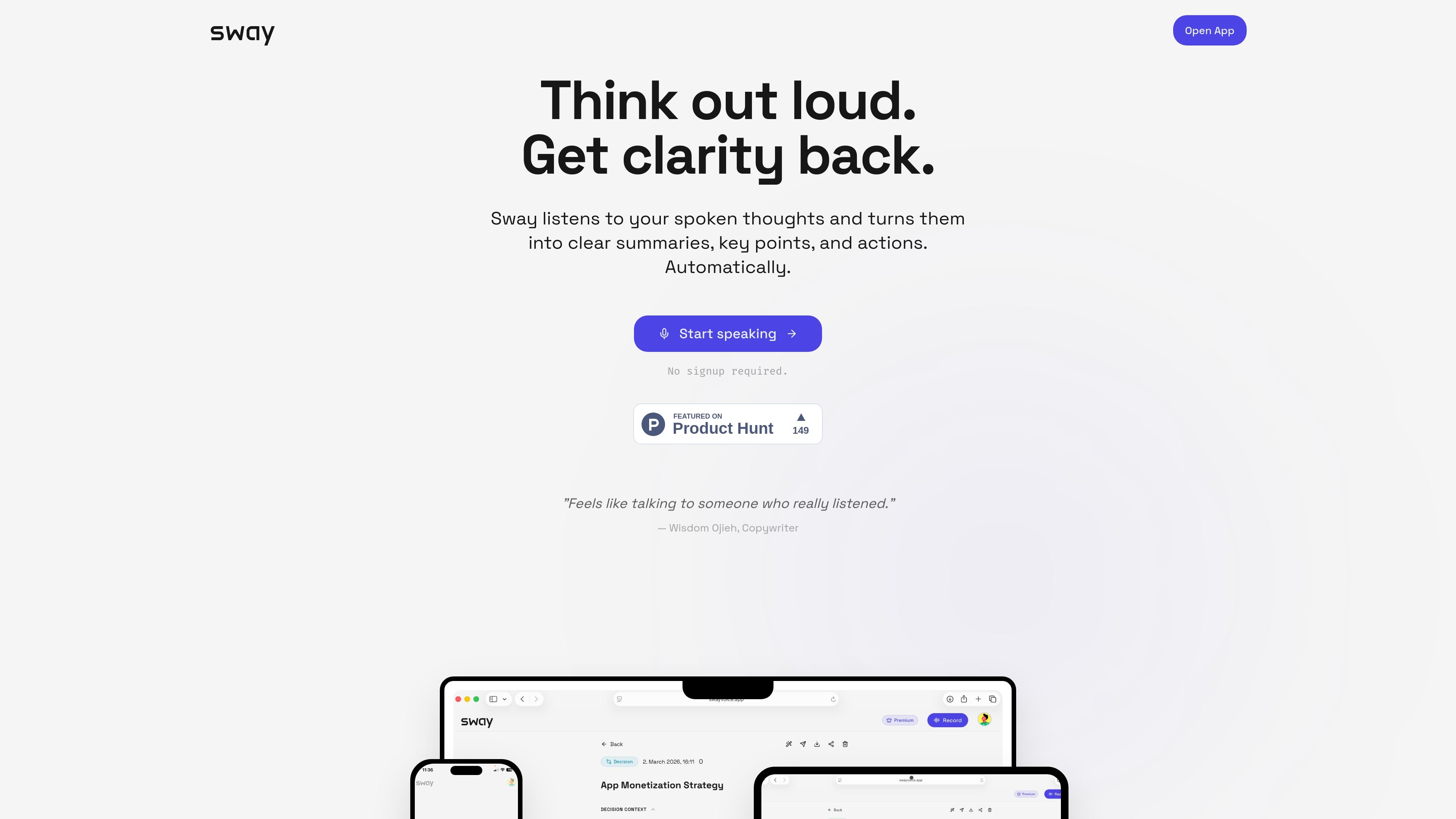
Sway is a voice-first thinking tool that turns spoken thoughts into structured notes. The site positions it as a reflective listener for ideas, conversations, meetings, and moments when typing would interrupt your flow.
Rather than aiming for exact transcription, Sway looks for the structure inside messy speech and returns a clear summary, key points, possible actions, and a title. It is built for people who want to capture what matters quickly and review it in a more usable form afterwards.
Record spoken thoughts or paste written notes, then let Sway turn them into structured output without asking you to format anything first.
Sway organizes the result into a clear summary, key points, possible actions, and a title, so the output is easier to review and reuse.
The product focuses on context rather than verbatim transcription, surfacing recurring themes, decisions, action signals, open loops, and emotional emphasis.
When audio is unclear, Sway says it prefers to show uncertainty instead of guessing or inventing meaning.
The site says your content is processed to generate a transcript and structured summary, and that raw audio is not permanently stored unless required for processing.
Capture what happened in a call and turn it into a concise recap with decisions and next steps so you do not have to reconstruct the conversation later.
Speak ideas while walking, driving, or doing other hands-free activities, then review the structured result once you are back at your desk.
Use Sway as a reflection space when your thinking is messy or incomplete, and let it surface the main themes and open loops.
Paste written notes into the app when you already have fragments on the page and want them organized into clearer structure.
No. The site describes Sway as a tool for recording spoken thoughts, conversations, and meetings, and it also lets you paste written thoughts into the app.
Sway is designed to produce a clear summary, key points, possible actions, and a title from spoken thoughts. It is not positioned as a word-for-word transcription tool or a formal meeting-minutes system.
The site says Sway is built for reflective thinking and is especially helpful after conversations or meetings. It also says that if you need exact transcription or formal notes, tools like Wispr or GPT Voice may be a better fit.
The site does not describe team features, shared workspaces, or collaboration controls. The documented workflow appears centered on an individual speaking and reviewing the structured result.
The site says Sway is free with no signup required, and it does not provide pricing details beyond that on the pages reviewed.

Biji è una piattaforma versatile progettata per migliorare la produttività attraverso strumenti e funzionalità innovative.

Liam is an AI copilot for managing inboxes, writing replies, prioritizing email, and scheduling meetings. It is offered free for individuals, with custom pricing for teams and enterprise.

Tactiq is an AI note taker for Google Meet, Zoom, and Microsoft Teams that transcribes meetings live and turns them into summaries, action items, and follow-up outputs. It is built around a Chrome extension and supports team workflows through sharing and integrations.

garden-md is an open-source Node.js CLI that turns meeting transcripts into a local company wiki. It links entities across transcripts, keeps the original text intact, and renders the result as a browsable wiki.

Carbon Voice is an asynchronous voice messaging app for teams and individuals, with transcripts, AI catch-up, and cross-device access. It helps people and agents communicate without needing a live call.
MealTime è il tuo assistente personale per le ricette, progettato per funzionare prima offline, che ti aiuta a salvare, organizzare, pianificare i pasti e generare liste della spesa intelligenti, mantenendo sempre privati i tuoi dati.