
Chat-based post generation
Create post drafts by chat, using a short prompt plus uploaded photos. The assistant can generate multiple ready-to-publish proposals and add captions, hashtags, and calls to action.

SyncBooster is a chat-based social media automation tool for creating, reviewing, scheduling, and publishing posts from photos and short prompts. It supports multi-brand workflows and plans for small businesses, teams, and agencies.
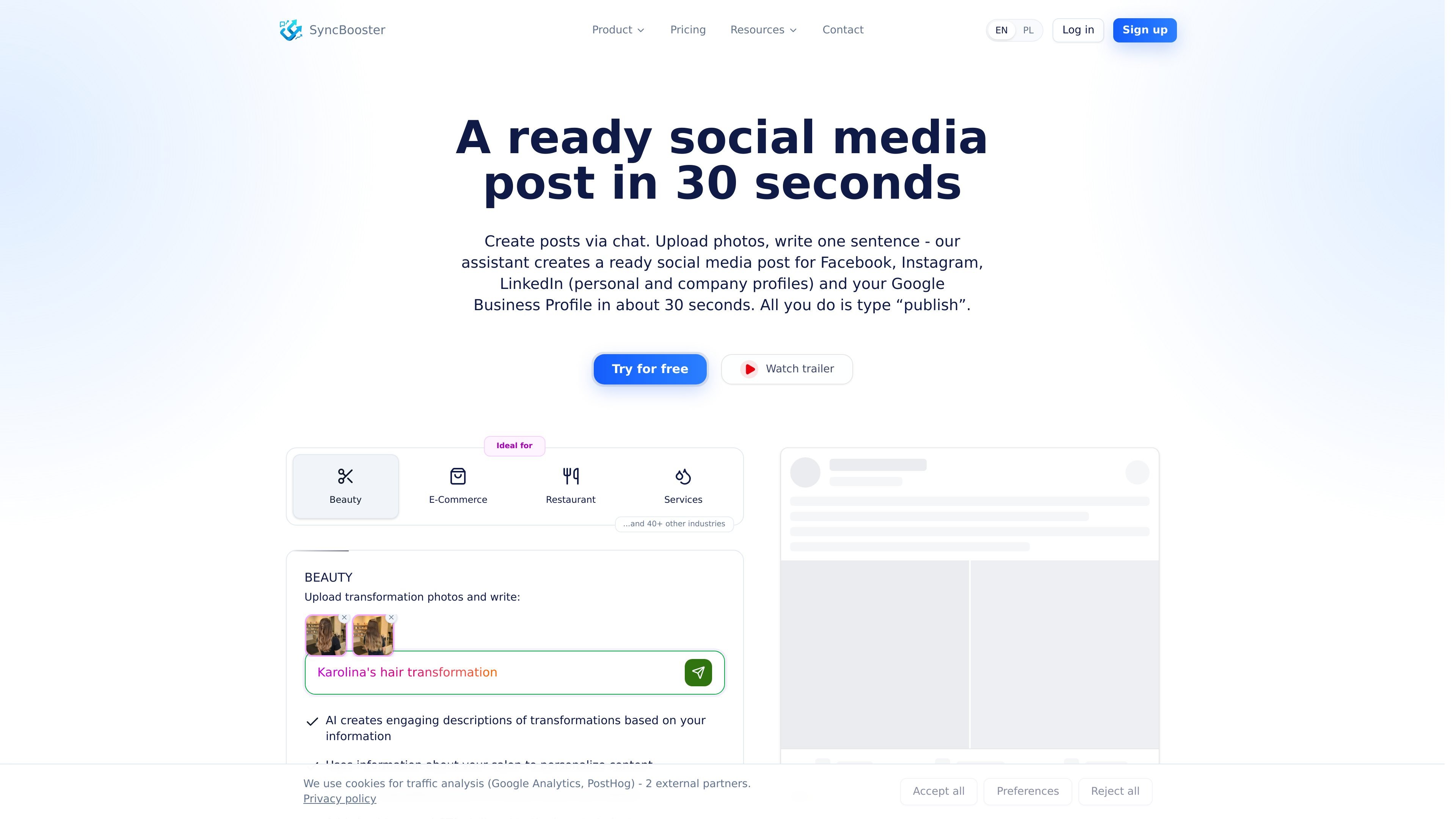
SyncBooster is a social media automation tool built around a chat interface. It helps businesses create post drafts from a short prompt and uploaded photos, then publish them to connected channels such as Facebook, Instagram, LinkedIn, and Google Business Profile / Google Maps.
The product is structured for multi-brand and multi-location publishing. A brand stores shared business information and tone of voice, while channels group social accounts and language settings so posts can be tailored for different cities, markets, or product lines.
Create post drafts by chat, using a short prompt plus uploaded photos. The assistant can generate multiple ready-to-publish proposals and add captions, hashtags, and calls to action.
The assistant analyzes uploaded images automatically and uses them to shape the post, which reduces the amount of manual description needed.
SyncBooster lets you review and adjust generated content before publishing, so the workflow includes an explicit approval step rather than direct autoposting.
Posts can be published immediately or scheduled for a specific date and time, with one workflow covering multiple connected platforms.
The product includes a Studio module for managing and generating graphics, with templates and image-based or text-based graphic creation.
The interface supports a multi-brand structure with brands, channels, and a calendar view that shows planned, published, and failed posts across accounts.
Useful for businesses that want to turn photos from a job, menu, product drop, or renovation into a post quickly. The assistant can add a draft caption, hashtags, and a suggested call to action from a short prompt.
Designed for companies that manage several locations or markets. One brand can share the same business knowledge while separate channels keep local accounts and language versions organized.
Helpful for teams that want to review content before anything goes live. The workflow supports drafting, manual edits, scheduling, and then publishing at the chosen time.
Relevant for businesses that need a visible content calendar across many accounts. The calendar shows planned, published, and failed posts so managers can track what is happening at a glance.
Useful when a company also needs visuals. The Studio module can generate graphics from templates, uploaded inspiration, or a text description, then reuse them in the posting flow.
SyncBooster is designed to create and publish social media posts from a chat-based workflow. You upload media, add a short prompt or context, review AI suggestions, and then publish or schedule the post.
The pricing page shows a free trial with 300 tokens to start. Paid plans begin at 99 PLN per month, with higher tiers for larger teams and multi-brand setups.
The pricing page lists Facebook, Instagram, LinkedIn, and Google Business Profile / Google Maps as supported platforms, with X, YouTube, TikTok, Threads, and Snapchat shown as coming soon or listed without current support status.
Yes. The site shows a manual editing step before scheduling and publishing, and the pricing page includes a token cost for requesting text revisions to generated content.
The system uses brands and channels to separate companies, locations, languages, or product lines. A brand shares one knowledge base, while channels group social accounts with a chosen generation language.

DailyPlay.ai is a behavioral growth platform that uses AI site scanning and micro-games to help brands improve engagement and conversion. It supports web, mobile, and other digital touchpoints, with a one-line script setup and a free engagement scan.

Una piattaforma AI tutto in uno che combina strumenti per immagini, video, voce, scrittura e chat per migliorare la creatività e la collaborazione.

Slidesgo is a presentation template platform for Google Slides, PowerPoint, and selected Canva workflows. It offers free and Premium templates, plus AI-assisted presentation creation and team-friendly access options.

Wysera is an AI business platform that combines PostWyse for content and OpsWyse for CRM and revenue workflows, powered by the shared Wyse AI. It is built for solo operators, teams, and agencies that want approval-first automation across publishing, lead follow-up, and related operations.

Grok è un assistente AI gratuito sviluppato da xAI, progettato per dare priorità alla verità e all'obiettività, offrendo al contempo capacità avanzate come l'accesso a informazioni in tempo reale e la generazione di immagini.

Creativly is a web-based AI creative studio for generating visual concepts, mockups, and stylized images from short inputs. It is aimed at designers, creators, and entrepreneurs who want fast visual ideation without writing long prompts.