
Post inspiration and content libraries
Find viral and high-performing posts in your niche, save them into collections, and use them as source material for new content ideas.

Taplio is an AI-powered LinkedIn growth platform for creating posts, scheduling content, tracking analytics, and managing engagement. It helps creators, professionals, teams, and agencies build a more consistent LinkedIn workflow.
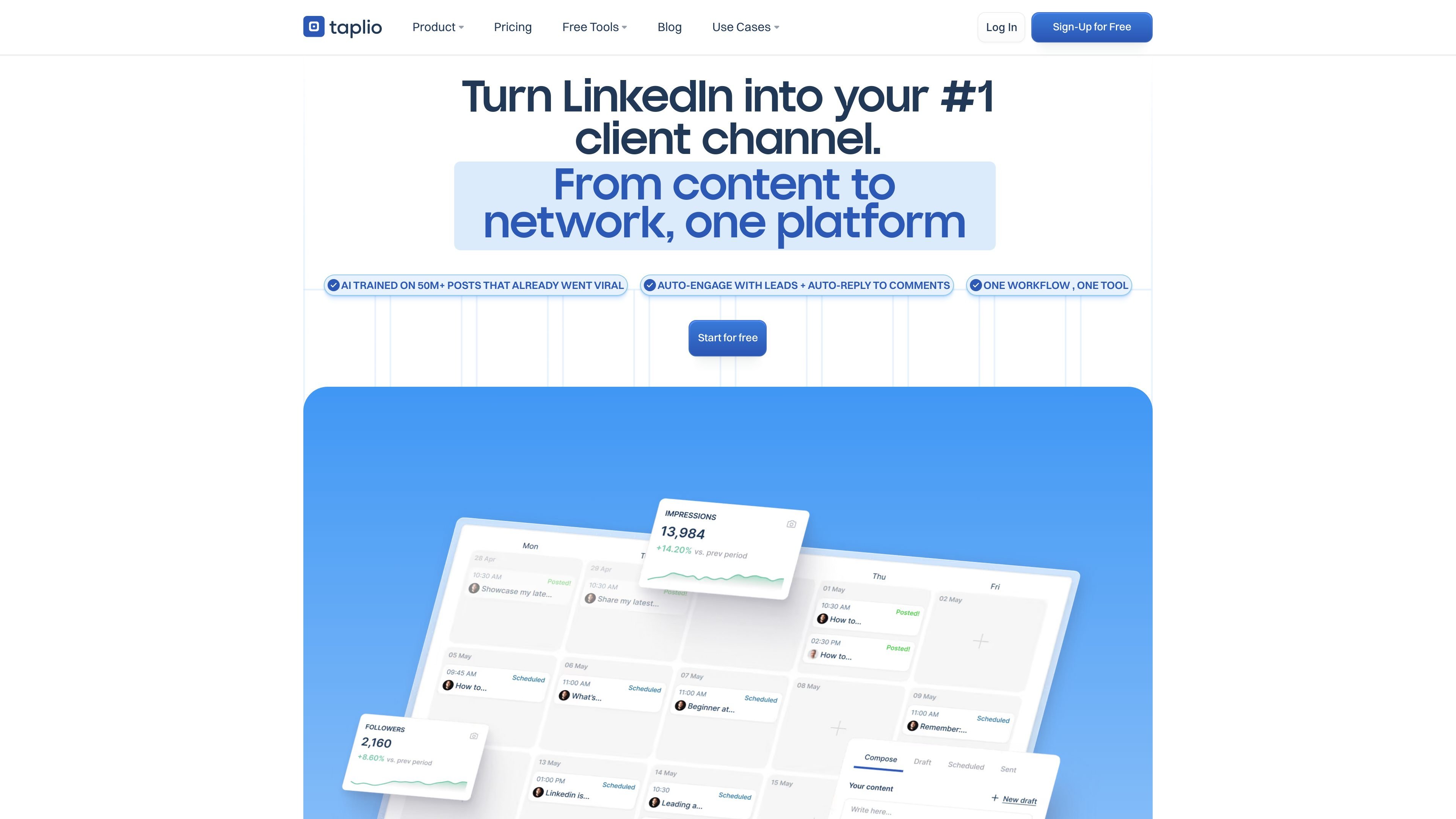
Taplio is an AI-powered LinkedIn growth tool that brings content creation, scheduling, engagement, and analytics into one platform. The product is built for people who want to build a LinkedIn brand, publish more consistently, and understand which posts and topics perform best.
Across the site, Taplio presents itself as a workflow for creating posts from ideas, scheduling them, tracking results, and interacting with your network. The platform also includes a Chrome extension and a separate monthly LinkedIn Benchmark report with data drawn from large sets of LinkedIn posts.
Find viral and high-performing posts in your niche, save them into collections, and use them as source material for new content ideas.
Generate, rewrite, and repurpose LinkedIn posts with AI, including post drafting, idea generation, image generation, and carousel creation.
Plan posts with scheduling controls, set recurring posting patterns, and manage drafts in a Kanban-style view before publishing.
Track post performance, follower growth, and engagement with analytics views and monthly stats emails.
Use engagement tools to reply to comments, auto-reply to comments in some workflows, and organize contacts and leads into lists.
Access Taplio X in LinkedIn to view profile insights, top posts, saved content, and quick analytics while browsing.
Use Taplio to turn rough ideas into LinkedIn posts, choose a format or hook, and refine the output before publishing.
Set a publishing cadence, queue posts ahead of time, and keep a consistent posting rhythm without manually publishing every time.
Use analytics, follower growth tracking, and the LinkedIn Benchmark report to compare performance and understand what resonates.
Use engagement tools, curated feeds, and lead lists to reply to comments, interact with relevant people, and keep outreach organized.
Browse LinkedIn with the Taplio X extension to inspect profiles, save posts, and see quick metrics without leaving the platform.
Taplio is an AI-powered tool for growing a LinkedIn presence. It combines post creation, scheduling, engagement tools, and analytics in one workflow.
The pricing page says the free trial gives full Pro access for 7 days, and you can cancel anytime. Taplio also offers a 30-day money-back guarantee on the first payment.
Yes. The pricing and FAQ text say you can cancel anytime from the Billing tab in Taplio settings.
The Taplio X Chrome extension is a free companion tool that brings stats, best posts, trending content, and quick saves into LinkedIn. It works without a Taplio subscription.
Taplio says it is safe to use because it follows normal LinkedIn usage patterns for posting, commenting, and engagement rather than relying on hacks or shortcuts.

Yaara is a web-based AI writing tool for generating marketing copy and long-form content across ads, emails, websites, blogs, and stories. It offers templates, document-style writing, multilingual support, and tiered plans for individual users and teams.

PostGod is a LinkedIn ghostwriting tool that helps professionals draft posts in their own voice. The site says you can generate free posts, then continue with a paid subscription for ongoing post creation.

Una piattaforma AI tutto in uno che combina strumenti per immagini, video, voce, scrittura e chat per migliorare la creatività e la collaborazione.

Slidesgo is a presentation template platform for Google Slides, PowerPoint, and selected Canva workflows. It offers free and Premium templates, plus AI-assisted presentation creation and team-friendly access options.

Grok è un assistente AI gratuito sviluppato da xAI, progettato per dare priorità alla verità e all'obiettività, offrendo al contempo capacità avanzate come l'accesso a informazioni in tempo reale e la generazione di immagini.

Creativly is a web-based AI creative studio for generating visual concepts, mockups, and stylized images from short inputs. It is aimed at designers, creators, and entrepreneurs who want fast visual ideation without writing long prompts.