
MP3 and MP4 transcription
Upload speech files in the browser and choose a language or let the system detect it automatically before transcription begins.

ToText is a browser-based transcription tool for converting MP3 and MP4 files into editable text with timestamps, speaker labels, and export options. It helps users turn audio and video recordings into searchable transcripts without installing software.
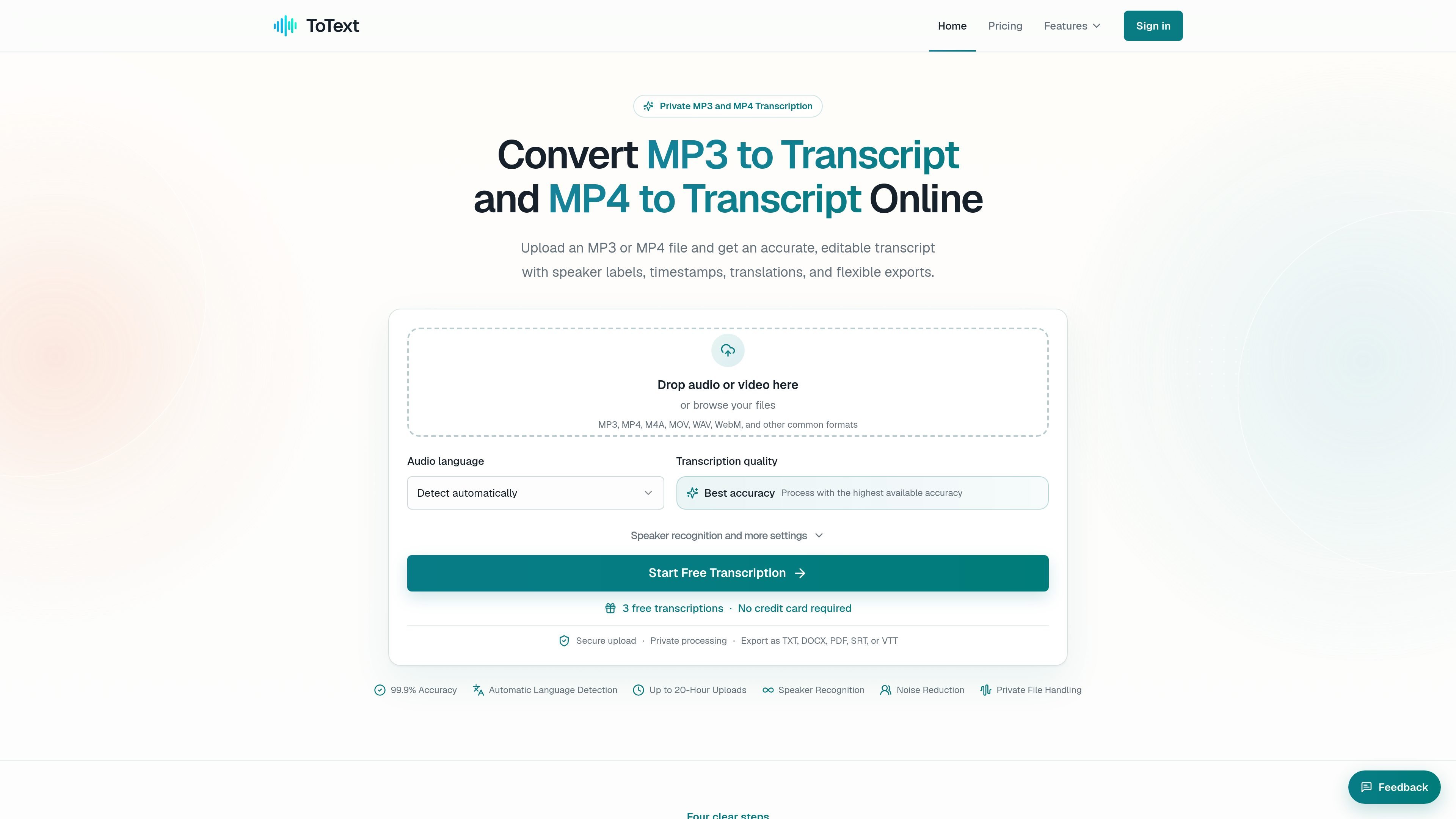
ToText is an online transcription tool for converting MP3 and MP4 files into editable transcripts in the browser. It is positioned for users who need speech turned into searchable text without installing software.
The workflow is built around upload, transcription, review, and export. The site says transcripts can include timestamps, speaker labels, subtitles, and additional views such as summaries or action items, with support for common audio and video formats including MP3, MP4, M4A, MOV, WAV, and WebM.
Upload speech files in the browser and choose a language or let the system detect it automatically before transcription begins.
Work with time-aligned text so you can jump between transcript segments and the original audio or video while editing.
Identify different voices and adjust speaker boundaries and labels during review.
Export reviewed transcripts as TXT, DOCX, PDF, SRT, VTT, CSV, JSON, ASS, or XLSX depending on the downstream use.
Add context for names, acronyms, and technical terms before processing, then verify them against playback.
Use saved transcript text to produce summaries, meeting notes, chapters, action items, answers, or an English translation.
Convert interviews, meetings, and authorized calls into searchable records, then correct wording and speaker labels before sharing notes or exports.
Turn podcast or voice-recorded audio into transcripts that can be reused for show notes, articles, chapters, and other written materials.
Extract speech from lessons, tutorials, webinars, and product demos while keeping the video available for context during review.
Search customer conversations or research recordings for specific phrases, quotations, or decisions and export the reviewed text for further analysis.
Create subtitle files or caption drafts from reviewed transcripts when timing matters for accessibility or publishing.
ToText lets you upload an MP3 or MP4 file, choose a language or use automatic detection, and start transcription in the browser. You can then review the transcript, search within it, correct wording, and export the result.
The source text says ToText supports MP3, MP4, M4A, MOV, WAV, WebM, and other common formats.
Exports mentioned on the site include TXT, DOCX, PDF, SRT, VTT, CSV, JSON, ASS, and XLSX.
Yes. The site says free accounts get the first 20 minutes of up to 3 files per day, with no credit card required.
The product text says you can use transcript views for summaries, meeting notes, chapters, action items, answers, and English translations. It also notes that jobs stay associated with your account unless you create a share link.

QuickQuill is a macOS dictation and transcription app that runs locally on the device. It helps users record meetings, transcribe audio, generate summaries, and export notes without using a cloud service.

SpeakoFlow is a free, open-source desktop voice-to-text app for Windows, macOS, and Linux. It supports dictation into any app, voice-driven writing with Flow, cleanup, translation, and a screen-aware assistant.

Notewarp is an AI note-taking tool that turns voice notes, uploads, or pasted text into cleaner notes, transcripts, summaries, and action items. It helps people capture rough ideas quickly and then edit, export, or share the result.

Zen Whisper is a local-first dictation and transcription app for Apple Silicon Macs running macOS 14 or later. It lets users dictate into most Mac text fields, transcribe media or supported public links, and work across 110 spoken language options.

Tactiq is an AI note taker for Google Meet, Zoom, and Microsoft Teams that transcribes meetings live and turns them into summaries, action items, and follow-up outputs. It is built around a Chrome extension and supports team workflows through sharing and integrations.

Sanota is an app that turns spoken memories, reflections, and interviews into clear written stories. It supports personal storytelling, family history, and shared memories, with guided prompts and subscription pricing.