
AI doc generation
Turn a screen recording or uploaded video into a formatted, step-by-step document with screenshots and structured sections.

Trupeer turns screen recordings into step-by-step documentation and product videos with AI. It also supports translation, branding, export, and knowledge base publishing for teams that create training or support content.
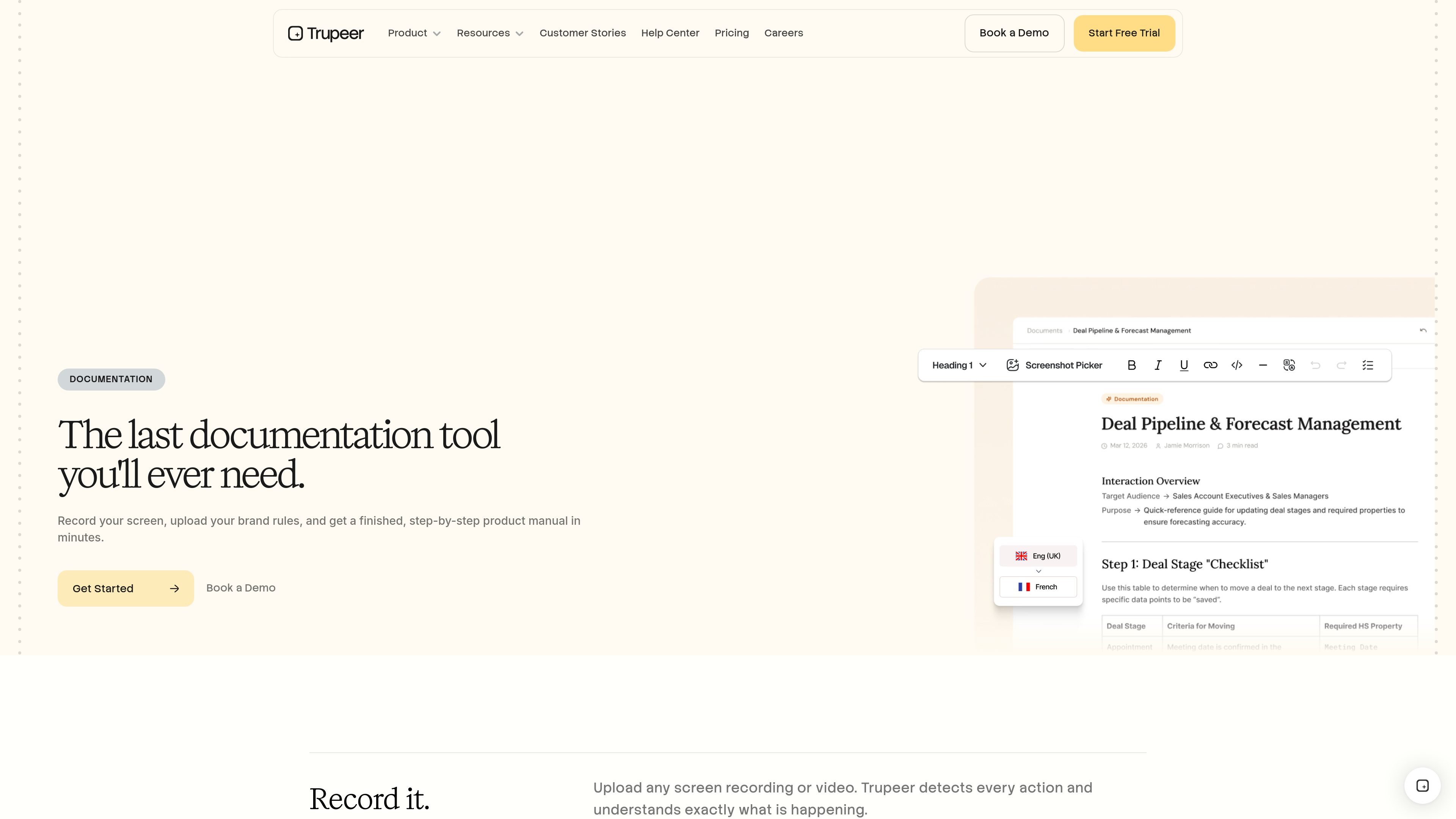
Trupeer is an AI-powered product video and documentation tool built to turn screen recordings into finished guides and videos. The workflow starts with recording or uploading a screen capture, then uses AI to generate a formatted step-by-step document, screenshots, and a video output that can be edited before publishing.
The product is positioned for teams and individuals who need training materials, product documentation, or explainers without building them manually from scratch. The site also shows a knowledge base offering and pricing tiers ranging from a free trial-style plan to team and enterprise plans, with options for branding, collaboration, analytics, and SSO at higher tiers.
Turn a screen recording or uploaded video into a formatted, step-by-step document with screenshots and structured sections.
Create studio-quality videos from screen recordings, with export support for video output.
Detect actions in a recording and convert them into clear steps, helping the tool structure the guide automatically.
Upload an existing doc so Trupeer can learn the layout and apply that format to new guides.
Export content as a PDF or embed guides into Zendesk, Intercom, Notion, or an existing help center.
Translate guides into 65+ languages in one click, with support for multiple accents, styles, and avatars shown on the site.
Create onboarding or SOP content from a live workflow so new team members can follow a recorded process with steps and screenshots.
Turn feature walkthroughs into polished product videos and docs for prospects, customers, or internal enablement use.
Translate one guide into many languages to support regional teams and localized customer education.
Reuse a reference document or branded template so multiple guides follow the same layout and visual structure.
Publish guides into a help center or embedded support destination so documentation can live alongside existing support content.
Trupeer lets you create guides by recording your screen, uploading a recording, and then using AI to turn it into a formatted step-by-step document or video. The source also mentions a Chrome extension for recording.
The site shows a Free plan with a 10-day trial, plus paid Pro, Scale, and Enterprise options. Team features and custom branding are listed on the Enterprise plan, while the Scale plan includes a team workspace for 3 editors.
According to the site, Trupeer can export videos, export guides, and share guides as PDFs or embed them into Zendesk, Intercom, Notion, and existing help centers.
The pricing page says the Knowledge Base add-on offers a custom-branded site, custom domain hosting, and an AI Search option with intelligent content recommendations and video timestamp search.
The source says guides can be translated into 65+ languages in one click, but it does not specify the full translation workflow beyond AI translation and language support.

Struere is an AI-native platform for turning spreadsheet data into structured operational software with dashboards, alerts, and automations. It is aimed at teams that want to replace manual spreadsheet workflows without building custom tools from scratch.

Goldfish is an AI memory app for macOS that helps you reply, write, summarize, and continue using the context already on your Mac. It stores memory locally and writes in your tone.

Lasso is an ecommerce product data platform for enriching catalog records, processing supplier files, generating product content, and monitoring competitors. It combines a web app with a REST API, SDK, and MCP server for teams and developers.

Codex Plugins bundle reusable skills, app integrations, and MCP servers into workflows you can install in the Codex app or use from Codex CLI. They help extend Codex with connected-service tasks, reusable instructions, and shared team workflows.

garden-md is an open-source Node.js CLI that turns meeting transcripts into a local company wiki. It links entities across transcripts, keeps the original text intact, and renders the result as a browsable wiki.

Falconer is an AI-powered company brain that keeps internal documentation accurate, searchable, and up to date by syncing with tools like GitHub, Slack, and Linear. It helps engineering and cross-functional teams centralize knowledge and answer questions from a shared source of truth.