
Text expansion and replacement
Create abbreviations that expand into longer text, signatures, dates, addresses, code snippets, images, and other reusable content.

Typinator is a text expander and text replacement tool for macOS and iOS that turns shortcuts into reusable snippets, forms, and workflow actions. It supports both personal and team use, with a trial mode and paid plans for Mac-only or cross-device use.
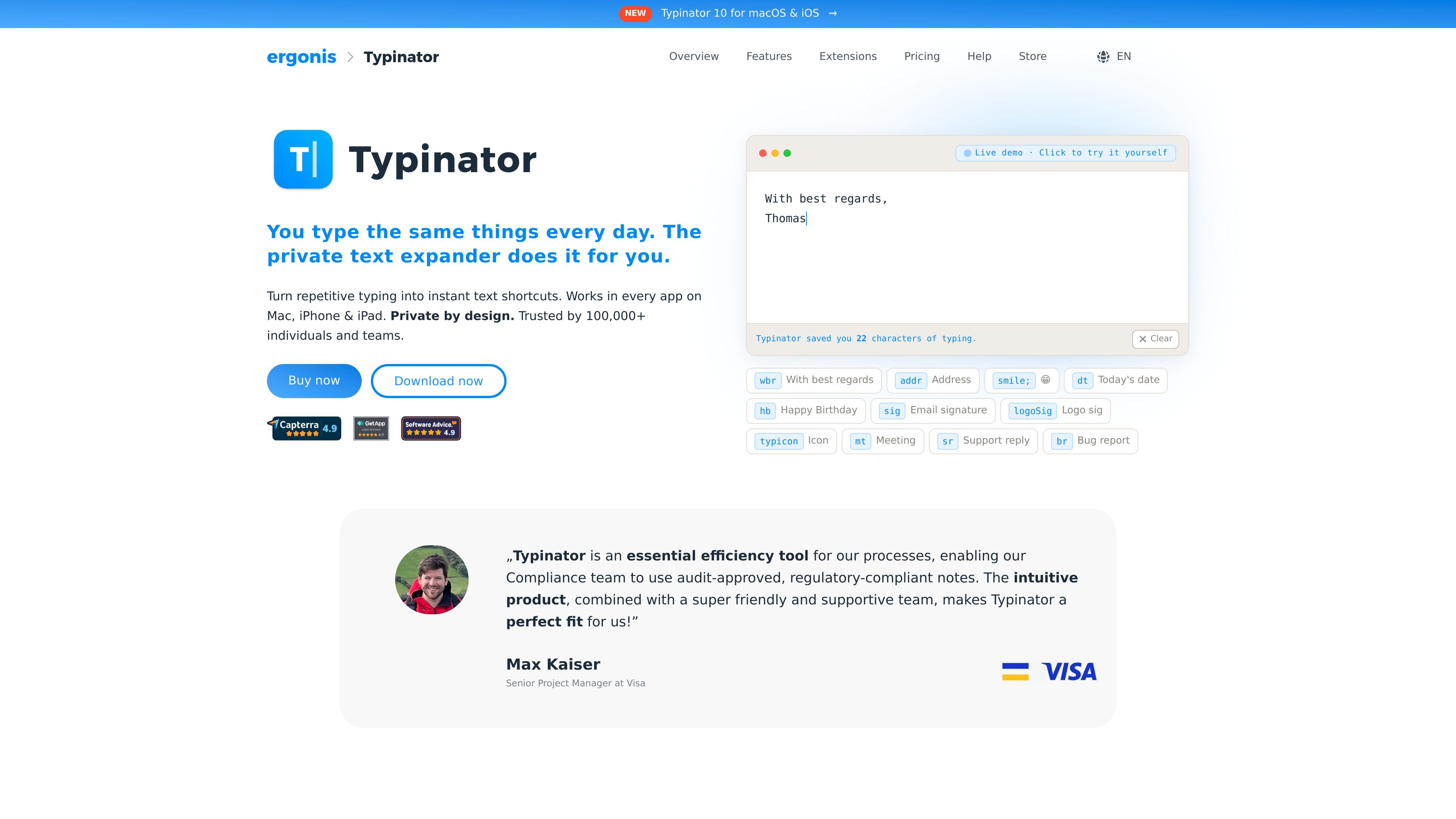
Typinator is a text expander for macOS and iOS that turns typed shortcuts into longer text, reusable snippets, and workflow actions. The product is positioned as private by design and works in every app on Mac, iPhone, and iPad.
The site describes Typinator as useful for repetitive typing, support replies, emails, addresses, signatures, dates, forms, and other repeated text. It also supports more advanced automation through variables, script execution, and quick search, with team sharing available in higher-tier plans.
Create abbreviations that expand into longer text, signatures, dates, addresses, code snippets, images, and other reusable content.
Use variables such as dates, clipboard content, and custom fields to make snippets adapt to the current context.
Build interactive forms with dropdown menus and automatic cursor positioning so expansions can collect or place information where needed.
Search snippets with Quick Search or by typing suggestions, so you can find entries without leaving the current app.
Automate repetitive work with AI prompts, Shell commands, AppleScript, and Python for more advanced workflows.
Share snippet libraries and autocorrection sets across a team to keep terminology and spelling consistent.
Turn common replies, greetings, and signatures into abbreviations so emails and support messages can be written faster and more consistently.
Store addresses, dates, forms, and other recurring fields as snippets that expand in place across apps on Mac, iPhone, and iPad.
Keep internal wording, product names, and spellings consistent by sharing snippet libraries and autocorrection sets across a team.
Reuse saved prompts, scripts, and automation snippets for repetitive tasks that need more than plain text expansion.
Search and insert snippets quickly when you need the right entry without switching apps or hunting through folders.
Typinator is distributed on a try-before-you-buy basis. As long as you do not have an account, it runs in trial mode, where expansions are limited but the overall functionality can be tested.
Yes. Typinator Basic is a one-time purchase for the current major Mac version. If you want Typinator for iOS as well, the site says that requires a subscription.
The site says Advanced and Business plans are billed yearly and can be canceled at any time to stop future payments.
The site states that one device can be any Mac, iPhone, or iPad. A license for multiple devices can be used across any combination of those devices, subject to the plan limit.
Typinator is for private use when it is used personally and non-commercially. A Business license is required if you use it in a professional context, at work, or on behalf of a company.

ProWritingAid is a writing assistant for storytellers that offers grammar checking, style editing, paraphrasing, and story analysis inside popular writing apps. It includes a free plan, paid tiers, and tools for chapter critique, manuscript review, and collaborative editing.

Dictro is a private AI dictation app for Mac that turns speech into polished text in any editable app. It works on Apple Silicon Macs, processes locally by default, and can also run in an optional cloud Fast Mode.

Rubriq 是一款面向科研写作的 AI 学术论文润色与翻译工具,支持个人订阅、机构方案和论文查重相关服务。它帮助研究人员在上传稿件后快速生成带修订痕迹的可审阅文档。

MagickPen is an AI writing tool that generates drafts, templates, and polished text from a topic prompt. It supports configurable roles, languages, tones, and formats, with access across Web, Chrome, Windows, and Mac.

Goldfish is an AI memory app for macOS that helps you reply, write, summarize, and continue using the context already on your Mac. It stores memory locally and writes in your tone.

SpeakoFlow is a free, open-source desktop voice-to-text app for Windows, macOS, and Linux. It supports dictation into any app, voice-driven writing with Flow, cleanup, translation, and a screen-aware assistant.