
Standardized discovery and calls
UTCP provides standardized mechanisms for discovering tools and defining tool-call formats across providers and underlying protocols.

Universal Tool Calling Protocol (UTCP) is an open standard and open-source developer project that lets AI agents discover and call existing tools through native endpoints such as HTTP, WebSocket, CLI, and MCP. It is intended for developers building agent integrations, protocol adapters, and multi-step tool workflows.
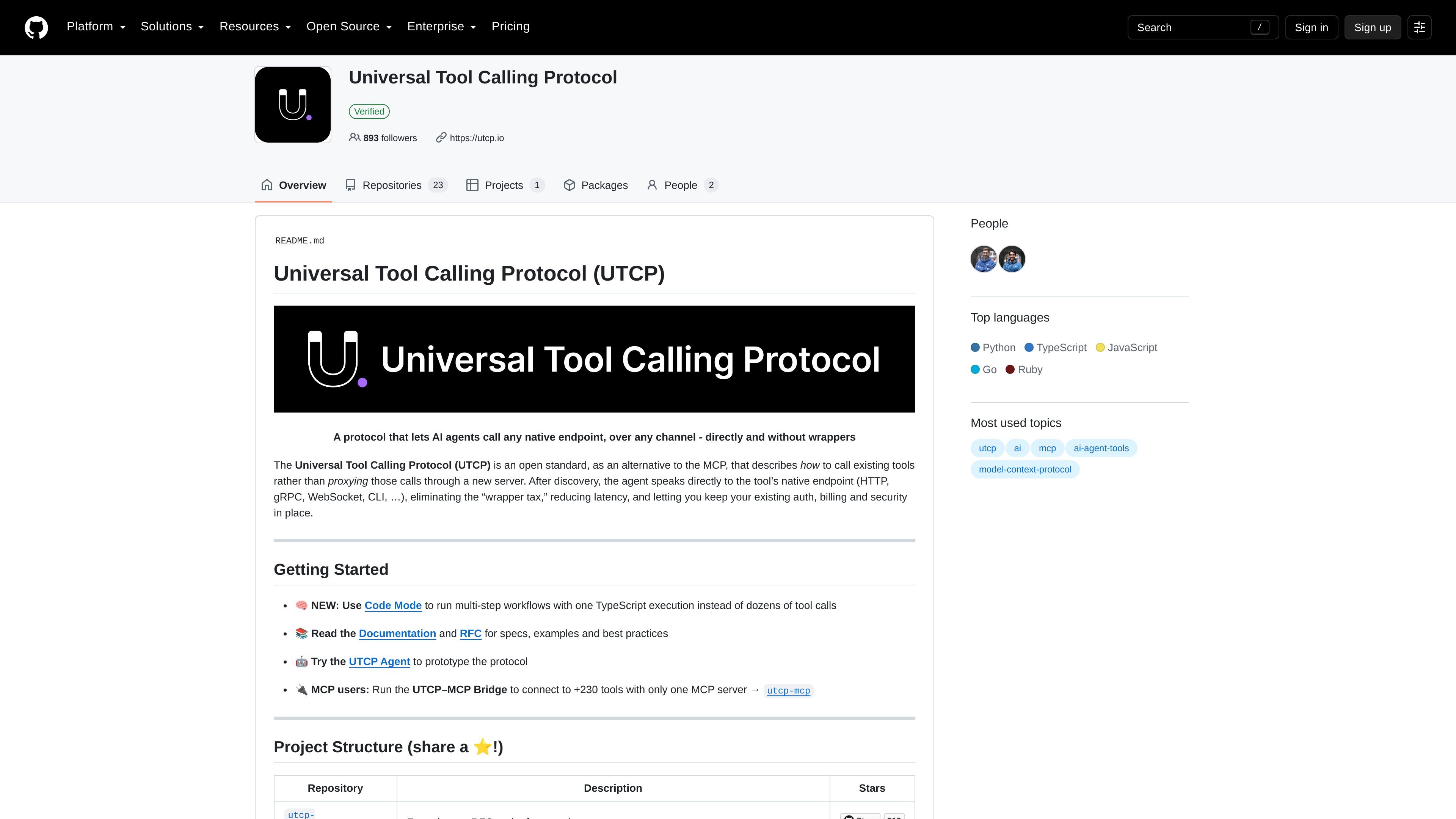
Universal Tool Calling Protocol (UTCP) is an open standard and developer project for letting AI agents and other clients discover and call existing tools across different communication protocols. Rather than requiring each tool to be wrapped in a new server, UTCP is designed for an agent to speak directly to a tool’s native endpoint, such as an HTTP, gRPC, WebSocket, or CLI endpoint, after discovery.
The project includes the protocol specification, SDKs for Python, TypeScript, and Go, additional language repositories, a UTCP–MCP Bridge, and Code Mode for multi-step workflows. Its specification covers discovery, call formats, plugin extensibility, authentication, error handling, response validation, and asynchronous client use. UTCP is intended for developers building AI agents or integrations around existing APIs and tools while retaining their established access mechanisms.
UTCP provides standardized mechanisms for discovering tools and defining tool-call formats across providers and underlying protocols.
The specification uses pluggable components and lists support for HTTP, CLI, WebSocket, Text, and MCP protocol plugins.
The specification documents API key, OAuth, and custom authentication options, along with response processing, validation, and protocol-specific error types.
Clients can use an asynchronous interface, while the v1.0 specification describes performance-oriented client and protocol implementations.
Code Mode lets agents execute multi-step workflows in a TypeScript sandbox, reducing a workflow to one execution instead of many separate tool calls.
The UTCP–MCP Bridge connects MCP users to native endpoints through an MCP server, and the project lists adapters for frameworks including LangChain, Pydantic AI, and Strands.
An agent can discover and call an organization’s existing HTTP, gRPC, WebSocket, or CLI tools without requiring each endpoint to be exposed through a newly built wrapper service.
Developers can use the MCP bridge to make native endpoints available to MCP-based agents through a single MCP server.
Agent builders can use Code Mode to express a multi-step workflow as one TypeScript execution rather than coordinating many individual tool calls.
Teams building agent frameworks can use the listed LangChain, Pydantic AI, Strands, or other UTCP projects as starting points for framework-specific integration.
SDK users can select Python, TypeScript, Go, Ruby, or Lua project components when building tooling in one of the languages represented by the organization’s repositories.
UTCP is an open standard for allowing AI systems and other clients to discover and call tools across different communication protocols, including HTTP, WebSocket, CLI, Text, and MCP through plugins.
The specification repository documents installation of the core package with pip install utcp and optional protocol plugins such as utcp-http, utcp-cli, utcp-websocket, utcp-text, and utcp-mcp. Exact setup depends on the tools and protocols being used.
UTCP is designed to call existing native endpoints directly after discovery rather than proxying calls through a new server. The project also provides an MCP bridge for connecting MCP users to native endpoints through one MCP server.
The project lists Python, TypeScript, Go, Ruby, and Lua implementations or repositories, and the specification describes plugin support for HTTP, CLI, WebSocket, Text, and MCP protocols.
The project is released under the MPL-2.0 license according to its home repository. The Ruby implementation is separately listed with an MIT license, so repository-level licensing should be checked when using a specific component.

CreateOS Sandbox is an isolated compute environment for running code and agent workloads inside Firecracker micro-VMs. It is designed for workflows that need machine-level isolation, private networking between sandboxes, and programmatic control through SDK, CLI, or MCP.

GitBot is a local browser-based workspace for creating reusable coding bots powered by Claude Code, Codex, or OpenCode. It helps developers run those agents across repository folders with persistent threads and configurable permissions.

AakarDev AI helps teams manage AI provider access, project-level setups, logs, and analytics from one dashboard. It supports BYOK workflows and lists providers including OpenAI, Google Gemini, Anthropic, Groq, Mistral AI, and Perplexity AI.

Trigger.dev chat agent is a durable AI chat backend for developers building stateful conversations that can survive refreshes, crashes, and long-running turns. It connects with the AI SDK `useChat` flow and runs on managed infrastructure with no timeout on a turn.

ByteAsk is a terminal-first AI coding agent for C and C++ that edits repositories and verifies changes with the real compiler, debugger, sanitizers, and tests before showing a diff. It offers a free tier plus paid plans, with editor connectors and zero-retention handling described in the source.

Codex Plugins bundle reusable skills, app integrations, and MCP servers into workflows you can install in the Codex app or use from Codex CLI. They help extend Codex with connected-service tasks, reusable instructions, and shared team workflows.