
DOM snippet extraction
Captures the inspected component’s exact HTML or computed string so the agent can work from the real structure instead of a summary.

Vibeocus Lens is a Chrome extension that captures frontend element context—DOM, selector, visual state, and notes—and streams it into a local Vibeocus MCP workspace. It helps developers hand off precise browser context to AI coding agents for bug fixing and refactoring.
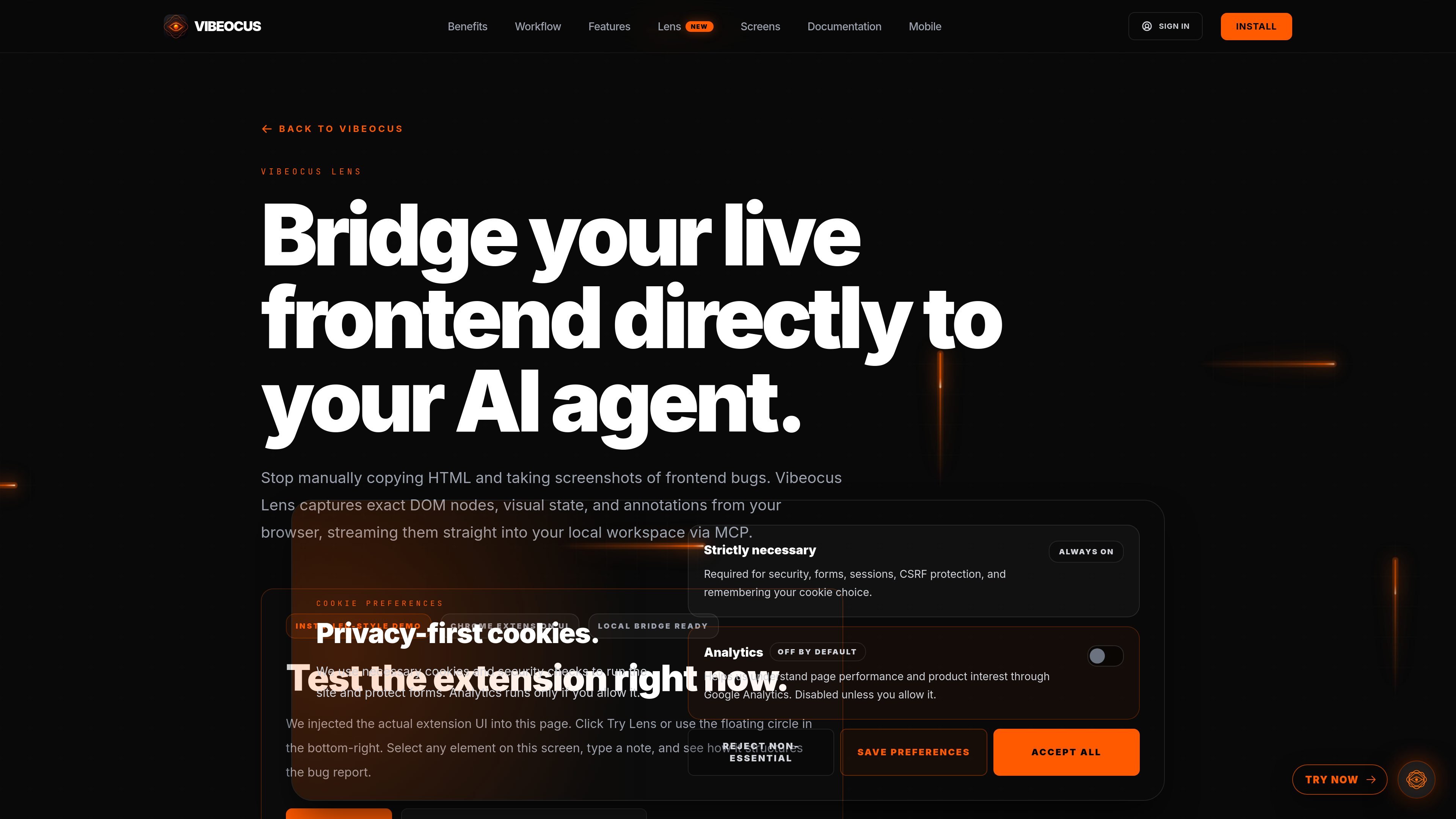
Vibeocus Lens is a browser-to-workspace capture tool for frontend debugging and AI-assisted development. It is presented as a Chrome extension that turns a selected browser element into structured context for Vibeocus Desktop and MCP-compatible agents.
Instead of asking an AI to infer a bug from a screenshot or a vague description, Lens packages the exact DOM snippet, a precise selector, a localized visual state, and your annotation into a payload that can be streamed through a local bridge. The result is a more concrete handoff from the live frontend to the local workspace where agents such as Cursor or Claude Code can inspect the same component context.
Captures the inspected component’s exact HTML or computed string so the agent can work from the real structure instead of a summary.
Records precise target paths such as `#hero .btn-primary`, which makes it easier to point an AI tool at the correct element.
Pins a localized viewport screenshot to the selected element, annotation, and task state for visual context.
Lets you add a comment, expected behavior, or task note directly to the selected element.
Uses a localhost bridge to send browser captures into Vibeocus Desktop and its MCP context.
Supports the built-in demo flow on the site, where you can select an element and see the structured payload preview before installing the extension.
Select a broken button, input, or panel in the browser, attach the expected behavior, and pass the exact selector and DOM snippet to an AI agent for a more precise fix.
Capture the live state of a component directly from the page when a screenshot alone does not show the relevant DOM structure or nested elements.
Send browser context into a local Vibeocus workspace so the capture is tied to the right project, task, and agent workflow.
Use the built-in demo to understand how the payload is assembled before installing the extension and connecting it to the desktop app.
Lens is installed as a Chrome extension. The page says you can start with the demo on the site, then install from the Chrome Web Store and connect it to Vibeocus Desktop from Settings > Lens.
Lens captures exact DOM snippets, precise CSS selectors, a localized visual screenshot, and your annotation or task note, then streams that structured capture through a local MCP bridge.
The source describes a local bridge on localhost and says the data transmission is local, with no cloud backend for Lens captures.
The site shows Lens paired with Vibeocus Desktop to open a local MCP gateway. That pairing can map target websites to projects and make the captures agent-readable inside the workspace.
The page positions Lens for frontend bug reporting and precise component identification. It is meant to reduce guesswork when an AI agent needs the exact component, selector, and visual state.

Biji è una piattaforma versatile progettata per migliorare la produttività attraverso strumenti e funzionalità innovative.

Ably Chat is a chat API platform for building custom realtime chat applications. It supports room-based messaging, typing indicators, presence, reactions, and message updates, with usage-based pricing options for different deployment stages.

Ghost è un assistente AI da terminale per chattare, generare codice ed eseguire task da riga di comando. Include modelli gratuiti, supporta Linux, macOS e Windows, ed è open source.

AakarDev AI helps teams manage AI provider access, project-level setups, logs, and analytics from one dashboard. It supports BYOK workflows and lists providers including OpenAI, Google Gemini, Anthropic, Groq, Mistral AI, and Perplexity AI.

DeepMotion is a web-based AI motion capture and 3D animation platform with Animate 3D for video-to-animation and SayMotion for text-to-animation. It helps creators and teams generate motion in a browser and export results in common production formats.

Carbon Voice is an asynchronous voice messaging app for teams and individuals, with transcripts, AI catch-up, and cross-device access. It helps people and agents communicate without needing a live call.