
Background blur
Blur the live webcam background automatically and adjust blur strength at runtime for different privacy or visual needs.

Video Effects SDK adds real-time webcam effects such as background blur, background replacement or removal, denoising, framing, beautification, and color grading. It is built for teams shipping live video experiences on web, desktop, and mobile platforms.
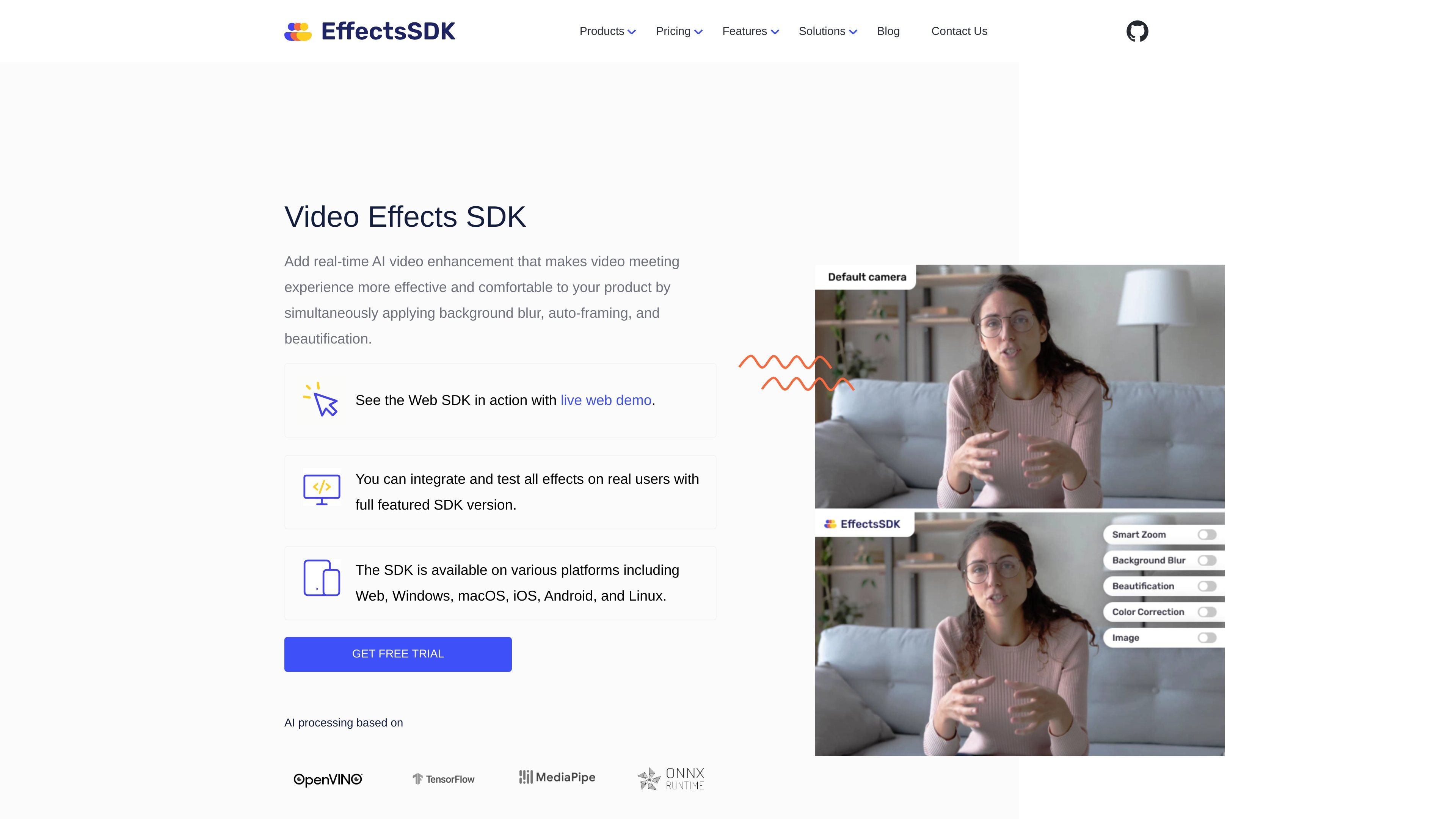
Video Effects SDK is a real-time video enhancement SDK for applications that need webcam effects during live calls, meetings, streaming, and similar interactive video workflows. The product focuses on background processing, framing, denoising, beautification, and color adjustments that run directly in the user’s application.
The site says the SDK is available on Web, Windows, macOS, iOS, Android, and Linux. It also describes a documented API, code samples, a live web demo, and pricing that varies by session volume, number of platforms, and integrated features.
Blur the live webcam background automatically and adjust blur strength at runtime for different privacy or visual needs.
Replace the background with a custom image or video, and in the feature page, animate the background for more dynamic presentations.
Return a video frame with a transparent background so downstream logic can apply its own segmentation-based effects or compositing.
Reduce digital noise from grainy webcams in low-light environments to make the image look cleaner and sharper.
Keep the speaker framed automatically by tracking faces and motion while maintaining a predefined zoom level.
Apply real-time face beautification and skin smoothing, and adjust color grading for exposure, contrast, saturation, and temperature.
Add blur, background replacement, or background removal to a conferencing product so users can control what is visible behind them during live calls.
Use auto-framing, denoise, and beautification to improve the appearance of presenters in webinars, classes, demos, and live sessions.
Apply the SDK in telehealth or other sensitive conversations where privacy and a cleaner camera feed matter during real-time video.
Ship a virtual webcam or camera utility that applies effects before video reaches another app or platform.
Evaluate real-time effects in a product prototype using the live demo and trial access before committing to a production plan.
The SDK offers a trial flow through the Developer Console. The pricing page says you need a valid CustomerID to authenticate access during the trial period, and it also mentions a 7-day full-featured trial for startup and small-company plans and a 1-month trial for enterprise plans.
The pricing page describes session-based pricing, where one session equals one SDK initialization event. It also says session duration is not tracked and does not affect pricing.
The source lists support for Web, Windows, macOS, iOS, Android, and Linux on the home page, with technical details provided for Windows 10/11, macOS 10.15+, iOS 14+, Android 5.0+, and current desktop browsers for the web SDK.
The home page says the API is fully documented and that code samples are provided to help with integration. It also states that the SDK can be tested on real users with a full-featured version.
The pricing page says enterprise customers can request custom quotation and discuss specific requirements, including on-premises deployment and direct developer support.

Pixelcut is an AI photo editor for creating and editing product images, social content, and video assets. It offers free and paid plans, plus mobile app and browser access for individual users and teams.

DeepMotion is a web-based AI motion capture and 3D animation platform with Animate 3D for video-to-animation and SayMotion for text-to-animation. It helps creators and teams generate motion in a browser and export results in common production formats.

Zella is a screen recorder and on-device AI video editor for Mac and iPhone. It helps creators record screens or cameras, automatically clean up footage, add captions, reframe clips, and export videos without uploading the core project to the cloud.

Agentic video understanding is a Gemini video analysis mode that helps developers inspect video more selectively for better accuracy and lower token usage. It is available through the Gemini API in Google AI Studio and the Gemini Enterprise Agent Platform.

Jupitrr Cut is a free iOS and Android teleprompter and recording app for scripted talking-head videos. It records scenes separately, lets users retake individual lines, trims pauses, and stitches the takes into a jump-cut video.

Optimo is a free, open-source CLI for optimizing and converting images and videos with format-specific commands built on ImageMagick and FFmpeg. It helps developers prepare web assets, batch process media, and automate compression from the shell or a Node.js script.