
On-device dictation and privacy
Apple’s on-device Speech engine transcribes locally, and the page says audio never has to leave the machine when you stay on-device.
VTT is a native macOS dictation app that keeps transcription on-device by default and supports optional cloud engines with your own API key. It’s built for private voice-to-text on Mac, with per-language routing and local transcript history.
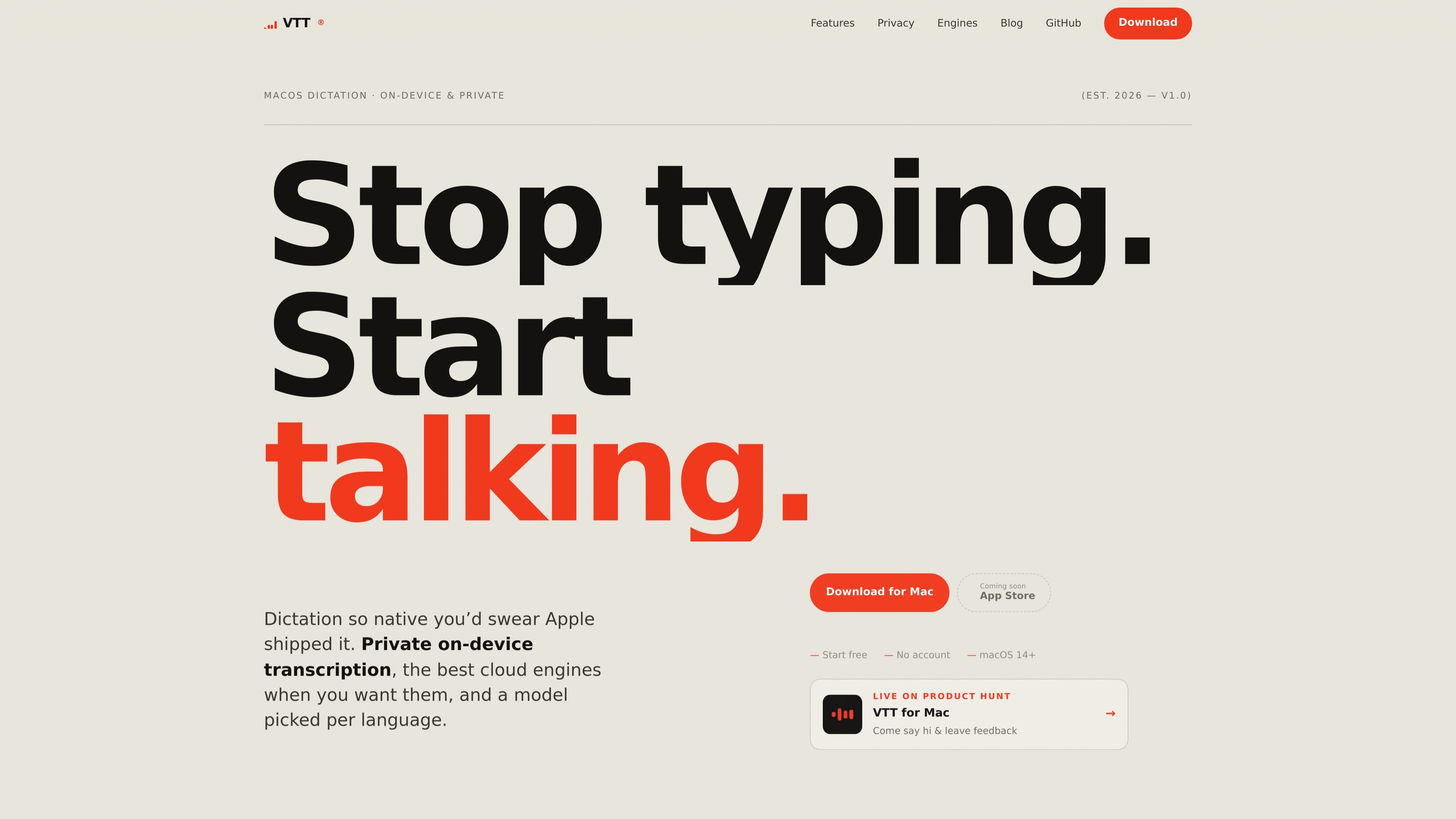
VTT is a native macOS voice-to-text app for dictation on Mac. It is designed to keep transcription local by default, using Apple’s on-device Speech engine so audio stays on the machine without an account or sign-in.
When you want another option, VTT also supports cloud transcription through Deepgram, OpenAI, and ElevenLabs with your own API key. It adds per-language engine selection, downloadable language models, a menu-bar workflow with global hotkey capture, and local transcript history for recovering recent dictation.
Apple’s on-device Speech engine transcribes locally, and the page says audio never has to leave the machine when you stay on-device.
The app is built in Swift and AppKit for macOS only, with a native menu-bar workflow instead of a cross-platform wrapper.
A global hotkey, live waveform, and auto-insert let you dictate directly into the app you are already using.
Deepgram, OpenAI, and ElevenLabs are available with your own API key, and you can choose the exact model per provider.
Each language can be routed to the engine that handles it best, either automatically or by manual choice.
Dictations are stored in a local history on your Mac, newest first, so recent transcripts can be pasted again if needed.
Use VTT to dictate directly into documents, chat apps, or other text fields on Mac when you want a keyboard-free way to write.
Keep transcription local for sensitive notes or personal drafts when you prefer not to send audio to a server.
Switch to a cloud engine when built-in dictation struggles with strong or regional accents and you want another model to try.
Route different languages to different engines when you work across languages and want each one handled by the best available model.
Recover a recent transcript from local history if you pasted into the wrong window or need to reuse what you just said.
Yes. By default VTT uses Apple’s on-device Speech engine, so dictation stays on your Mac and no account is required. If you choose a cloud engine, audio is sent directly to that provider using your own API key.
Yes. The site says VTT is free to start, with no account required. On-device dictation costs nothing; cloud engines are pay-as-you-go through your own provider account if you choose to use them.
VTT supports Apple’s on-device Speech engine, including the newer macOS 26 models, plus optional cloud engines from Deepgram, OpenAI, and ElevenLabs.
VTT runs on macOS 14 or later and supports both Apple Silicon and Intel Macs. The site says it recommends the correct build automatically.
Yes. On-device dictation works fully offline. You only need an internet connection to use a cloud engine or download additional language models.

QuickQuill is a macOS dictation and transcription app that runs locally on the device. It helps users record meetings, transcribe audio, generate summaries, and export notes without using a cloud service.

Speech to Text Converter is a browser-based transcription tool for live dictation and uploaded audio or video files. It offers a free tier for short tasks and a Pro plan for unlimited transcription, AI summaries, translation, speaker identification, and advanced exports.

Dictato is a Mac dictation app that transcribes speech into text in any app using an on-device, offline workflow. It supports multiple transcription engines, optional cleanup and translation, and a one-time purchase license.

Sanota is an app that turns spoken memories, reflections, and interviews into clear written stories. It supports personal storytelling, family history, and shared memories, with guided prompts and subscription pricing.

Carbon Voice is an asynchronous voice messaging app for teams and individuals, with transcripts, AI catch-up, and cross-device access. It helps people and agents communicate without needing a live call.

An OpenAI API guide for choosing the right speech architecture for live audio, translation, transcription, speech generation, and audio-capable chat. It helps developers map each speech application to the appropriate session type, endpoint, and connection method.