
Simple image upload
Upload a single JPG, PNG, or WebP image up to 25 MB. Images over 1440px on the long side are reduced before processing.

ZeroBG Colorize Photo is a browser-based AI tool that adds estimated color to black-and-white photos and scans. It provides a free watermarked preview before a user unlocks the stored full colorized result, making it useful for family-photo exploration and old-print visualization.
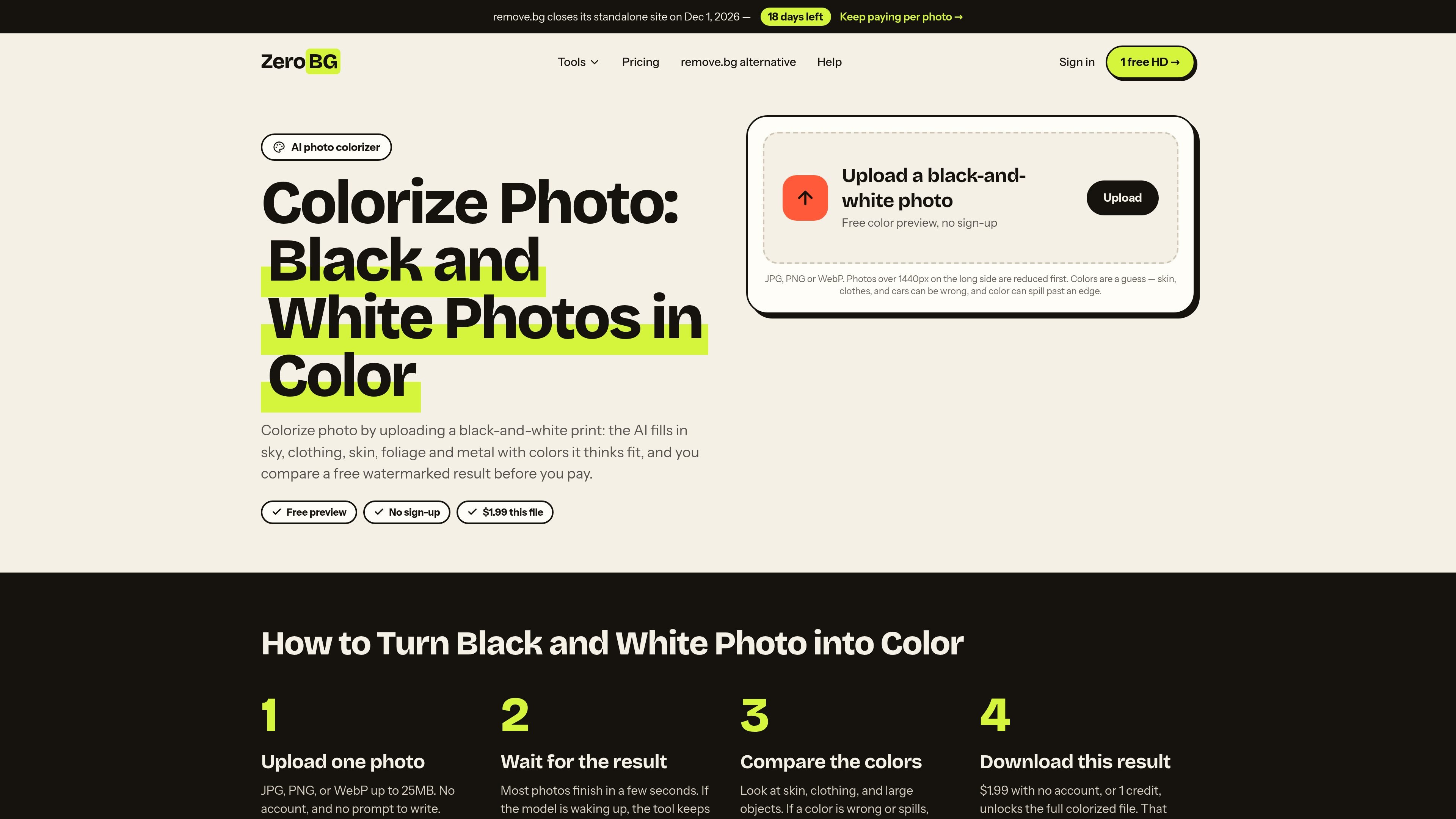
ZeroBG Colorize Photo is a browser-based AI photo colorizer for black-and-white prints, scans, and other images. Upload one JPG, PNG, or WebP file, then review a free watermarked color preview before unlocking the result.
The tool estimates plausible colors for elements such as clothing, skin, sky, foliage, and vehicles, but it cannot verify the original scene. It is intended for visual exploration and creating a color version of an old print, rather than restoring historical accuracy or correcting blur, scratches, tears, or image size.
No account is needed to generate a preview. If the result is acceptable, the stored colorized file can be downloaded without the watermark for $1.99 or one HD credit; the payment unlocks that existing result rather than running another color pass.
Upload a single JPG, PNG, or WebP image up to 25 MB. Images over 1440px on the long side are reduced before processing.
See a generated color version beside the source before deciding whether the result is useful.
The dedicated color model estimates colors for scene elements such as sky, clothing, skin, foliage, and cars without requiring a written prompt.
Pay $1.99 without an account or use one HD credit to unlock the stored result as a full colorized file without the ZeroBG watermark.
Colorization is scoped to adding color; separate ZeroBG tools cover restoration, unblurring, upscaling, prompt-based editing, and background removal.
Upload a scanned grayscale portrait or group photo to explore how clothing, skin, hair, and the surrounding setting might look in color.
Create a color reference for an old printed photograph while keeping the original black-and-white scan available for comparison.
Evaluate a preview before spending a credit, which is useful when only some colorized results are worth retaining.
Colorize an existing image first, then move it to ZeroBG's separate background-removal tool when the person needs to be isolated from an old studio backdrop.
Upload one JPG, PNG, or WebP image up to 25 MB. The tool generates a free watermarked preview without requiring an account; keep the tab open while the result is processing.
Yes. The preview is free, does not require sign-up, and is limited per device and network each day. A full, watermark-free download costs $1.99 for that result or uses one HD credit.
The model estimates colors based on the image, so clothing, skin, hair, vehicles, and other objects may receive inaccurate colors. Color may also spill across edges, and small facial details can shift.
The paid file is the stored colorized result generated for that upload, without the ZeroBG watermark. It is not a second model run and does not guarantee the original pixel dimensions; the result view shows its output size.
No. Colorize Photo adds color only. Use the separate unblur tool for camera shake, the upscaler for images that need more pixels, and the photo restoration tool for scratches, tears, or fading.

Upscale.media is an AI image upscaling and enhancement tool from Pixelbin that enlarges low-resolution or pixelated images and improves clarity in the browser. It offers free individual image use, paid credit plans, and team-oriented workflows such as bulk processing and API integration.

Pixelcut is an AI photo editor for creating and editing product images, social content, and video assets. It offers free and paid plans, plus mobile app and browser access for individual users and teams.

Petalica Paint is a web service for automatically coloring line art and tracing line drawings from photographed images. The home page says it can be used under the stated terms for commercial and noncommercial work, but it is scheduled to end on 2025-07-31 at 16:00 JST.
Wearvue AI generates personalized outfit previews from a photo, lets users refine the style for an occasion, and surfaces similar real products to shop. It is aimed at people who want to preview outfit ideas before buying and compare them with shoppable alternatives.

PhotoAid’s AI Image Enlarger is a free browser-based tool for upscaling images without a standard blur-heavy resize. It supports JPEG, WEBP, and PNG uploads and is described as working best for photos with faces.

Magic Eraser è uno strumento alimentato da IA che consente agli utenti di rimuovere rapidamente oggetti, persone, testi e imperfezioni indesiderate dalle foto con facilità.