
Web-based short-video editing
Upload a file or paste a YouTube or TikTok link, then use the web-based editor to build a short-form clip.

Crayo is a web-based AI video editor for making short-form clips with subtitles, voiceovers, and workflow templates. It supports uploads from files or YouTube/TikTok links and offers tiered paid plans.
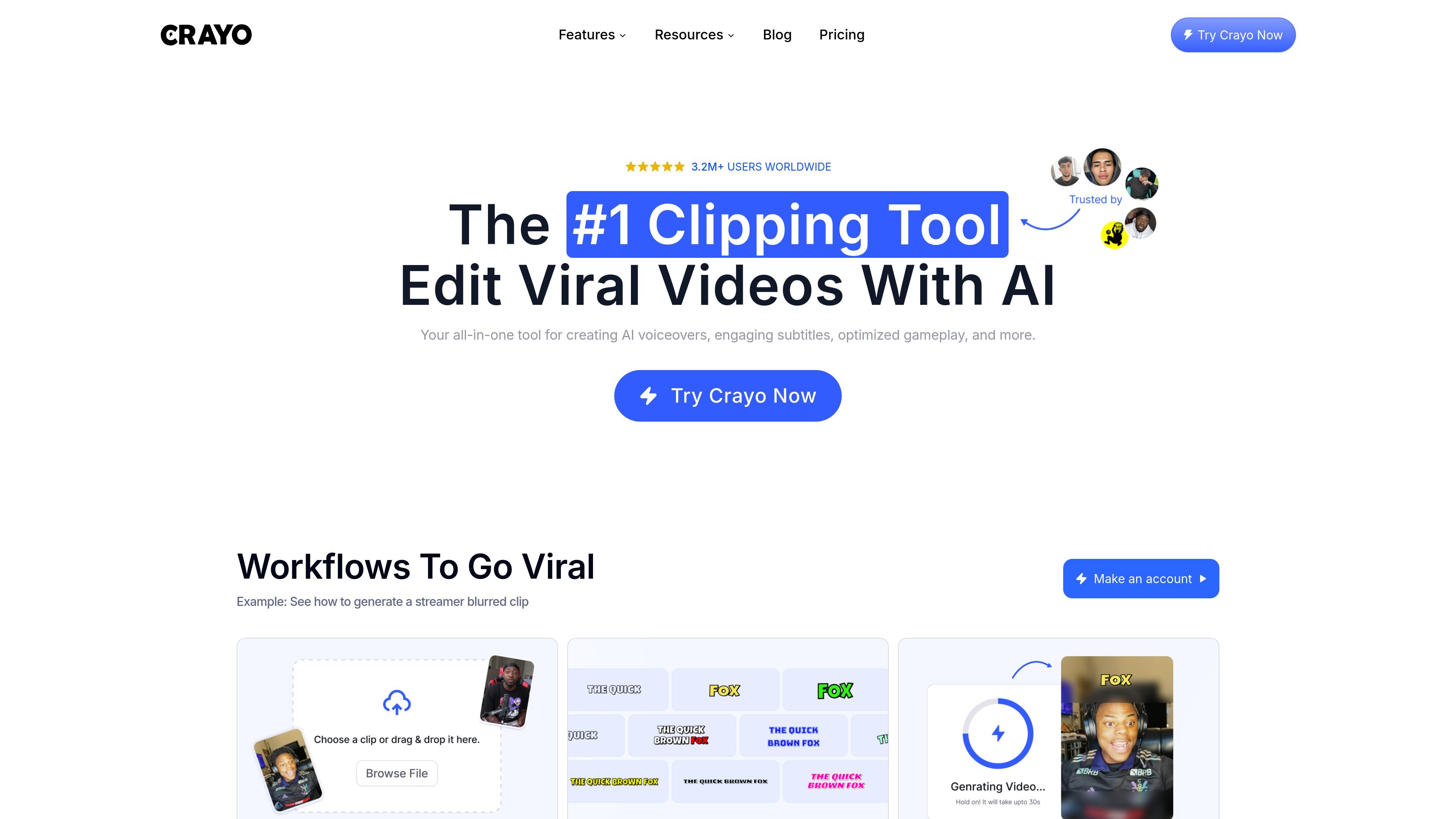
Crayo is an AI video editor built around short-form content workflows. The home page positions it as an all-in-one platform for creating AI voiceovers, engaging subtitles, optimized gameplay clips, and related editing tasks.
The product centers on a web-based editor and guided workflows that help users turn uploaded files or YouTube/TikTok links into short videos. The dashboard highlights both a Simple Editor for quick formatting and subtitles and an Advanced Editor for more control from scratch, while the pricing page shows tiered paid plans with workflow credits, export time, voiceover minutes, and AI image allowances.
Upload a file or paste a YouTube or TikTok link, then use the web-based editor to build a short-form clip.
Choose from 15+ subtitle styles in the simple workflow to format captions quickly for viral-style shorts.
Generate AI voiceovers as part of the editing workflow, with plan allowances listed on the pricing page.
Create AI images and use the image generator tool for content that needs generated visuals.
Use tools such as the background remover, voice changer, subtitle remover, audio balancer, and video compressor for focused edits.
Access workflow templates including Fake Texts Video, Reddit Video, Split-screen Video, Streamer Video, and ChatGPT Video.
Use the simple editor when you want to trim a clip, apply subtitles, and move quickly from upload to finished short-form video.
Use workflow templates like streamer, Reddit, or split-screen videos when you want a repeatable format for content production.
Use the AI voiceover and image tools when a short video needs generated narration or supporting visuals without switching products.
Use the advanced editor when you need more direct control over the edit and want to build from scratch.
Use focused utilities such as the background remover, voice changer, subtitle remover, audio balancer, or compressor for cleanup tasks.
Crayo is an AI video editor for creating and editing short-form videos. The site shows a simple editor, an advanced editor, and tools for generating captions, voiceovers, and other clip-editing workflows.
The pricing page shows three paid plans: Hobby, Clipper, and Pro. Each plan includes workflow credits, export time, AI voiceover minutes, and AI image credits, billed yearly.
Crayo’s dashboard mentions a Simple Editor for quick formatting and subtitles, an Advanced Editor for full control from scratch, and free tools such as an audio balancer and video compressor.
The source mentions uploads from files or YouTube/TikTok links, and the pricing page lists YouTube downloader and TikTok downloader tools. Supported export formats are not specified in the provided sources.
The provided sources do not describe team features or collaboration controls. A Discord community is available, and the site also references 24/7 support for questions.

CAMB.AI Streams は、YouTube、Twitch、X などの配信でライブ音声を多言語にリアルタイム吹き替え。SRT、RTMP、HLS対応で既存のライブワークフローに接続し、後編集なしで多言語配信を実現します。

Optimo is a free, open-source CLI for optimizing and converting images and videos with format-specific commands built on ImageMagick and FFmpeg. It helps developers prepare web assets, batch process media, and automate compression from the shell or a Node.js script.

画像、動画、音声、ライティング、チャットのツールを統合したオールインワンAIプラットフォームで、創造性とコラボレーションを高めます。

Slidesgoは、Google Slides、PowerPoint、Canva向けのプレゼンテーションテンプレート集。無料・Premiumテンプレートに加え、AIによる資料作成やチーム向けアクセスにも対応。

GrokはxAIによって開発された無料のAIアシスタントであり、真実性と客観性を優先するように設計されており、リアルタイム情報アクセスや画像生成などの高度な機能を提供します。

Creativlyは、短い入力からビジュアルコンセプト、モックアップ、スタイル化画像を生成できるWebベースのAIクリエイティブスタジオ。長いプロンプトなしで素早く発想したいデザイナー、クリエイター、起業家向け。