

テキストから画像への生成
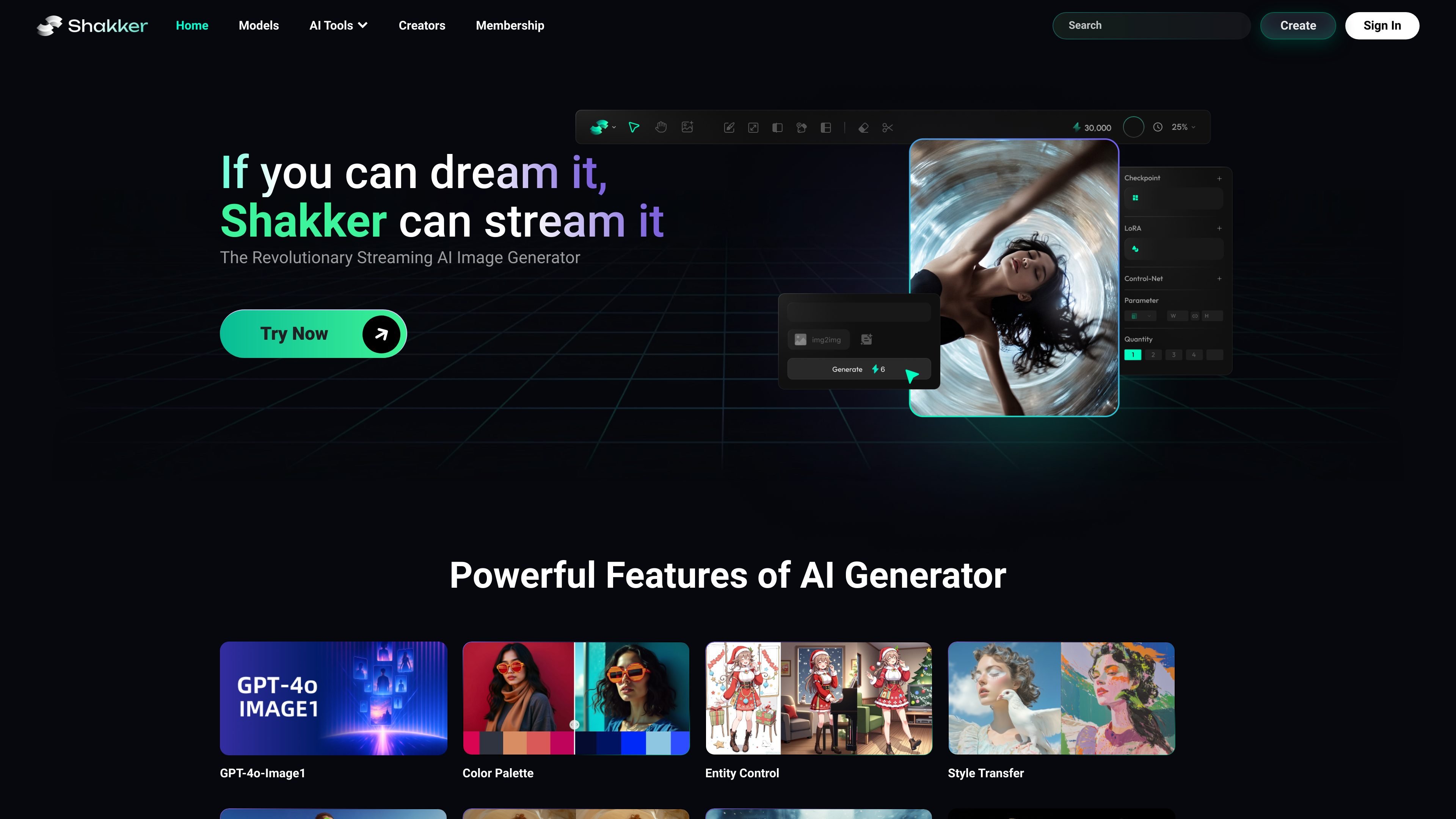
メインの Shakker Generator でテキストプロンプトから画像を生成でき、ページ文言では高速なブラウザベースの作成に重点が置かれています。
Shakker AI は、テキストプロンプトから画像を作成・編集するためのブラウザベースのツールを中心に構成されたオンラインAI画像生成プラットフォームです。サイトでは、メインの Shakker Generator に加えて、Online A1111 WebUI、Online ComfyUI、さらに face swap や style transfer などの関連AIツールも提供されています。
製品ページ全体では、Shakker はローカル導入なしでイラスト、写真、ロゴのコンセプト、商品ビジュアル、ゲームアートなどを生成したいユーザー向けにプラットフォームを位置付けています。体験はブラウザ内での作業、モデルの選択、クリエイティブ設定の調整、そして利用可能な場合は inpainting や upscaling などの編集機能で結果を仕上げることに重点を置いています。
メインの Shakker Generator でテキストプロンプトから画像を生成でき、ページ文言では高速なブラウザベースの作成に重点が置かれています。
ブラウザベースの Automatic1111 インターフェースを使って、text-to-image、image-to-image、inpainting、ControlNet、LoRA、checkpoints、textual inversion を扱えます。
ローカル設定なしで、カスタムノードと Stable Diffusion のワークフローに対応するブラウザベースの ComfyUI 環境で作業できます。
ツールページで公開されている範囲で、プロンプト、sampler、CFG Scale、アスペクト比、解像度、seed の扱い、カラーパレット、その他の生成設定を調整できます。
生成画像は PNG、JPG、WEBP など一般的な形式で書き出せます。メイン生成ページでは、アップスケーリングと画像強化のオプションも案内されています。
メイン生成機能やオンラインの Stable Diffusion Web インターフェースを使って、テキストプロンプトからコンセプトアート、イラスト、ロゴ、その他のビジュアル案を作成できます。
既存画像をアップロードし、image-to-image や inpainting ツールを使って、ゼロから作り直さずにスタイル変更、部分差し替え、細部調整を行えます。
より細かな制御が必要な場合は、カスタムノードや取り込んだローカルワークフローを含む ComfyUI 上で、ブラウザベースの生成ワークフローを構築できます。
eコマースやSNS向けに、商品風ビジュアル、ライフスタイルショット、マーケティング用素材を素早く反復しながら生成できます。
ローカルソフトウェアをインストールせずに、さまざまなデバイスでブラウザツールを利用できるため、自宅、オフィス、モバイルなどをまたいで作業するクリエイターに便利です。
はい。サイトでは Shakker AI を無料で使えるオンラインAI画像生成ツールとして説明しており、各ツールページでもローカル導入なしでブラウザから利用できることを強調しています。
Shakker AI には、メイン生成機能、Online A1111 WebUI、Online ComfyUI、Online Training、無料の顔入れ替えツール、AIスタイル転送など、用途に応じて選べる個別のブラウザツールがあります。
サイトでは、テキストプロンプト、image-to-image編集、inpainting、ControlNet、LoRA、Flux、sampler、CFG Scale、Hiresfix、tiled diffusion、tiled VAE など、開いたツールに応じたワークフローを利用できると案内されています。
ページには PNG、JPG、WEBP での書き出しが記載されており、あるページではサブスクリプションプランに応じて出力解像度が最大 4K まで可能とされています。
サイトでは、露骨な成人向けコンテンツ、ヘイトスピーチを含む画像、その他有害なコンテンツは利用規約で禁止されていると案内しています。

Kling AIは、画像・動画の生成と編集に対応するAIクリエイティブスタジオ。Web、モバイル、APIで利用でき、制作ワークフローを幅広く支援します。

Skybox AIは、ゲーム、XR、映画、教育、建築向けに360°のスカイボックスと環境を生成。Unity、Blender、Godot、SketchUp、Figma、Roblox連携にも対応。

AIペインティングジェネレーターは、ユーザーが入力したテキストの説明に基づいて自動的にアートを生成するオンラインAIソフトウェアです。

画像、動画、音声、ライティング、チャットのツールを統合したオールインワンAIプラットフォームで、創造性とコラボレーションを高めます。

PixelDriveは、ブラウザ編集、REST API、CSV一括、MCPで1つのテンプレートから大量のブランド画像を生成できるAPI。キャッシュ可能なレンダリングと従量課金に対応。

PicCopilotは、EC向けのAIコンテンツプラットフォーム。商品写真からマーケティング画像、モデル写真、動画、SNS投稿を生成。無料プランと有料プランあり。