
Multiple connection methods
Connect AO2 through MCP, an API key, SDK, or CLI, depending on how you build and which AI tool you use.

AO2 Memory is a shared memory layer for AI tools that lets one agent’s context be reused by others. It helps people and small teams keep structured notes, permissions, and exports in one place.
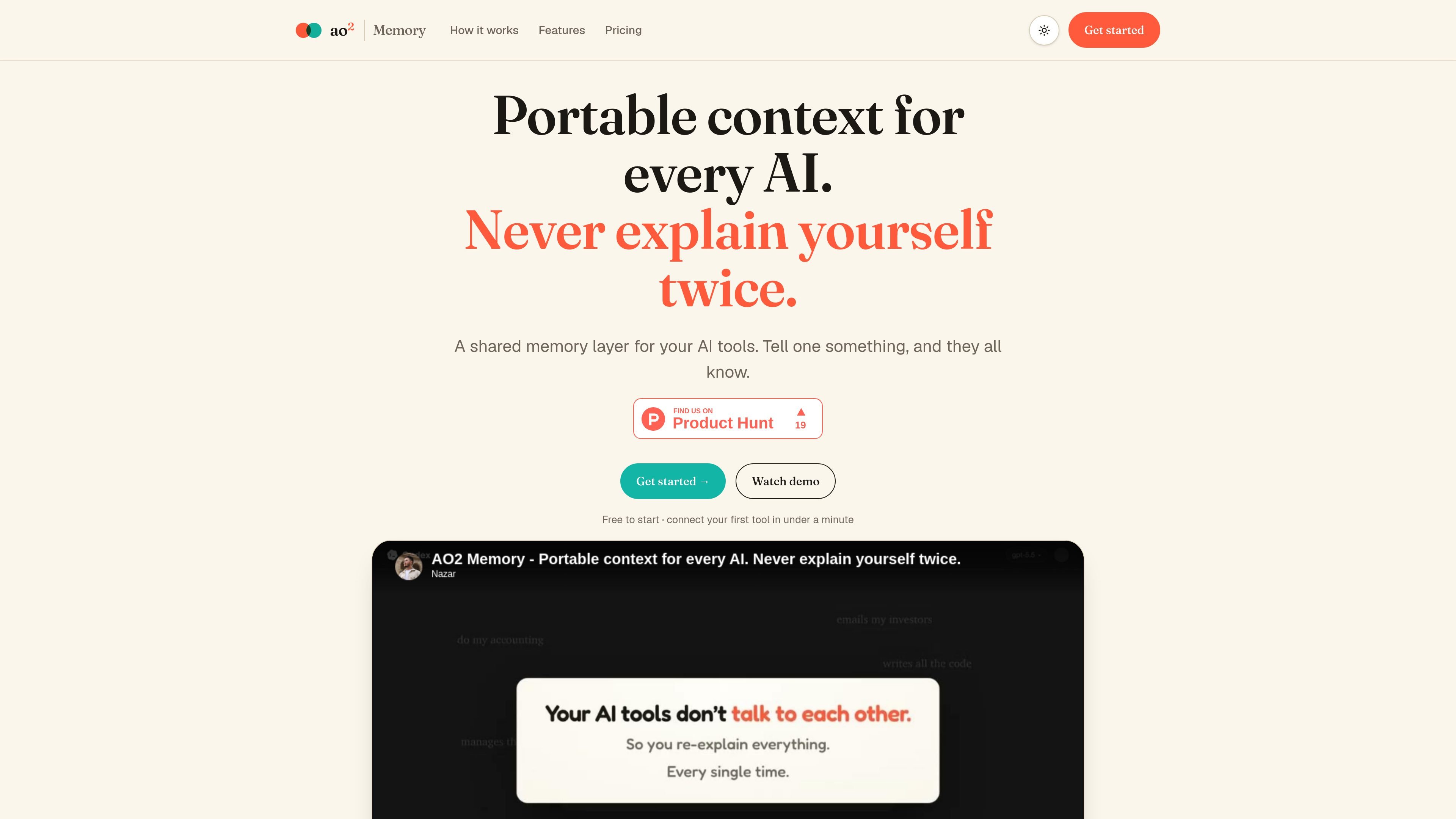
AO2 Memory is a shared memory layer for AI tools. It is designed to let one agent write context once and make that same context available to other connected tools, including Claude, ChatGPT, Codex, and custom apps.
The product connects through MCP, API key, SDK, or CLI, and it stores information as structured records rather than an unstructured text dump. The source also shows dashboard access for tracking agent activity, scoping permissions, and exporting memory in formats such as Git, JSON, Markdown, and CSV.
Connect AO2 through MCP, an API key, SDK, or CLI, depending on how you build and which AI tool you use.
Share one memory layer across tools so context written by one agent is readable by the others.
Store information as structured records instead of a free-form blob, so notes stay organized and usable.
View changes made by agents, including updates, creations, and rollbacks, from a dashboard activity list.
Limit what each AI can access with record- and field-level permissions, including temporary keys that expire.
Export memory to Git, JSON, Markdown, or CSV so data can be kept outside the product.
Keep project context in one place so Claude, ChatGPT, and other connected agents can pick up the same facts without retyping them.
Store notes, preferences, and project structure as records so the memory stays readable and organized as it grows.
Give an agent limited access to only the records or fields it needs when you want tighter control over what it can read or change.
Review what each agent changed, then roll back unwanted updates from the dashboard activity history.
Export memory into Git or common file formats when you want to keep a local copy or move data into another workflow.
AO2 Memory is a shared memory layer that connects to AI tools through MCP, an API key, SDK, or CLI. The source says it can work with Claude, ChatGPT, Codex, OpenClaw, Hermes, Manus, and custom apps.
The source says AO2 Memory stores structured records rather than an unstructured text dump. You define the structure once, and new records follow that shape.
Yes. The source says you can export memory with one command, and the export options mentioned are Git, JSON, Markdown, and CSV.
The pricing page shows three plans: Free, Pro, and Unlimited. The free plan is described for early experiments and tiny private tools, while Pro and Unlimited are paid plans.
The source says plans are based on active records across the account, and archived records stay available without counting toward the limit.

CreateOS Sandbox is an isolated compute environment for running code and agent workloads inside Firecracker micro-VMs. It is designed for workflows that need machine-level isolation, private networking between sandboxes, and programmatic control through SDK, CLI, or MCP.

AakarDev AI helps teams manage AI provider access, project-level setups, logs, and analytics from one dashboard. It supports BYOK workflows and lists providers including OpenAI, Google Gemini, Anthropic, Groq, Mistral AI, and Perplexity AI.

ByteAsk is a terminal-first AI coding agent for C and C++ that edits repositories and verifies changes with the real compiler, debugger, sanitizers, and tests before showing a diff. It offers a free tier plus paid plans, with editor connectors and zero-retention handling described in the source.

Goldfish is an AI memory app for macOS that helps you reply, write, summarize, and continue using the context already on your Mac. It stores memory locally and writes in your tone.

Lasso is an ecommerce product data platform for enriching catalog records, processing supplier files, generating product content, and monitoring competitors. It combines a web app with a REST API, SDK, and MCP server for teams and developers.

Codex Plugins bundle reusable skills, app integrations, and MCP servers into workflows you can install in the Codex app or use from Codex CLI. They help extend Codex with connected-service tasks, reusable instructions, and shared team workflows.