

Plain-English drafting
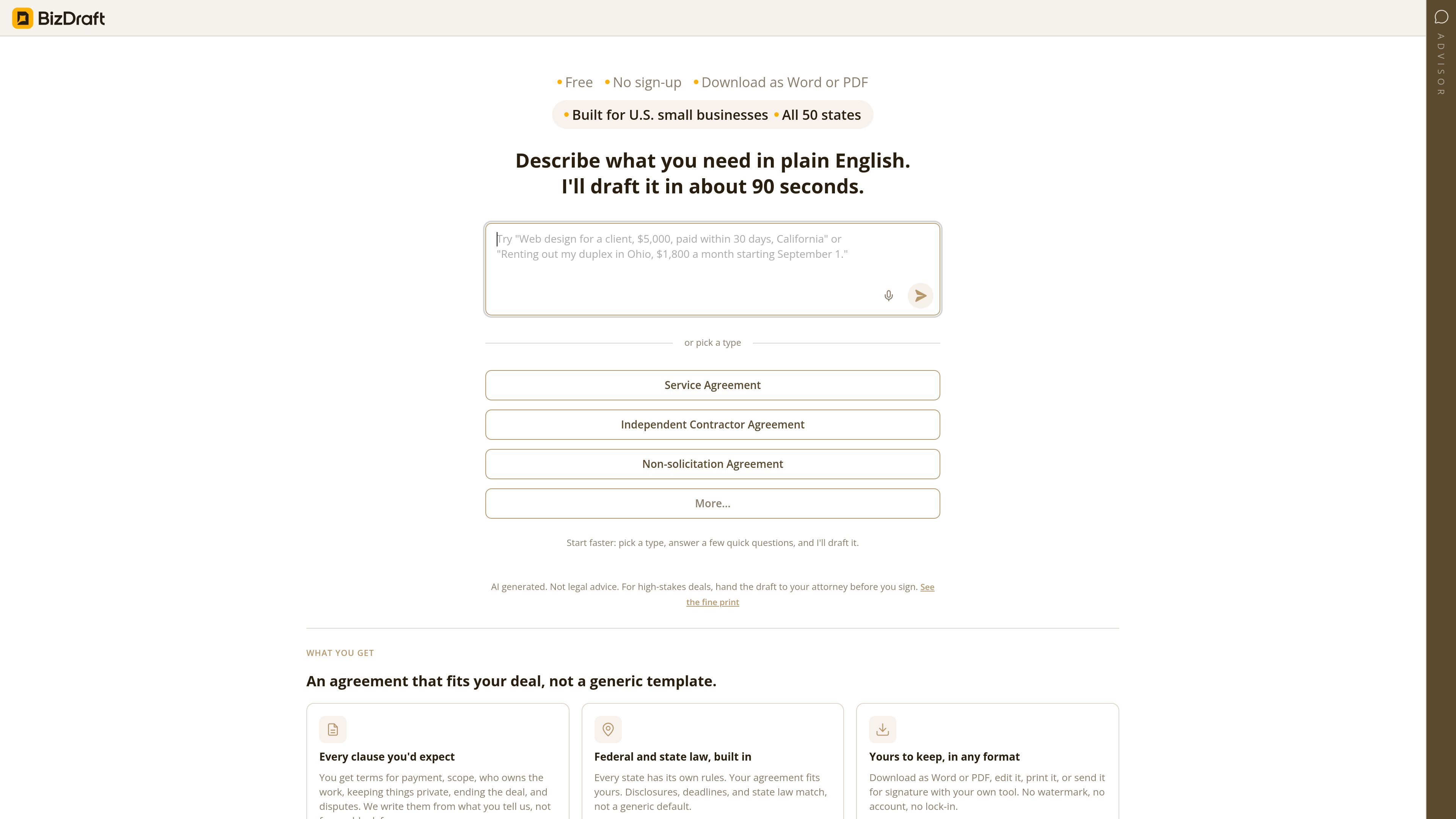
Describe what you need in plain English and BizDraft drafts an agreement in about 90 seconds, using your inputs to shape the document instead of starting from a blank template.
BizDraft is an AI drafting tool for business agreements. From the source, it is positioned for U.S. small businesses and supports all 50 states, with a workflow that starts from plain-English instructions or a chosen agreement type.
The product’s core job is to turn a few deal details into a usable contract draft quickly. The site says it can generate an agreement in about 90 seconds, include terms that fit the deal, and let users download the result as Word or PDF for further editing or signing in their own workflow.
Describe what you need in plain English and BizDraft drafts an agreement in about 90 seconds, using your inputs to shape the document instead of starting from a blank template.
The flow asks for details such as amounts, dates, and the state involved, which helps the draft reflect the deal and apply the right state context.
The pricing page says the agreement includes the clauses you would expect: payment, scope, ownership of work, confidentiality, ending the deal, and dispute terms.
BizDraft says federal and state law are built in, with disclosures and deadlines matched to the state rather than a generic default.
You can download the finished document as Word or PDF, then edit, print, or send it for signature using your own tools.
The source highlights no sign-up, no watermark, and no account lock-in.
Start with a service, contractor, or non-solicitation agreement type, then answer a few questions to generate a draft faster than writing from scratch.
Enter deal specifics such as payment amounts, dates, and the applicable state so the agreement reflects the transaction rather than a one-size-fits-all template.
Use the Word or PDF download to edit the document further, print it, or pass it into an existing signature workflow.
Use the product when you want a fast starting point but still need standard business terms like scope, ownership, confidentiality, termination, and dispute handling.
Choose a state and rely on the product’s built-in state-specific approach when you need the draft to reflect local rules, disclosures, and deadlines.
BizDraft helps you draft agreements from plain-English prompts and a short set of follow-up details such as amounts, dates, and the state the agreement applies to. You can also start from a suggested agreement type like a Service Agreement or Independent Contractor Agreement.
The source explicitly says it is built for U.S. small businesses and covers all 50 states. Its drafting flow uses state-specific rules, disclosures, and deadlines where relevant.
BizDraft offers download options for Word and PDF. The source also says you can edit the file, print it, or send it for signature with your own tool.
No sign-up is required according to the pricing page, and the source says there is no watermark or account lock-in. The page also notes you can start by picking a type and answering a few quick questions.
BizDraft includes a clear disclaimer that the output is AI generated and not legal advice. It also advises handing high-stakes deals to an attorney before signing.

Jotform Sign is electronic-signature software for converting PDFs or preparing documents, sending them to stakeholders, collecting signatures on any device, and tracking progress. It is designed for digital document workflows and is available through ChatGPT and Claude.

nolainocr is an AI OCR tool that extracts structured data from PDF invoices, receipts, forms, contracts, and bank statements. It helps teams move document data into Excel, Google Sheets, JSON, or CSV without manual entry.

PDFTools is a browser-based suite of free and premium PDF utilities for editing, conversion, and document handling. It helps users work on PDFs locally in the browser without uploading files to a server.

Artifacts by Samepage is a connected writing surface for product teams that turns signals and existing work context into drafts such as PRDs, release notes, feature requests, bug tickets, and status updates. It includes built-in AI editing and can publish work into tools like Jira, GitHub, Confluence, Slack, and Linear.
司马阅是一款面向企业的AI文档智能体平台,帮助团队把分散在文档中的知识转成可用于问答、检索、写作和审查的结构化能力。它适合对准确性和数据安全要求较高、且有大量文档工作流程的企业。

Vorker.ai is an AI coworker for solo operators and small teams. It helps with email, research, documents, marketing, meetings, reporting, and repetitive administrative work through authorized business tools and information sources.