
File Explorer rotation
Right-click a supported video in File Explorer and turn it left or right without managing a separate export dialog.

ClipTurn is a Windows 11 app for physically rotating videos from File Explorer or inside the app, with verification before the source file is replaced. It is currently offered free through Microsoft Store.
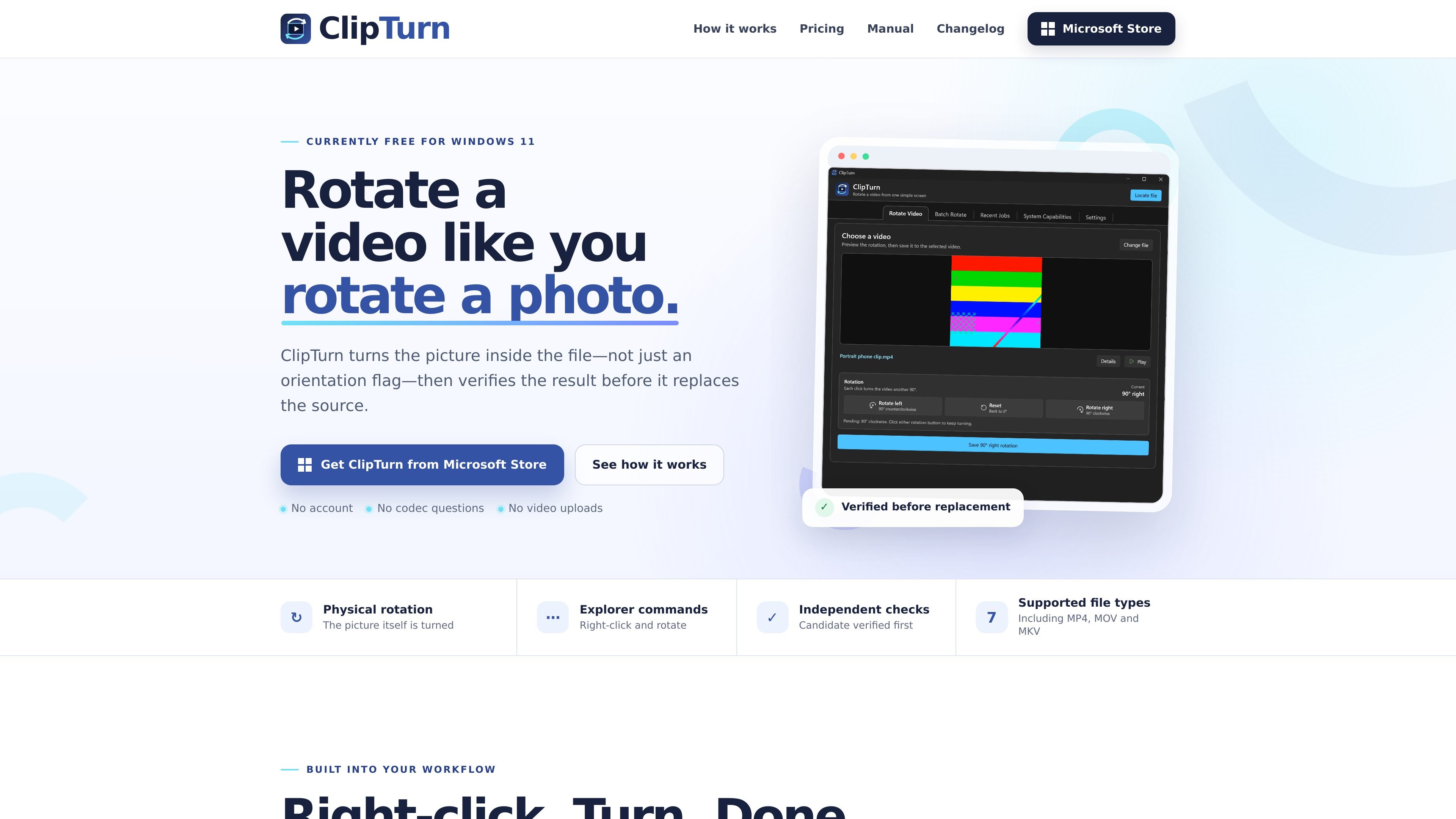
ClipTurn is a Windows 11 video-rotation app that works from File Explorer and from inside the app. Its job is narrow: rotate a video physically so the stored picture changes, rather than only changing an orientation flag.
The app is designed to verify the result before it replaces the source file. When a faithful candidate can be produced, ClipTurn commits the rotation in place; when it cannot, it leaves the original untouched and explains why. The site also says the current app is free through Microsoft Store.
Right-click a supported video in File Explorer and turn it left or right without managing a separate export dialog.
ClipTurn chooses a compatible processing path for the specific file instead of asking you to pick a codec, bitrate, output format, or quality setting.
Before replacing the source file, ClipTurn checks picture, timing, stream, audio, and replacement conditions and only commits if the candidate passes.
The app processes videos locally on your PC and does not require an app account or cloud upload.
Supported files stay as they are across seven types: MP4, M4V, MOV, MKV, WebM, WMV, and AVI.
For compatible files, ClipTurn can preserve source codec, audio, metadata, subtitles, extra soundtracks, colour information, and HDR; unsupported cases are left unchanged with an explanation.
A user notices a sideways clip in a folder and wants to fix it from the context menu without opening a full editor.
Someone wants to check the turn direction before saving and uses the app’s single-video preview to confirm the result.
A person needs to process several clips and wants each file to finish with its own verified result instead of a single shared export.
A user cares about preserving as much of the original file as possible and wants the app to keep the source unchanged unless a faithful replacement can be verified.
ClipTurn is currently offered for $0 through Microsoft Store. The pricing page says the current app has no trial timer, subscription, account requirement, or in-app checkout.
No. The current app includes File Explorer integration, single-video preview in the app, Batch Rotate, supported formats, processing policies, Recent Jobs, and verification.
ClipTurn replaces the selected file in place only after verification passes. If the app refuses or fails before a safe commit, the source remains unchanged.
ClipTurn supports seven registered file types: MP4, M4V, MOV, MKV, WebM, WMV, and AVI. The site also notes that some files may still be refused depending on codec, bit depth, track layout, metadata, installed Windows codecs, and hardware.
ClipTurn is built for Windows 11 and works directly from File Explorer, with an optional in-app preview and batch workflow.

Video Effects SDK adds real-time webcam effects such as background blur, background replacement or removal, denoising, framing, beautification, and color grading. It is built for teams shipping live video experiences on web, desktop, and mobile platforms.

DeepMotion is a web-based AI motion capture and 3D animation platform with Animate 3D for video-to-animation and SayMotion for text-to-animation. It helps creators and teams generate motion in a browser and export results in common production formats.

Optimo is a free, open-source CLI for optimizing and converting images and videos with format-specific commands built on ImageMagick and FFmpeg. It helps developers prepare web assets, batch process media, and automate compression from the shell or a Node.js script.

OpenChatCut is an open-source, local-first AI video editor that lets agents edit a real multitrack timeline instead of generating a flattened video. It is built for creators, editors, and developers who want conversational editing with editable exports and optional external-agent workflows.

FlexClip is an AI-powered online video maker and editor that helps users create videos from templates or from scratch. It combines browser-based editing with AI tools for scripting, voiceover, subtitles, translation, and background removal.

Virvid is an AI shorts generator for creators and marketers who want to make faceless short-form videos for TikTok, Instagram Reels, and YouTube Shorts. It supports both manual video creation and automated daily posting workflows.