
Curve-based gradient control
Use separate X and Y curves to control how colors flow across the canvas, instead of relying on only linear or radial gradients.

Colir is a desktop gradient editor for building custom gradients with curve-based control, real-time rendering, and texture effects. It supports PNG and WebP export, share links, and a free plan limited to personal use.
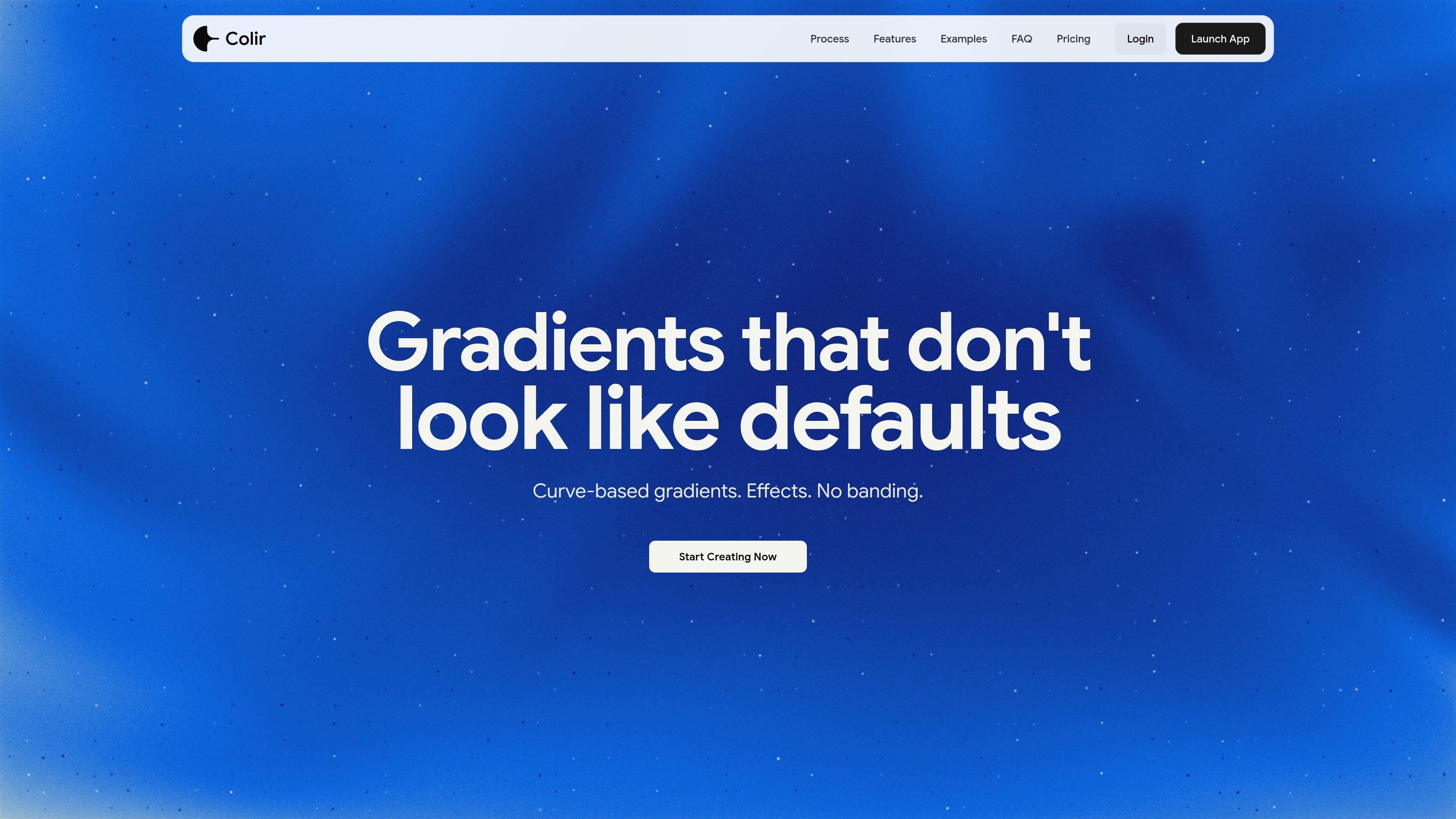
Colir is a desktop gradient editor for creating custom gradients with curve-based control. Instead of limiting you to standard linear or radial setups, it lets you shape how color moves across the canvas with separate X and Y curves, then refine the result with blend modes and visual effects.
The product is built for designers and other visual creators who need gradients for brand identity, print, video and motion, web design, or digital art. It also provides curated templates, built-in palettes, and export options so you can move from a starting point to a finished image or shareable link in a few steps.
Use separate X and Y curves to control how colors flow across the canvas, instead of relying on only linear or radial gradients.
See edits update immediately through GPU-accelerated WebGL rendering, including work at higher resolutions.
Choose from 12 blend modes and apply them across the canvas and effects to shape contrast and mixing.
Add noise, feather, glitter, distortion, and patterns to introduce texture, soften edges, or break up banding.
Export gradients as PNG or WebP at 1×, 2×, 3×, or 4× scale, or generate a share link for reuse.
Start from one of 9 built-in palettes or curated templates, then edit stops, curves, and effects to fit the final design.
Create branded gradients for identity systems, campaign assets, or layout backgrounds when you want a look that goes beyond basic linear gradients.
Build background plates, title cards, and texture-rich scenes for motion pieces by combining curves with distortion, glitter, and patterns.
Produce custom web backgrounds and section treatments that need to export cleanly as image files or be shared with collaborators.
Generate experimental gradients for illustrations, posters, or digital compositions where color flow and surface texture matter.
Start from a curated template or built-in palette, then adapt the gradient by adjusting stops, curves, and effects to fit a project brief.
Yes. The source says the free plan is for personal use only, while PRO includes commercial use and client work.
No. The guide and app show Colir runs in the browser on desktop, and the app explicitly says it works on desktop for now.
You can export PNG and WebP files at 1×, 2×, 3×, or 4× scale.
Colir can generate a share link for a gradient so you can send it to someone or revisit it later.
A refund policy is published and says purchases are covered by a 30-day money-back guarantee, handled through Paddle.

Napkin AI는 텍스트를 편집 가능한 시각 자료로 바꿔 프레젠테이션, 문서, 공유용 콘텐츠 제작을 돕습니다. 텍스트 우선 생성과 협업, PPT·PNG·SVG·PDF 내보내기를 지원합니다.

Refero MCP for AI agents connects an MCP-compatible agent to Refero’s curated library of web and iOS product interfaces and user flows. It helps agents research real design patterns before generating UI, with access included in the Refero Pro plan.

Frames로 프리미엄 디바이스 프레임과 템플릿을 활용해 런치 포스터, 인스타그램·트위터·Product Hunt 마케팅 그래픽을 빠르게 제작하세요. 무료로 시작

GPTIMG2 AI is a web-based image generator built around OpenAI’s GPT Image 2 model. It supports prompt-driven generation, reference-based edits, readable text, and higher-resolution outputs for product visuals, posters, UI mockups, ads, and similar production assets.

TapNow is a web-based AI visual creation platform for businesses, creators, and teams. It supports image and video generation along with editing, planning, and collaboration tools.

Outsource Rizz is a design and development service for pre-launch B2B startups. It helps founders ship product, website, and brand work with an embedded team of senior designers and developers.