
Mobile Agent chat
View Agent conversation bubbles, tool-call cards, and thinking details from a phone, send replies, and respond when Cursor pauses for confirmation or a question.

Cursor Remote Lite is a free, open-source, self-hosted tool for controlling Cursor running on a computer from an Android device, iPhone home-screen app, or browser. It helps developers monitor Agents, answer prompts, approve actions, switch windows and models, and review file changes remotely.
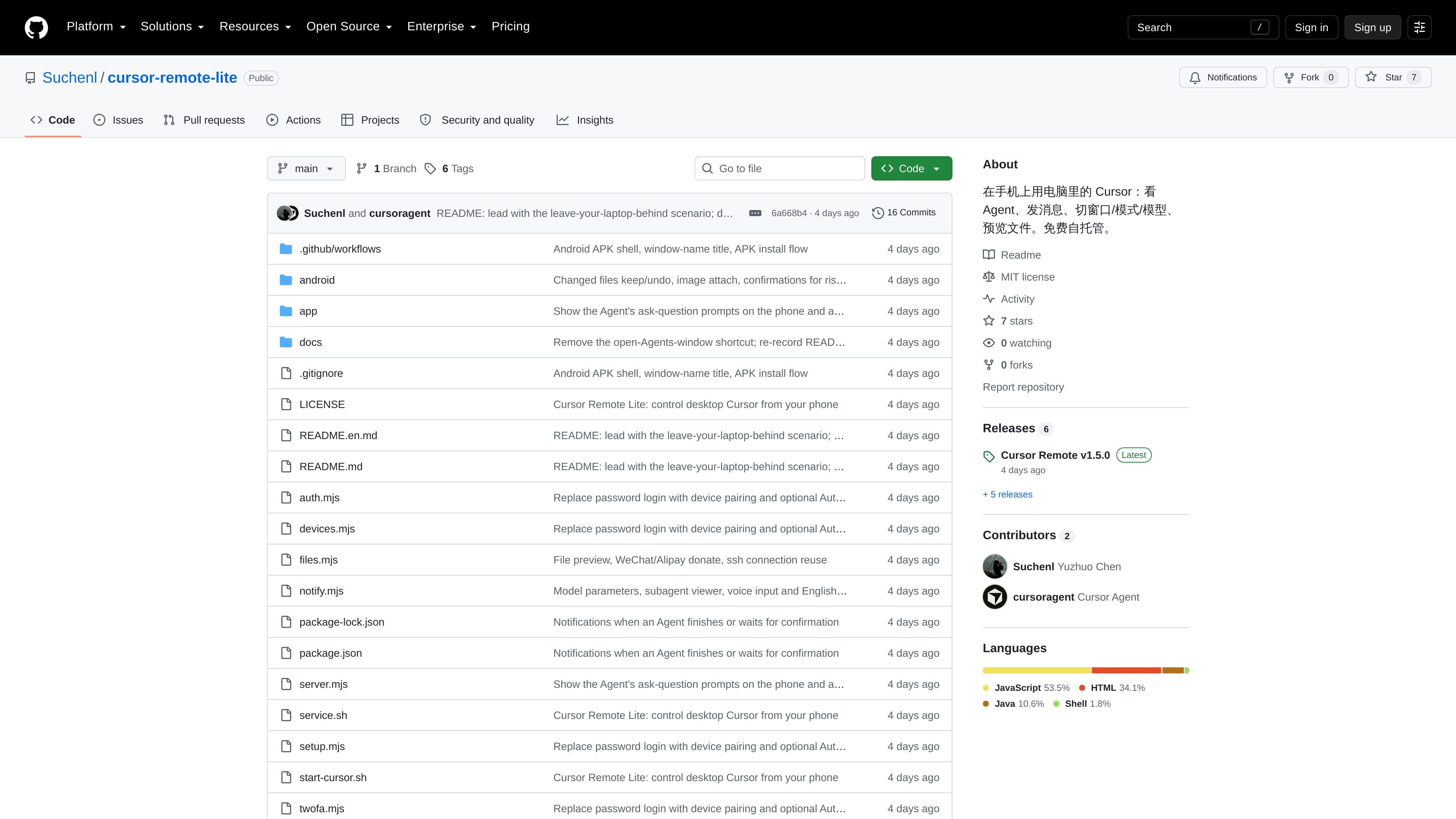
Cursor Remote Lite is a free, open-source, self-hosted remote-control interface for Cursor. It lets a phone connect to Cursor running on a computer so users can assign Agent tasks, read progress, answer questions, approve commands, and inspect changes without carrying the computer.
A small Node.js relay runs on the computer and communicates with Cursor through the Chrome DevTools Protocol. The phone interface is delivered through a GitHub Pages app and connects through a Cloudflare tunnel, allowing local and SSH-based Cursor windows to be managed remotely. The computer still needs to stay awake, and the project notes that its macOS startup and background-service scripts are more complete than its Windows support.
View Agent conversation bubbles, tool-call cards, and thinking details from a phone, send replies, and respond when Cursor pauses for confirmation or a question.
Switch among local, SSH, and Agents windows, and change Agent, Plan, or Ask modes, models, and available model parameters such as thinking intensity or Fast mode.
Open referenced files in a line-numbered viewer, display images, and inspect files changed by the Agent, including added and deleted line counts.
Keep messages sent while an Agent is working in Cursor's queue; edit, send immediately, delete, or stop the current Agent run from the phone.
Receive in-app or system notifications when an Agent finishes or waits for an action, with behavior documented for Android, iPhone home-screen apps, and browsers.
Pair by scanning a one-time QR code, optionally enable Authenticator-based two-factor verification, and use a live screen mode for taps, scrolling, zooming, and keyboard input.
Start an Agent task before leaving home, then answer its questions, approve commands, and send follow-up instructions while commuting or attending meetings.
Leave Cursor connected to a company or home GPU machine over SSH and use the phone to monitor progress, inspect remote files, and handle approval prompts without opening a full remote desktop.
Review an Agent's output from a phone by checking changed files and line counts, previewing the affected content, and keeping or undoing files individually before accepting the result.
Use queued messages and child-Agent status to coordinate a longer-running task: add the next instruction while the current turn runs, inspect sub-Agent conversations, or stop a run when needed.
Use notifications to react when Cursor finishes or pauses for confirmation, even when the phone is not actively viewing the relevant window.
Clone the repository, run `npm install`, then `npm run setup`. The setup wizard checks for optional `cloudflared` and GitHub CLI dependencies, can create a public GitHub repository for the phone app and GitHub Pages hosting, and can configure startup behavior. Start Cursor with `./start-cursor.sh`, then run `npm run pair` to generate a one-time QR code for the phone.
The repository documents macOS as the primary setup platform. Node.js 22 or later, `cloudflared`, and the GitHub CLI are used for the documented workflow; the latter two mainly affect external access and a fixed app address. The server can also run on Windows and Linux, but the bundled background-service and startup scripts currently support macOS only.
The phone connects over HTTPS and WebSocket through a Cloudflare tunnel to the relay running on the computer. The relay then communicates with Cursor through the Chrome DevTools Protocol. The project states that code and conversations remain on the user's computer rather than being uploaded to a cloud Agent.
Yes. The documented workflow supports local Cursor windows, SSH remote windows, and Agents windows. SSH file previews require the computer to be able to connect to the remote machine without entering an SSH password, as is commonly configured for a Cursor SSH connection.
The computer running the relay and Cursor must remain awake. The display may be turned off and the computer may be locked, but sleep or closing a MacBook lid will prevent the phone from connecting unless the documented external-display setup is used.

ByteAsk is a terminal-first AI coding agent for C and C++ that edits repositories and verifies changes with the real compiler, debugger, sanitizers, and tests before showing a diff. It offers a free tier plus paid plans, with editor connectors and zero-retention handling described in the source.

CreateOS Sandbox is an isolated compute environment for running code and agent workloads inside Firecracker micro-VMs. It is designed for workflows that need machine-level isolation, private networking between sandboxes, and programmatic control through SDK, CLI, or MCP.

GitBot is a local browser-based workspace for creating reusable coding bots powered by Claude Code, Codex, or OpenCode. It helps developers run those agents across repository folders with persistent threads and configurable permissions.

hob is an independent workspace for coding agents that keeps agent sessions, terminals, history, and follow-up work organized around the tools and providers you already use. It is aimed at developers who want local control over routing, history, and workspace structure rather than a bundled model stack.

Ably Chat is a chat API platform for building custom realtime chat applications. It supports room-based messaging, typing indicators, presence, reactions, and message updates, with usage-based pricing options for different deployment stages.

Manta AI is an autonomous web app testing tool for teams that want to map application behavior, catch regressions, and generate tests without writing scripts or maintaining selectors. It works from a URL and supports plain-English test flows, run results with screenshots, and scheduled or deployment-triggered checks.