

Import recipes from the web and social posts
Paste a recipe website URL or a supported Instagram, Facebook, TikTok, or YouTube post. The service extracts a structured recipe with ingredients, steps, servings, timing, a photo, and source information.
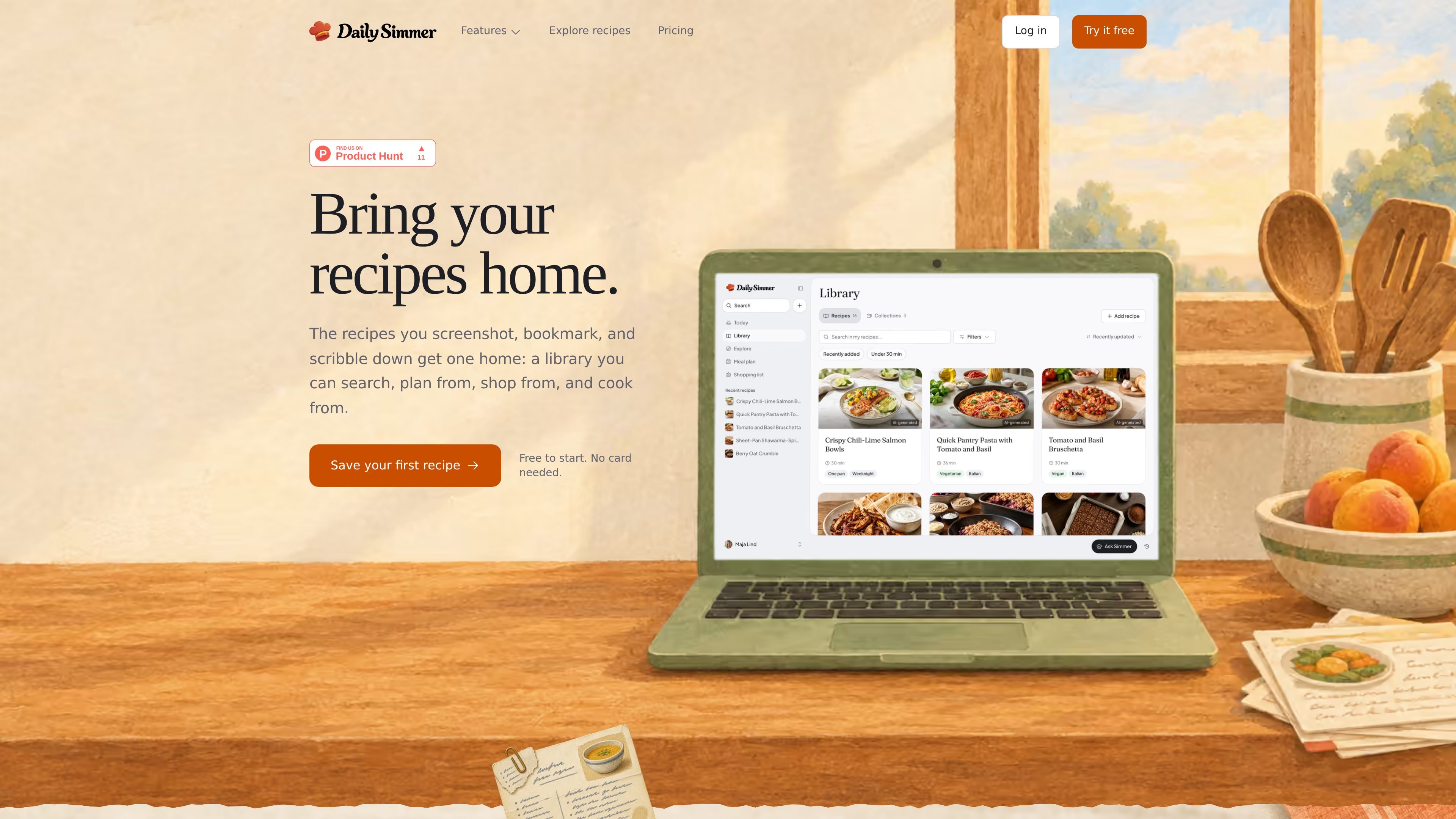
Daily Simmer is a recipe manager for collecting recipes from websites, supported social posts, other recipe apps, handwritten notes, and cookbook pages. It turns imported sources into organized recipes and keeps them in a library that can be searched, planned from, shopped from, and used in cooking mode.
The product combines recipe storage with weekly meal planning and shopping workflows. Users can plan manually from saved recipes, merge ingredients into an aisle-sorted list, cook with step-by-step instructions and timers, share recipes through public links or shared collections, and use optional AI features to create or adapt recipes.
Paste a recipe website URL or a supported Instagram, Facebook, TikTok, or YouTube post. The service extracts a structured recipe with ingredients, steps, servings, timing, a photo, and source information.
Bring in recipes from supported export files from CookBook, Flavorish, Mr. Cook, Paprika, and Recipe Keeper. The import flow lets you preview selections and avoids duplicating recipes already imported.
Save recipes in a searchable library, including recipes created in Daily Simmer and recipes captured by photographing handwritten recipes or cookbook pages.
Drag saved recipes onto days and meals, adjust the number of portions, and add the week to a shopping list that combines shared ingredients and sorts items by aisle.
Use a cooking mode with step-by-step instructions and timers, keeping the saved recipe available while you cook.
Create and adapt recipes with AI, including AI-assisted meal planning and recipe polishing. Usage is subject to the allowances and credits of the selected plan.
Paste links to recipes found on websites or supported social platforms and keep the extracted ingredients, steps, timing, servings, photo, and source together instead of returning to the original post while cooking.
Export a library from CookBook, Flavorish, Mr. Cook, Paprika, or Recipe Keeper, preview what was found, and select recipes to import without retyping them.
Choose saved recipes for the coming week, assign them to breakfast, lunch, or dinner, set portions, and produce one consolidated list for the grocery trip.
Open a saved recipe in cooking mode and follow its steps with timers while keeping the recipe's structured ingredients and timing available.
Share recipes or a planned week with household members through public links, shared collections, or a Family of up to six cooks on eligible plans.
The Free plan supports up to 25 recipes, imports from recipe websites, up to five successful assisted imports from supported social posts per month, photo-based capture of handwritten or cookbook recipes, manual weekly meal planning, shopping lists, and step-by-step cooking mode. It requires no credit card.
Yes. Daily Simmer can import export files from CookBook, Flavorish, Mr. Cook, Paprika, and Recipe Keeper. You upload the relevant export file in Settings > Import, review the recipes found, and select which ones to bring across. CookBook PDF and .cookbook files are not supported; YAML exports are supported.
Paste a recipe page link or a supported social post from Instagram, Facebook, TikTok, or YouTube. Daily Simmer can turn the source into a structured recipe with a title, ingredients, steps, servings, timing, photo, and source attribution. Some assisted imports count toward the plan's AI usage or monthly allowance.
Yes. You can drag saved recipes onto days and meals, set portions, add the plan to a shopping list, and have shared ingredients merged with quantities sorted by aisle. The plan and shopping list can also be shared with a Family.
Cookbook is a one-time purchase, while Plus is a subscription available monthly or annually. Cookbook and Plus provide unlimited recipes and Family collaboration for up to six cooks; Plus provides more weekly AI usage, while Cookbook includes the same weekly included usage as Free.