
Interface and design editing
Create frames, nested auto-layout layouts, components, variants, variables, styles, vectors, images, gradients, effects, and blend modes in a native editor.

Desigma is an open-source, local-first design tool built in Rust for interface design, prototyping, vector editing, decks, motion, and developer handoff. It runs as a native desktop app on macOS, Windows, and Linux and can import Figma JSON and .fig files.
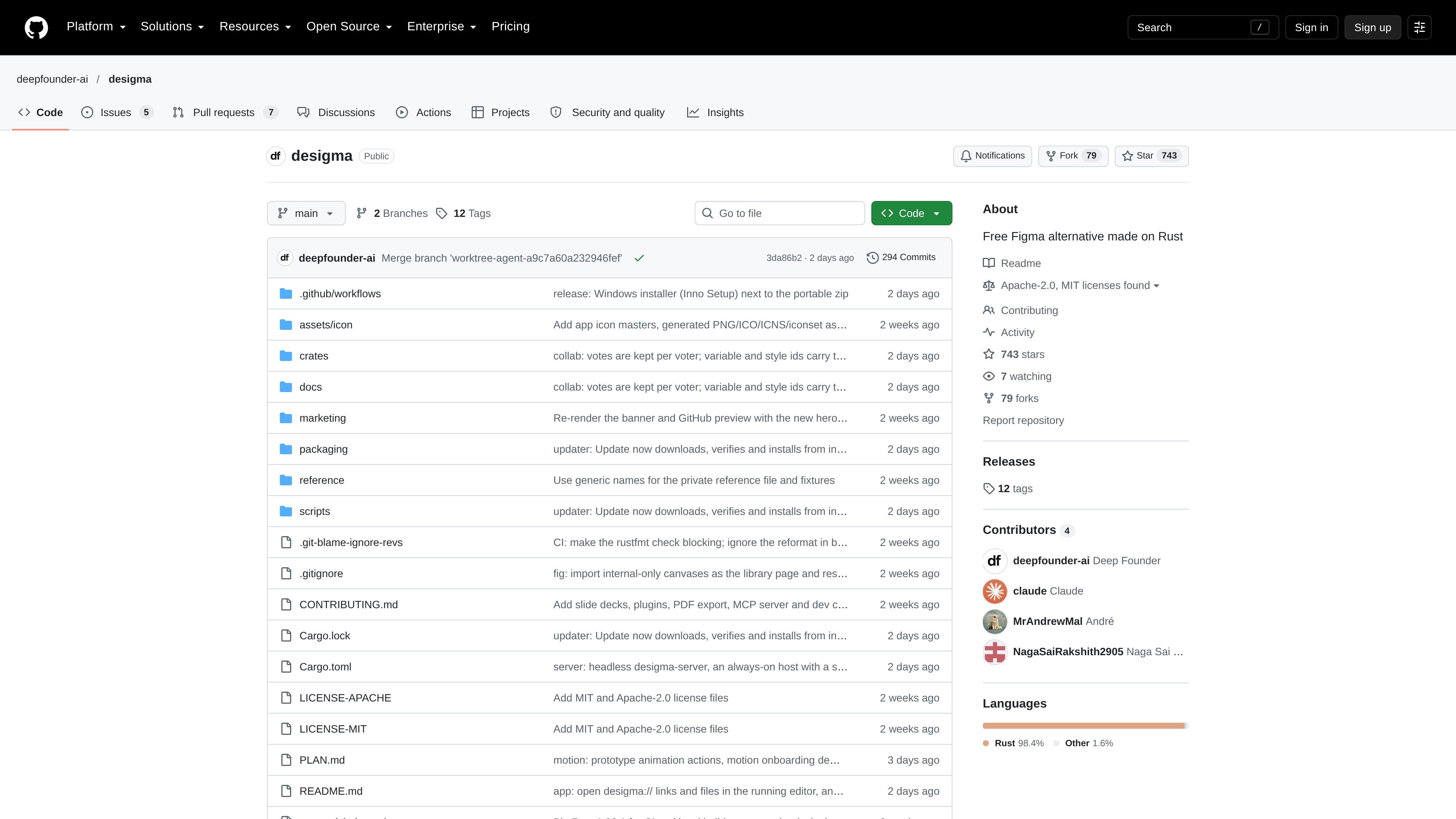
Desigma is an open-source, local-first design tool built entirely in Rust as a native desktop application. It provides a Figma-oriented workspace for interface design, vector editing, prototyping, components, variables, whiteboards, decks, and motion, while keeping files in a local projects library and supporting offline use.
The editor is intended for designers and developers who need to create interfaces, document design systems, prototype interactions, prepare presentations, or hand designs to implementation. It can import Figma REST API JSON and .fig files, supports live link-based collaboration without an account, and includes developer handoff outputs for several code formats.
Create frames, nested auto-layout layouts, components, variants, variables, styles, vectors, images, gradients, effects, and blend modes in a native editor.
Import Figma REST API JSON or .fig files, including components, instance overrides, styles, and prototype links.
Build interactive flows with hotspots, navigation, overlays, transitions, easing curves, springs, variables, conditional logic, interactive components, and Smart Animate.
Publish shared components, styles, and variables for use in other files, with a review step when a new library version is enabled.
Work in a local projects library with recents, starred files, projects, folders, search, grid and list views, thumbnails, trash, drag-and-drop, and autosave.
Use Dev mode for measurements, annotations, box-model information, and generated CSS, Tailwind, SwiftUI, Jetpack Compose, or React snippets.
Create editable 16:9 decks with slide thumbnails, speaker notes, presentation mode, and slide or deck PDF export.
Create responsive interface layouts with nested auto layout, reusable components, variants, variables, styles, and vector-based visuals for mobile or web screens.
Import an existing Figma file, inspect its components and prototype links, then continue editing it in a local native application.
Connect screens with triggers, overlays, navigation, variable-driven states, and animated transitions to demonstrate an interactive product flow.
Prepare a presentation or product review using editable 16:9 slides, thumbnails, speaker notes, fullscreen presentation mode, and PDF export.
Share a file link for collaborative editing, then use Dev mode measurements, annotations, and generated code snippets to support implementation.
Download the latest release for macOS, Windows, or Linux. macOS has a universal disk image for Apple Silicon and Intel on macOS 11 or newer; Windows offers an installer and portable ZIP; Linux provides an x64 tar.gz archive. The Windows installer can run without administrator rights. Releases are not currently code-signed, so Windows and macOS may show a first-launch warning.
Yes. The project describes import from Figma REST API JSON and .fig files, including components, instance overrides, styles, and prototype links.
The project includes live collaboration that lets people share a link and edit together without an account. The available evidence does not specify broader team administration or workspace-management features.
Desigma can export a current slide or an entire deck to PDF. The initial PDF export creates high-resolution raster pages, so text is not selectable. Motion can be exported as GIF or WebM according to the project description.
The initial deck implementation supports editable 16:9 slides, thumbnails, ordering, speaker notes, presentation mode, and PDF export. It does not yet include transitions, a template gallery, or a separate presenter display.

Refero MCP for AI agents connects an MCP-compatible agent to Refero’s curated library of web and iOS product interfaces and user flows. It helps agents research real design patterns before generating UI, with access included in the Refero Pro plan.

PixelDrive is a bulk image generation API for creating many on-brand images from one template through a browser editor, REST API, CSV batch, or MCP. It suits teams that need repeatable image output with cacheable renders and usage-based pricing.

Napkin AI는 텍스트를 편집 가능한 시각 자료로 바꿔 프레젠테이션, 문서, 공유용 콘텐츠 제작을 돕습니다. 텍스트 우선 생성과 협업, PPT·PNG·SVG·PDF 내보내기를 지원합니다.

appdesigns is a browser-based tool for creating App Store and Google Play screenshots from uploaded app images. It helps developers and designers add device frames, customize layouts, and export unlimited watermark-free PNGs without an account.

Shotie is a Mac app for creating localized App Store and Google Play screenshots from simulator or emulator captures, generated screens, or uploads. It provides chat-based editing, render checks, and one-zip export for store workflows.

Pass Designer is a macOS beta tool for creating and previewing Apple Wallet passes. It helps businesses, developers, and design teams combine templates, custom imagery, pass fields, colors, and semantic data while checking how passes render on iPhone and Apple Watch.