

System-wide one-key dictation
Hold Right Option to start dictation from wherever your cursor is. Dictro writes into the text field you are already using, so there is no separate capture window or copy-paste step.
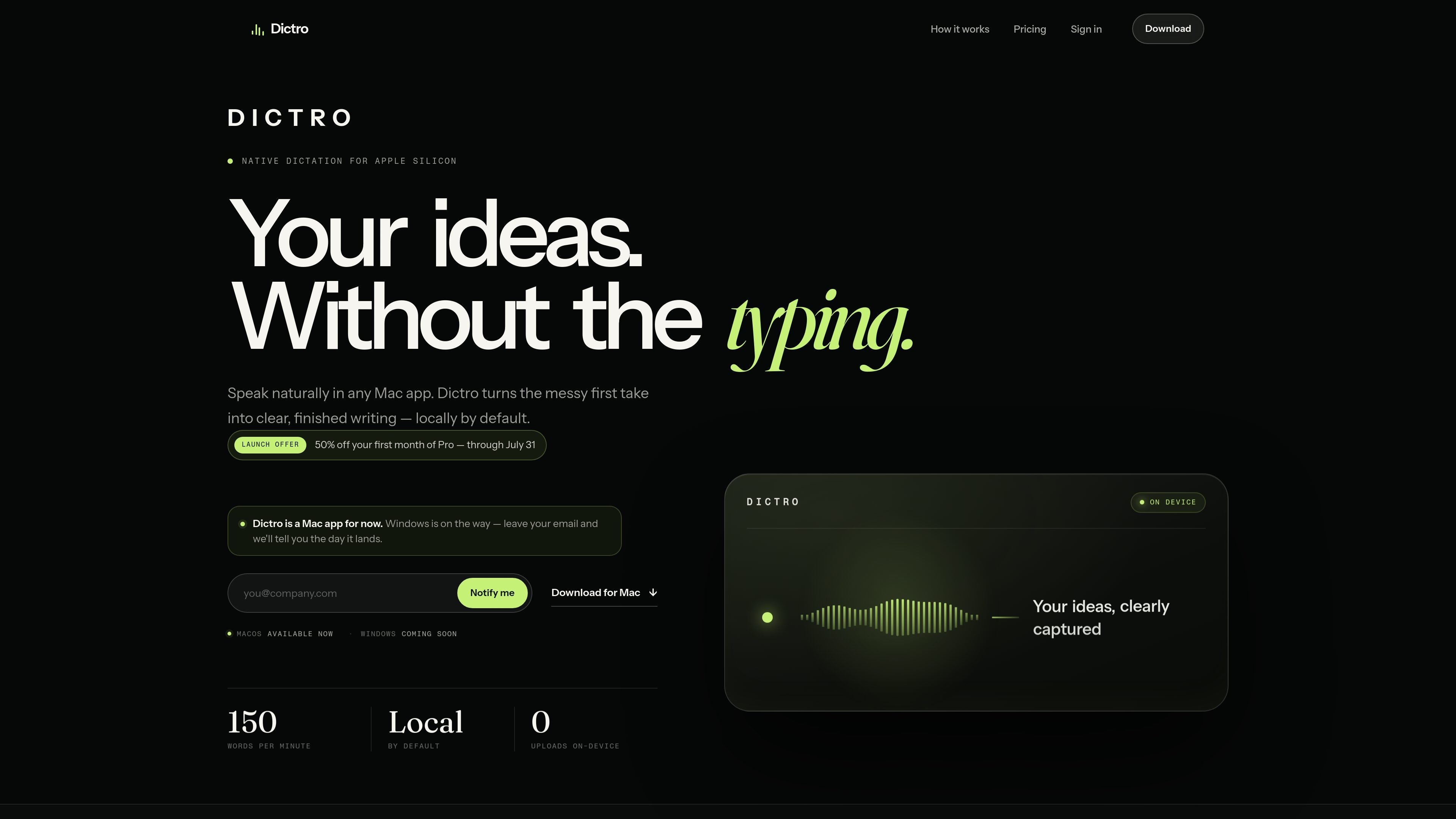
Dictro is a private AI dictation app for Mac that turns spoken ideas into polished text directly at the cursor in any editable Mac app. It is built for Apple Silicon Macs and uses a local pipeline by default, so dictation, recognition, and cleanup happen on the device instead of in a browser or separate recorder.
The product is aimed at people who want voice input that produces finished writing rather than a raw transcript. Users hold Right Option to speak, release the key to insert the result, and can keep working even when Wi-Fi is off. A separate Fast Mode can use cloud processing, but it is optional and off by default.
Hold Right Option to start dictation from wherever your cursor is. Dictro writes into the text field you are already using, so there is no separate capture window or copy-paste step.
Dictro is designed to clean up natural speech into readable text. It removes filler, handles corrections and restarts, and places the finished sentence at the cursor.
In on-device mode, speech recognition and language cleanup run on the Mac itself using Apple Silicon hardware. Audio and transcripts are not uploaded in the default flow.
The app continues working without Wi-Fi, which makes it usable on planes and restricted networks as long as the Mac supports it.
Transcript history is off by default. If enabled, past dictations are stored only on the Mac as private notes that can be searched and reused.
Dictro includes custom words, app-aware writing preferences, and a visible usage count to help tune dictation over time.
Dictate replies, drafts, and short notes into Mail without opening a separate app or moving text between windows.
Capture ideas, comments, and status updates in Slack while keeping your attention in the conversation flow.
Insert code-adjacent notes, issue descriptions, and technical prompts into Xcode or terminal windows where text entry is already active.
Write directly into browsers, Notion, and other editable fields when you want spoken input to become polished text in place.
Work with voice input on a plane, in a locked-down network, or anywhere without Wi-Fi, using the local on-device pipeline.
Dictro’s default on-device mode keeps audio capture, speech recognition, and language cleanup on your Apple Silicon Mac. Optional Fast Mode can use cloud processing, but only when you deliberately enable it.
Dictro supports Apple Silicon Macs with an M1 chip or newer running macOS 15 or later.
Dictro works in standard editable text fields across macOS, including Mail, Slack, Notion, Xcode, terminals, and browsers. Secure password fields and apps that block accessibility input are excluded.
Yes. Dictro’s on-device mode keeps working with Wi-Fi off because the models run locally on your Mac.
No. Dictro is a Mac app today, and the Windows version is only noted as coming soon with a waitlist on the site.

ProWritingAid is a writing assistant for storytellers that offers grammar checking, style editing, paraphrasing, and story analysis inside popular writing apps. It includes a free plan, paid tiers, and tools for chapter critique, manuscript review, and collaborative editing.

SpeakoFlow is a free, open-source desktop voice-to-text app for Windows, macOS, and Linux. It supports dictation into any app, voice-driven writing with Flow, cleanup, translation, and a screen-aware assistant.

Sanota is an app that turns spoken memories, reflections, and interviews into clear written stories. It supports personal storytelling, family history, and shared memories, with guided prompts and subscription pricing.

Goldfish is an AI memory app for macOS that helps you reply, write, summarize, and continue using the context already on your Mac. It stores memory locally and writes in your tone.

Flunkey is a voice-first productivity layer for Windows that converts speech into text, AI-assisted outputs, and remembered context. It is built for users who want to capture ideas and actions without leaving the app they are working in.

CAKIE is a Mac app for recording your screen and voice for an AI agent. It adds a transcript and screenshot highlights, then lets you copy a prompt and paste or attach the context in another AI app.