

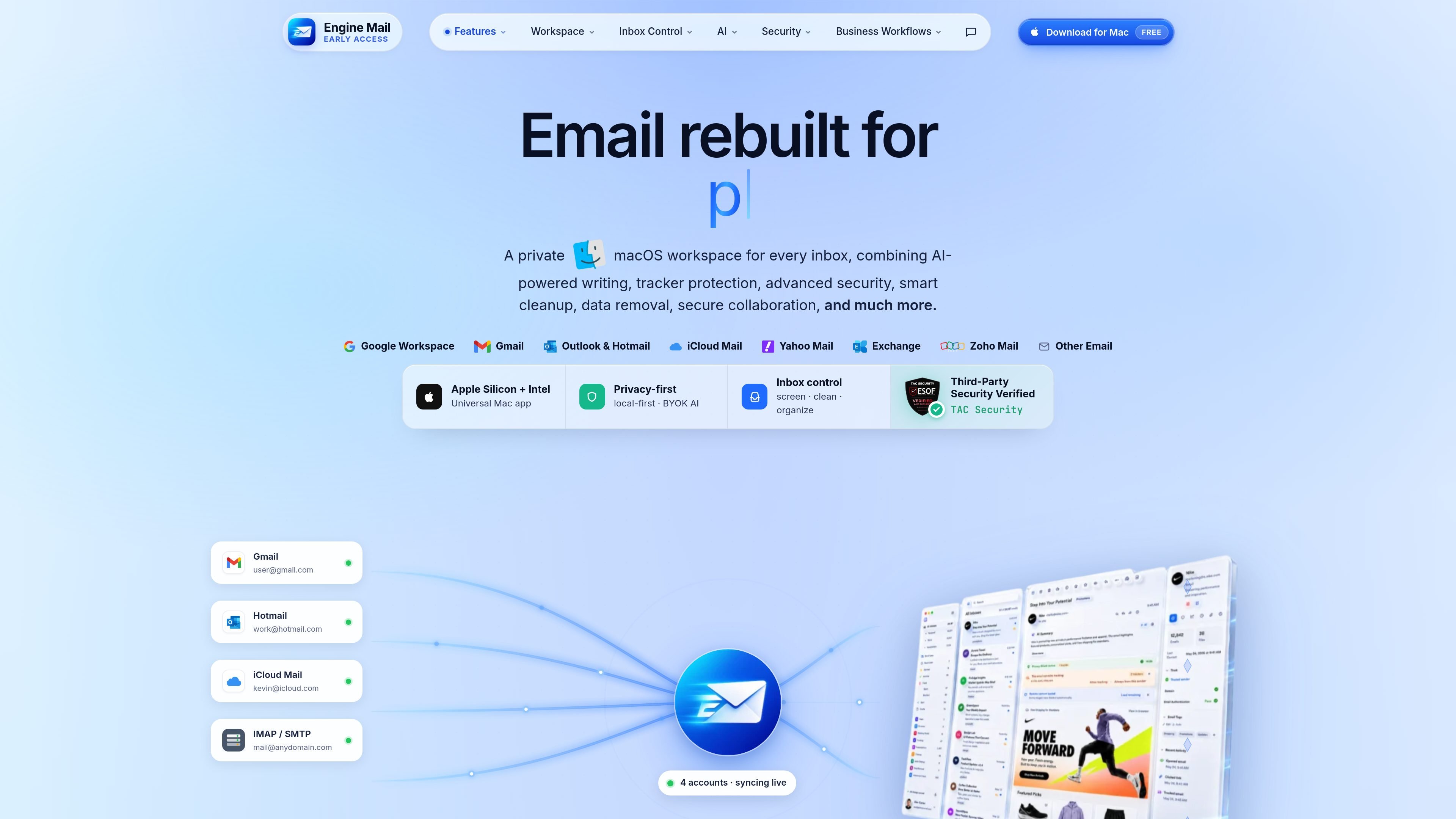
Unified Mac workspace
The app brings inboxes, composer, files, contacts, search, tracking, and daily dashboards into one Mac workspace so users can review mail and act on it without switching between separate tools.
Engine Mail is a native Mac email workspace that combines inbox management, security inspection, privacy controls, AI assistance, and automation in one app. The product site positions it as a private email environment for users who want to manage multiple accounts without relying on separate tools for triage, cleanup, and protection.
It supports Gmail, Outlook and Hotmail, iCloud Mail, Yahoo Mail, Zoho, Exchange, IMAP, and SMTP-based email accounts. The site also emphasizes tracker blocking, phishing detection, attachment scanning, and BYOK AI as part of the regular email workflow rather than as add-ons.
The app brings inboxes, composer, files, contacts, search, tracking, and daily dashboards into one Mac workspace so users can review mail and act on it without switching between separate tools.
Engine Mail includes an AI assistant for thread summaries, drafting and improving replies, grammar and tone fixes, action item detection, translation, read aloud, and bring-your-own-key AI.
The security center inspects senders, links, attachments, and authentication signals such as SPF, DKIM, and DMARC before a message is opened or acted on.
Privacy features include tracker blocking, remote image protection, local-first cache, app lock, and use of the user's own AI provider key stored in Keychain.
Inbox control tools cover Screener for first-time senders, Unsubscriber for newsletters, Cleaning Suggestions, Auto Clean, labels, lists, snooze, and follow-ups.
The workspace includes more than 20 utilities for email and infrastructure checks, including DNS, MX, SPF, DKIM, SMTP, WHOIS, blacklist, and reputation tools.
Use Screener, sender trust checks, and phishing warnings to decide whether a new sender should be allowed, blocked, or held for later review before the message lands in your inbox.
Use Unsubscriber, Auto Clean, labels, snooze, and follow-ups to reduce recurring newsletter and clutter volume while keeping important threads visible.
Use the security center to inspect links, attachments, and authentication signals when an email looks suspicious or comes from an unfamiliar sender.
Use thread summaries, reply drafting, translation, read aloud, and action-item detection to move through long or complex email threads faster.
Use the diagnostics utilities such as SPF, DKIM, DMARC, MX, SMTP, and WHOIS tools when you need to validate mail setup or investigate delivery and reputation issues.
Engine Mail is a native Mac email app for managing multiple inboxes with built-in security, privacy, and inbox automation tools. The source mentions support for Gmail, Outlook and Hotmail, iCloud Mail, Yahoo Mail, Zoho, Exchange, and other email via IMAP/SMTP.
Yes. The homepage describes a free download for Mac, but the site snapshot does not show a pricing page or any paid plan details, so the exact pricing structure is not confirmed here.
The site says Engine Mail runs on macOS and is a native Mac app. It also references Apple Silicon + Intel support and a universal Mac app.
Engine Mail combines inbox control, security checks, privacy features, AI assistance, and utility tools in one workspace. The source specifically highlights screening unknown senders, phishing checks, tracker blocking, auto-cleaning, and BYOK AI.
The source presents Engine Mail as a single-user Mac workspace and does not provide enough evidence for team administration, shared inbox, or multi-seat collaboration features.

Dirac is an AI email assistant that prepares a morning brief, prioritizes important threads, and drafts replies in your voice. It is positioned for founders and other busy professionals who use Gmail and want to reduce morning inbox triage.

ClawCard gives AI agents a dedicated identity stack: email, US phone number, virtual cards, wallet, on-chain identity, and access to paid APIs. It is built for automated signups, checkouts, credential storage, and machine payments through CLI and REST workflows.

Goldfish is an AI memory app for macOS that helps you reply, write, summarize, and continue using the context already on your Mac. It stores memory locally and writes in your tone.

Biji는 혁신적인 도구와 기능을 통해 생산성을 향상시키기 위해 설계된 다목적 플랫폼입니다.

Liam is an AI copilot for managing inboxes, writing replies, prioritizing email, and scheduling meetings. It is offered free for individuals, with custom pricing for teams and enterprise.

Redline is a budgeting tool for Claude Code that paces sessions to stay within time, token, cost, or plan-percentage limits. It uses Claude Code’s native hooks and statusline to help sessions finish with a usable result instead of stopping abruptly.