

Image-based font identification
Upload a screenshot, logo, mockup, or photo with text, then crop the text area before analysis.
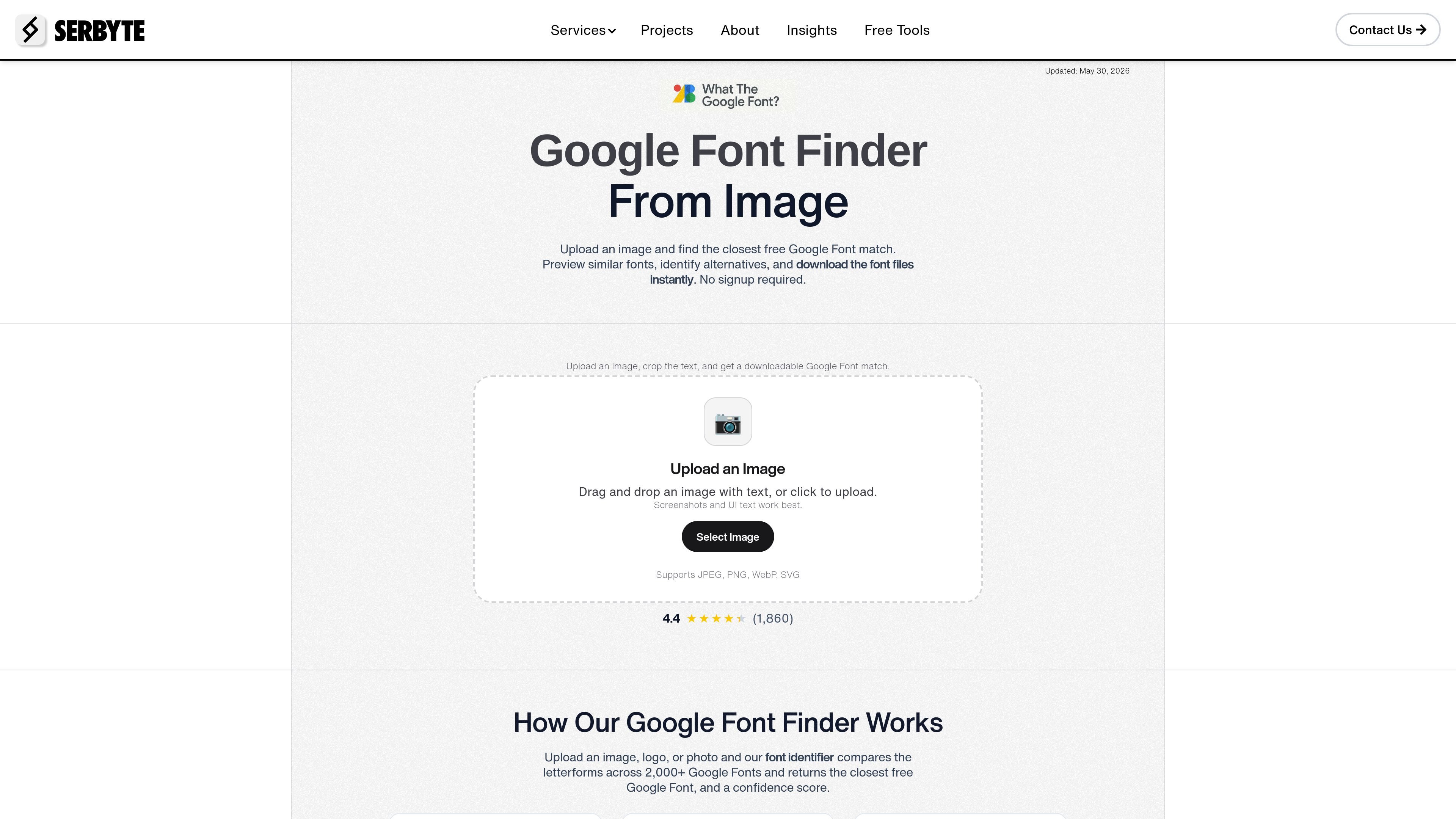
What the Google Font is a font finder that identifies the closest free Google Font from an uploaded image containing text. It is designed for people who want to match a typeface from a screenshot, logo, mockup, or photo and then use a free alternative they can download immediately.
The tool compares letterforms against the Google Fonts library, returns a confidence score, and shows similar font options. The page positions it as a free alternative to commercial font-identification services, with no signup required and direct download from the results screen.
Upload a screenshot, logo, mockup, or photo with text, then crop the text area before analysis.
The tool compares letterforms against the Google Fonts library and returns the closest free match rather than a commercial font result.
Each result includes a confidence score and similar alternatives so you can judge whether the match is strong enough to use.
Supported uploads include JPEG, PNG, WebP, and SVG, with a stated limit of up to 20MB for image files.
After identifying a font, you can preview the match and download the font files directly from the results screen.
The page says no signup is required, and uploaded images are processed temporarily and deleted after analysis.
Upload a screenshot or mockup when you need to identify a typeface used in a design reference and want a free Google Fonts alternative.
Use the tool to find a readable font match for a logo or brand asset before rebuilding the design in a new system.
Compare the suggested match and alternatives when selecting a font for a website, landing page, or product UI.
Identify a free commercial-use substitute when a reference image appears to use a paid font.
Run the tool on a phone, tablet, or desktop when you have an image on hand and want a quick answer without account setup.
Upload a screenshot, logo, mockup, or photo with readable text. The tool analyzes letterforms and returns the closest matching free Google Font with a confidence score.
Yes. The page says the tool is completely free with unlimited uploads, and the matches point to Google Fonts that are free to download and use commercially.
Yes. The page says it is fully responsive and works on mobile phones, tablets, and desktop computers.
The page describes the model as achieving high accuracy with clear images, especially for Sans Serif and Display fonts. Each result includes a High, Medium, or Low confidence score.
The page says matched fonts can be previewed and downloaded directly from the results screen.

Snapmark is a VS Code extension that lets you annotate clipboard screenshots before pasting them into AI chats. It supports blur redaction, numbered callouts, and automatic resizing for large images.

Arduino VENTUNO Q is an edge AI computer for AI and robotics applications. It combines AI inference and deterministic control on a single board and is designed to work with Arduino App Lab.

A free C++ person-pixelation project that anonymizes people in video using OpenCV and neural network segmentation. It is aimed at developers building privacy-focused live video or browser-based computer-vision applications.

Faceswapai.Online is a web-based AI face swap tool for photos and videos, including multiple-face workflows. It offers free-to-try access without sign-up and paid credit-based VIP features for larger or longer jobs.

字体家AI神笔是一款中文 AI 造字工具,可根据少量样本文字生成整套字体,并提供在线字体编辑器和单字海报生成能力。它适合需要专属字体、字体文件整理或单字视觉输出的设计与品牌场景。

Tinkerfont is a browser extension for inspecting and testing fonts on live websites in Chrome and Firefox. It lets you swap typefaces with Bunny Fonts or custom uploads, scope changes to parts of a page, and save rules per site.