

Web Search and Summaries
Search the internet and receive curated, summarized results directly in chat.
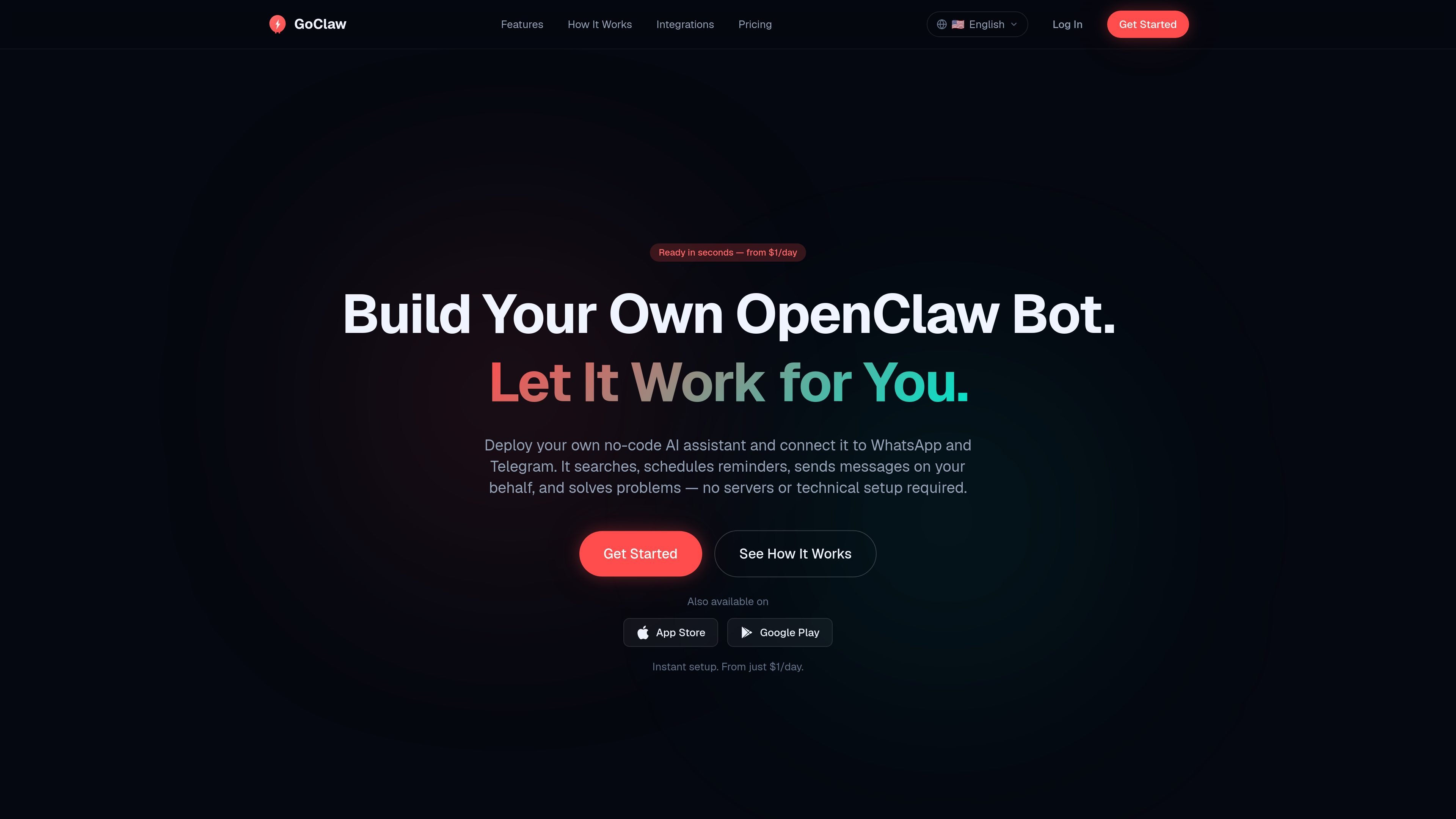
GoClaw is a private AI assistant platform for WhatsApp and Telegram. It lets users create an OpenClaw Bot, connect messaging channels from a dashboard, and start issuing chat-based commands without servers or code.
The product is positioned around practical assistant work: searching the web, setting reminders, scheduling messages, tracking tasks, generating drafts, and solving problems. The site also says each bot runs in an isolated environment and that user data is encrypted in transit and at rest.
Search the internet and receive curated, summarized results directly in chat.
Create reminders, recurring tasks, and periodic reports using natural-language commands.
Send WhatsApp messages on a schedule you define, including recurring communications.
Use Telegram bot controls with rich commands and inline responses to manage the assistant.
Generate code help, problem-solving steps, proposals, reports, emails, and other documents from instructions.
Connect external services for multi-step workflows through API integrations.
Use GoClaw as a chat-based assistant that answers searches with summarized results instead of sending you to a separate browser workflow.
Set reminders, recurring tasks, and daily to-do reports to keep track of routine work from messaging apps.
Schedule WhatsApp messages to contacts or groups when you need automated follow-ups or timed communication.
Use the assistant for code solutions, debugging help, architecture advice, or written drafts such as proposals and emails.
Connect external services through API integrations to automate multi-step workflows across tools.
You sign up, then connect WhatsApp, Telegram, or both from the dashboard before issuing commands to the bot.
The site shows WhatsApp and Telegram as available integrations, with Slack, Discord, Gmail, and Google Calendar listed as coming soon.
The product is built around chat-based commands for searching, reminders, scheduled messaging, task tracking, and automation.
The product pages emphasize private operation and isolated instances, but the pricing page is not available, so plan details and limits are not confirmed.

Gemma AI is a phone call reminder app that calls you with scheduled reminders instead of push notifications. It helps people who want a more direct way to stay on schedule, with Google Calendar sync and conversational call interactions.

Claude Overlay is a Windows desktop overlay for Claude Code that reads your screen so you can ask questions, inspect content, and request edits without leaving the current app. It runs on your existing Claude subscription through the Claude CLI, so no separate API key is required.

Spotit은 macOS 앱으로, 다른 작업 중 막히면 화면을 읽고 음성 질문과 안내로 클릭 위치를 정확히 하이라이트합니다.

IntellAgents is an AI voice and chat agent service for businesses handling customer calls, outbound calls, and messaging across WhatsApp, Instagram, Facebook, Telegram, and websites. It uses a shared knowledge base, provides conversation summaries, and can escalate interactions to human staff.

ConscioussAI is an AI assistant for macOS, Windows, iOS, and Android that helps execute tasks across apps, files, the browser, and messages. It is aimed at people who want permission-based help on both desktop and mobile.

Flunkey is a voice-first productivity layer for Windows that converts speech into text, AI-assisted outputs, and remembered context. It is built for users who want to capture ideas and actions without leaving the app they are working in.