
Smart checkout
The browser extension can choose a card, autofill card details, apply offers, and stack cash back during checkout, according to the product site.

Kudos is a personal-finance companion and browser extension that helps individual consumers manage credit-card rewards, offers, benefits, bills, and subscriptions. It connects cards, recommends cards for purchases, automates eligible offers, and surfaces potential ways to earn or save.
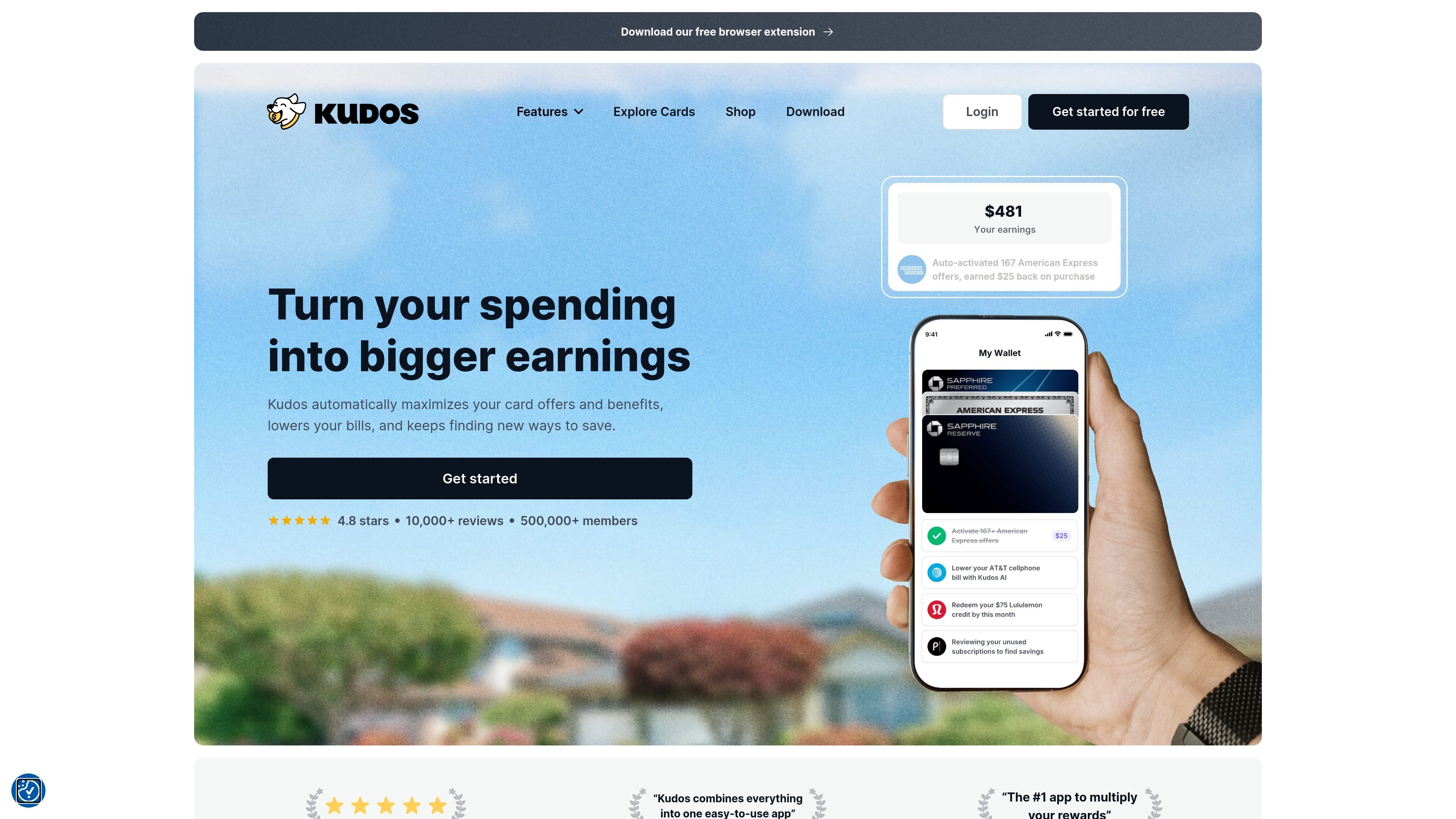
Kudos is a consumer financial companion and browser extension for people who use multiple credit cards or want help managing card rewards. It connects cards and uses spending information to surface card offers, benefits, savings opportunities, and recommendations about which card to use.
The product combines purchase assistance with personal-finance automation. Its site describes automated offer activation and checkout support, benefit tracking, transaction insights, bill negotiation, and unused-subscription cancellation. Kudos says it works at more than 2 million stores and supports more than 3,000 credit cards, but the supplied pages do not provide a complete compatibility list or detailed boundaries for each feature.
The browser extension can choose a card, autofill card details, apply offers, and stack cash back during checkout, according to the product site.
Kudos says it auto-activates eligible offers from Amex, Chase, Bank of America, Wells Fargo, and Citi, and reminds users when to use them.
The service tracks benefits across connected cards and alerts users before benefits expire. The site also says it can identify missed benefits.
Kudos AI connects card, bill, and transaction information to answer questions, surface savings opportunities, and identify ways to earn more rewards.
Kudos AI can negotiate bills and cancel unused subscriptions; the supplied content does not specify all participating providers or the exact authorization process.
The Cheatsheet shows the recommended card for a shopping location, helping users select among multiple cards.
Connect several cards and use the Cheatsheet or checkout recommendations to select the card associated with the strongest available reward for a shopping location.
Let Kudos activate eligible offers and surface them during purchases so card-linked promotions are less likely to be overlooked.
Review connected-card benefits and reminders to use them before they expire, particularly when benefits are spread across several accounts.
Use Kudos AI to review bills and subscriptions, identify savings opportunities, and request bill negotiation or cancellation of unused subscriptions where supported.
Use transaction insights and the card explorer to understand spending patterns, compare cards, and evaluate whether a new card fits an existing wallet.
Kudos is a financial companion that connects your cards and learns from your spending to identify ways to earn rewards and save money. The site describes a workflow of downloading Kudos, securely connecting cards, and then using automated offers, card recommendations, bill negotiation, and benefit tracking.
Kudos offers a free browser extension and a free account flow. The source also references premium and lifetime memberships in customer testimonials, but it does not provide enough pricing or plan-boundary information to describe those options in detail.
Kudos says it can auto-activate eligible offers, recommend the best card based on where you shop, autofill card details, and apply offers at checkout. The site does not provide detailed activation rules or coverage limits for every workflow.
The site says Kudos AI can analyze connected cards, bills, and spending, negotiate some bills, and cancel unused subscriptions. Specific eligible providers, authorization requirements, and cancellation boundaries are not stated in the supplied content.
Kudos is presented for individual consumers managing personal cards, purchases, bills, and subscriptions. The supplied pages do not describe team accounts or business workflows.

Revy is a fashion app for organizing your wardrobe, generating outfit ideas, and recreating looks with clothes you already own. It supports outfit tagging, creator-linked shoppable looks, and free plus Premium mobile plans.

Ask My Wardrobe is a browser-based virtual try-on and outfit planning tool that lets people preview clothes on their own photo, save looks, and organize outfits by date. It is free to start, requires no download, and can be used without creating an account first.

RightCard: Credit Card Rewards is a free iPhone and iPad app that helps users pick the best credit card for a purchase and activate eligible bank offers. It works without a bank login and includes optional alerts, reminders, and offline checkout guidance.

CraveLens is a Chrome-based assistant that identifies dishes in supported videos or selected webpage regions using on-device AI. It matches detected food with nearby Swiggy listings and prepares a cart for you to review before ordering.

NUDE is a private digital showroom and virtual fitting room for a 10-piece lingerie collection. It helps shoppers compare construction, describe wearing needs, review a reasoned Fit Receipt, and optionally see a selected piece rendered on them.

Scran is a mobile cooking app that saves recipes from websites, social media and photos, then simplifies them into easier-to-follow steps. It also supports recipe organization and aisle-sorted shopping lists.