
Browser-based recording
Record a user flow in a real browser with Playwright’s recorder, then review the generated script in your terminal editor before continuing.

KushoAI UI Testing TUI is an open-source CLI for recording browser flows and expanding them into Playwright test suites with AI. It targets developers and QA engineers who want broader UI coverage from a terminal-first workflow.
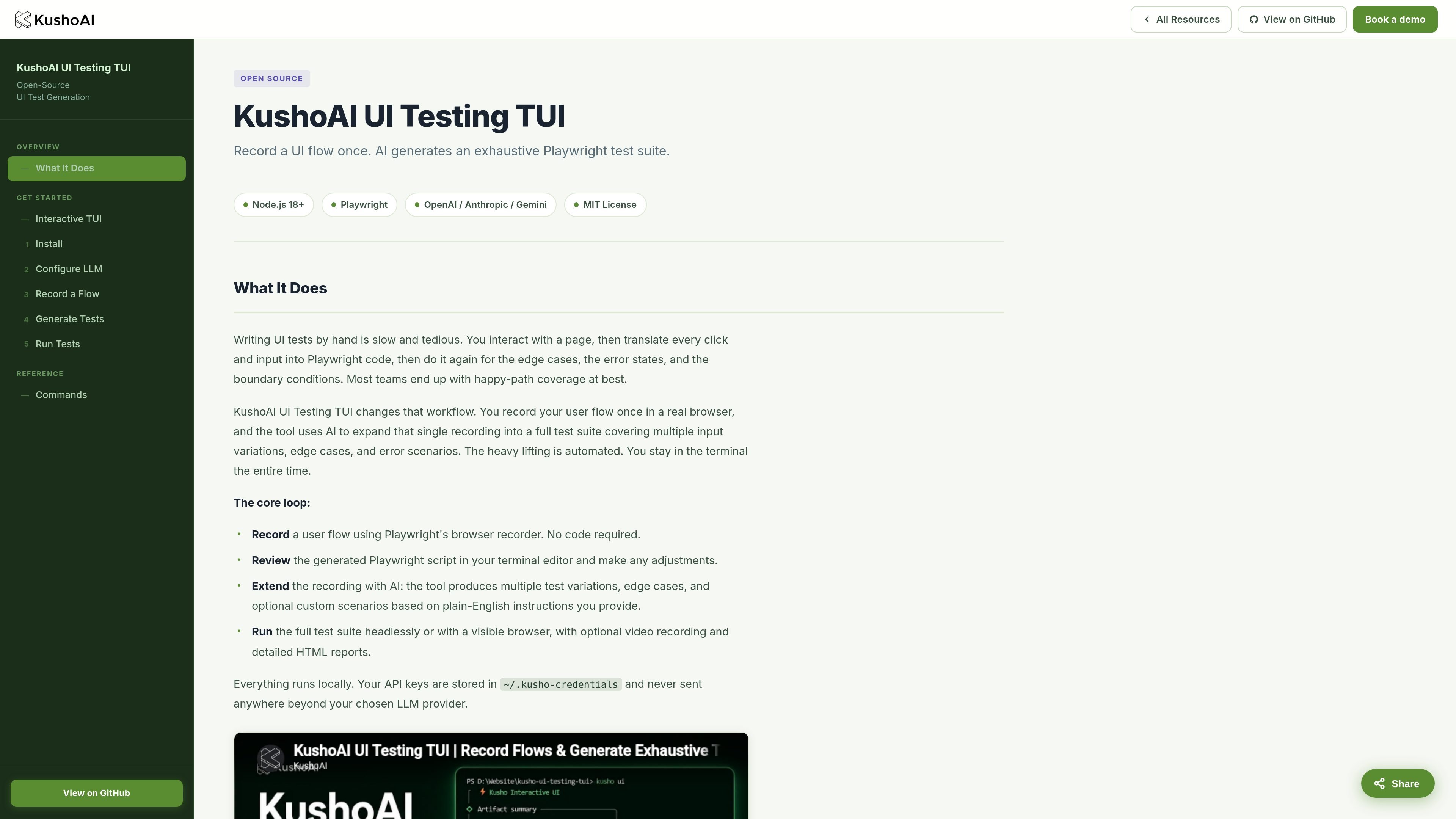
KushoAI UI Testing TUI is an open-source CLI tool for turning a single browser recording into a Playwright test suite. It is designed for developers and QA engineers who want broader UI test coverage without writing each scenario by hand.
The workflow starts with recording a real user flow in the browser, then uses AI to expand that recording into additional variations, edge cases, and error paths. The tool keeps the process in the terminal, supports an interactive menu as well as direct commands, and stores API credentials locally.
Record a user flow in a real browser with Playwright’s recorder, then review the generated script in your terminal editor before continuing.
Expand one recording into a fuller suite that covers multiple variations, edge cases, and error scenarios using plain-English instructions.
Refine generated tests interactively with `kusho edit`, using short natural-language prompts instead of manual code rewrites.
Run extended suites headlessly or in headed mode, with optional video capture and raw recording runs for debugging.
Review detailed HTML reports after each run, including pass/fail status, screenshots, video when enabled, performance timing, and error details.
Use the `kusho ui` terminal menu to move through setup, recording, generation, editing, and execution with arrow keys.
Capture a realistic user journey once in the browser, then generate broader test coverage without hand-writing every Playwright step.
Let QA or developers expand a happy-path recording into edge cases, error handling checks, and input variations.
Use the guided `kusho ui` menu when you want a menu-driven setup for credentials, recording, generation, and execution.
Run suites in headed mode or with video capture when you need to inspect failures or debug the original captured flow.
It is a CLI workflow for recording a user flow in the browser, expanding it with AI, and running the result as a Playwright test suite. The source describes support for the `record`, `extend`, `edit`, `run`, and `run-recording` commands, plus an interactive `kusho ui` menu.
The source says the tool works with Node.js 18 or later, Git, a terminal editor such as Vim or Nano, and an API key from OpenAI, Anthropic, or Google Gemini.
You can use the guided `kusho ui` menu or run commands directly in the terminal. The menu covers credentials, recording, generation, editing, and running with arrow-key navigation.
Generated suites run headlessly by default, and you can choose headed mode and optional video recording. The run output includes an HTML report with pass/fail results, screenshots, video when recorded, performance timing, and error details.
The source says it is an open-source CLI tool and that credentials are stored locally in `~/.kusho-credentials`. It does not provide pricing details on the linked pricing page, which returns a 404 in the supplied evidence.

EAS Observe is a production performance monitoring tool for Expo and React Native apps. It shows startup metrics, session timelines, release markers, and errors inside the Expo dashboard.

ByteAsk is a terminal-first AI coding agent for C and C++ that edits repositories and verifies changes with the real compiler, debugger, sanitizers, and tests before showing a diff. It offers a free tier plus paid plans, with editor connectors and zero-retention handling described in the source.

Manta AI is an autonomous web app testing tool for teams that want to map application behavior, catch regressions, and generate tests without writing scripts or maintaining selectors. It works from a URL and supports plain-English test flows, run results with screenshots, and scheduled or deployment-triggered checks.

ClawTick is an AI agent automation platform for scheduling jobs from the CLI, dashboard, or REST API. It is aimed at developers and teams running LangChain, CrewAI, webhook, or custom agent workflows that need monitoring, alerts, and logs.

Falconer is an AI-powered company brain that keeps internal documentation accurate, searchable, and up to date by syncing with tools like GitHub, Slack, and Linear. It helps engineering and cross-functional teams centralize knowledge and answer questions from a shared source of truth.

OpenFlags is an open-source, self-hosted feature flag platform for modern JavaScript teams. It supports local evaluation, targeted rollouts, and controlled launches while keeping flag data in your own infrastructure.