

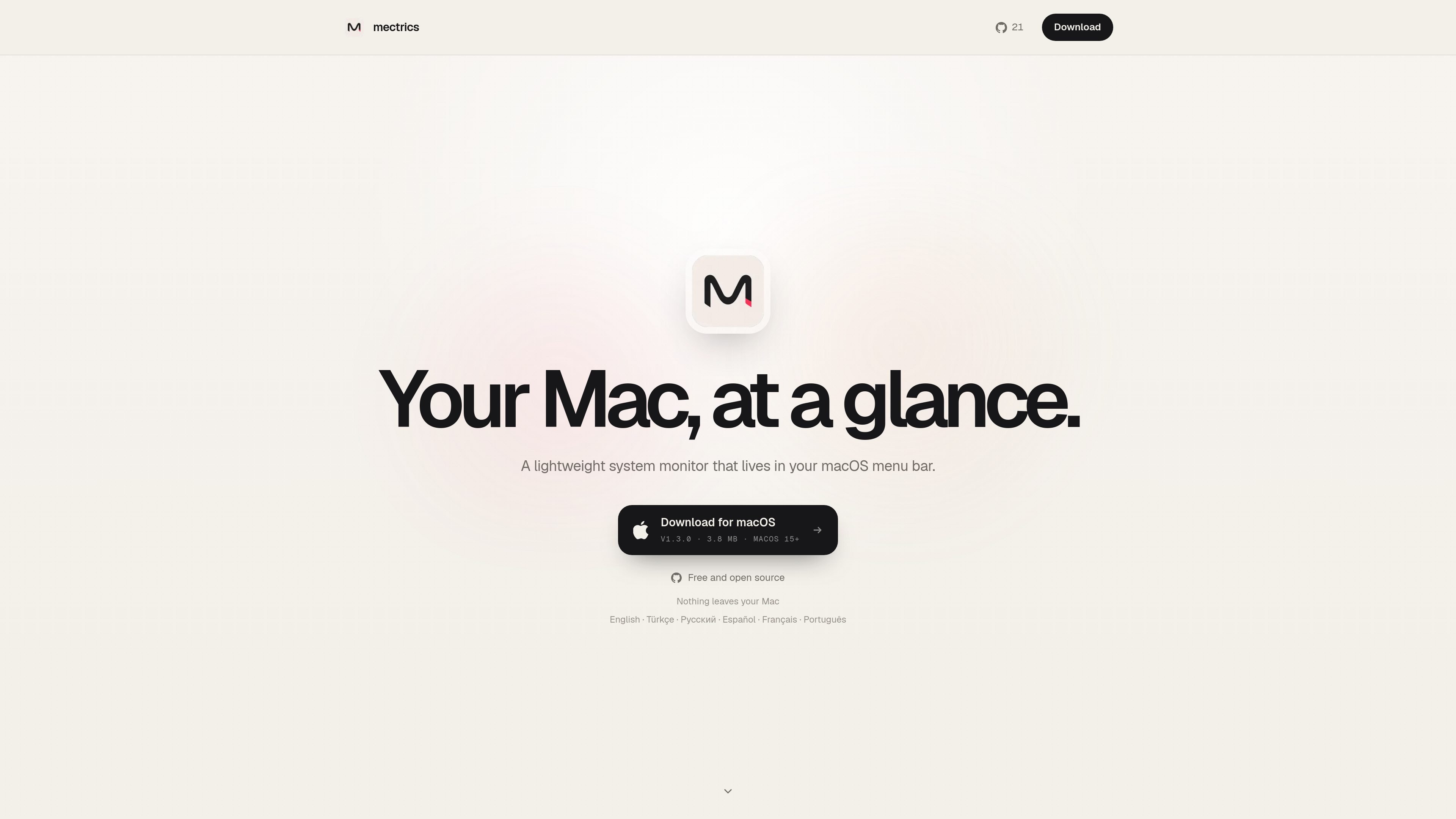
Menu bar system monitoring
Shows live CPU, memory, battery, network, disk, GPU, temperature, and fan readings directly in the macOS menu bar so you can check system status without opening another app.
Mectrics is a free, open source system monitor for macOS that lives in the menu bar. It shows key system readings such as CPU, memory, battery, network, disk, GPU, temperature, and fans at a glance.
The app is designed to stay lightweight and local. The site says nothing leaves your Mac, and the interface lets you choose which metrics appear, open more detail when needed, and set thresholds for alerts when something changes.
Shows live CPU, memory, battery, network, disk, GPU, temperature, and fan readings directly in the macOS menu bar so you can check system status without opening another app.
Lets you choose which metrics stay visible, so the menu bar can focus on the numbers you care about instead of showing every available reading.
Supports per-item thresholds that trigger an alert when a reading stays outside the expected range, which helps surface problems without constant checking.
Each menu bar item opens a popover with more detail, including examples such as per-core CPU bars and disk capacity plus live throughput.
Includes language support for English, Turkish, Russian, Spanish, French, and Brazilian Portuguese, with an in-app language picker under General Settings.
Provides diagnostics and system-summary exports, plus a local attention log and a clean uninstall flow that removes app data without administrator access.
Useful when you want a constant readout of CPU, memory, battery, network, disk, GPU, temperature, and fan status without keeping another window open.
Helpful for users who only want a few metrics visible and prefer a cleaner menu bar layout with the rest hidden until needed.
Fits troubleshooting workflows where you want a quick popover view, such as per-core CPU behavior or disk capacity and throughput, before digging deeper.
Appropriate for users who want a local-only utility with exports and logs they can review on the Mac itself rather than sending data to a cloud service.
Useful for multilingual users who want the app and widgets to follow a supported language and use the macOS terminology they already see in the system UI.
Mectrics is a macOS menu bar system monitor. It shows live readings for components such as CPU, memory, battery, network, disk, GPU, temperature, and fans.
Yes. The site describes Mectrics as free and open source.
The changelog says Mectrics includes an in-app language picker and complete localizations for English, Turkish, Russian, Spanish, French, and Brazilian Portuguese.
Yes. The changelog says diagnostics and system-summary exports can be copied or exported as plain text, and the app also includes a local attention log.

MacSpoof로 macOS Wi‑Fi MAC 주소를 변경하거나 랜덤화하세요. 네트워크 재접속 및 공용 Wi‑Fi에서 기기 식별 기록을 줄이는 데 도움.

NomNak은 친구 추천으로 맛집을 찾는 iPhone 무료 앱입니다. 저장한 장소, 푸드 패스포트, 도시 검색으로 친구들의 식당 지도를 확인하세요.

Ctrl+Shift+3 is a calm, text-first community platform with a chronological feed, profiles, RSS, and private groups called Clicks. It is built for reading, posting, and joining smaller communities without algorithmic ranking or vanity counts.

TyeGit은 Rust와 Tauri로 만든 네이티브 Git 클라이언트로, 스테이징, 커밋, 브랜치, 원격 저장소를 빠르고 정밀하게 제어할 수 있습니다. Windows, macOS, Linux를 지원합니다.

Servey lets you mirror and control a Mac from an iPhone or iPad, with a real terminal and automatic local-or-remote connectivity. It is aimed at people who want full Mac access on mobile without VPN or port forwarding.

Loomal is a payments layer for agentic commerce that lets developers add paywalls to APIs, MCP tools, or hosted files. It settles agent payments in USDC on Base and is aimed at services that want per-request payment from AI agents.