
Customer-by-customer MRR comparison
Compares Stripe MRR with ChartMogul MRR at the customer level, showing the overall gap and the customers contributing to it.

MRRaudit audits Stripe recurring revenue by tracing MRR differences to individual customers, invoices, and subscription events. It can compare Stripe with ChartMogul or review Stripe data independently, helping finance and SaaS teams explain which billing treatments affect their reported MRR.
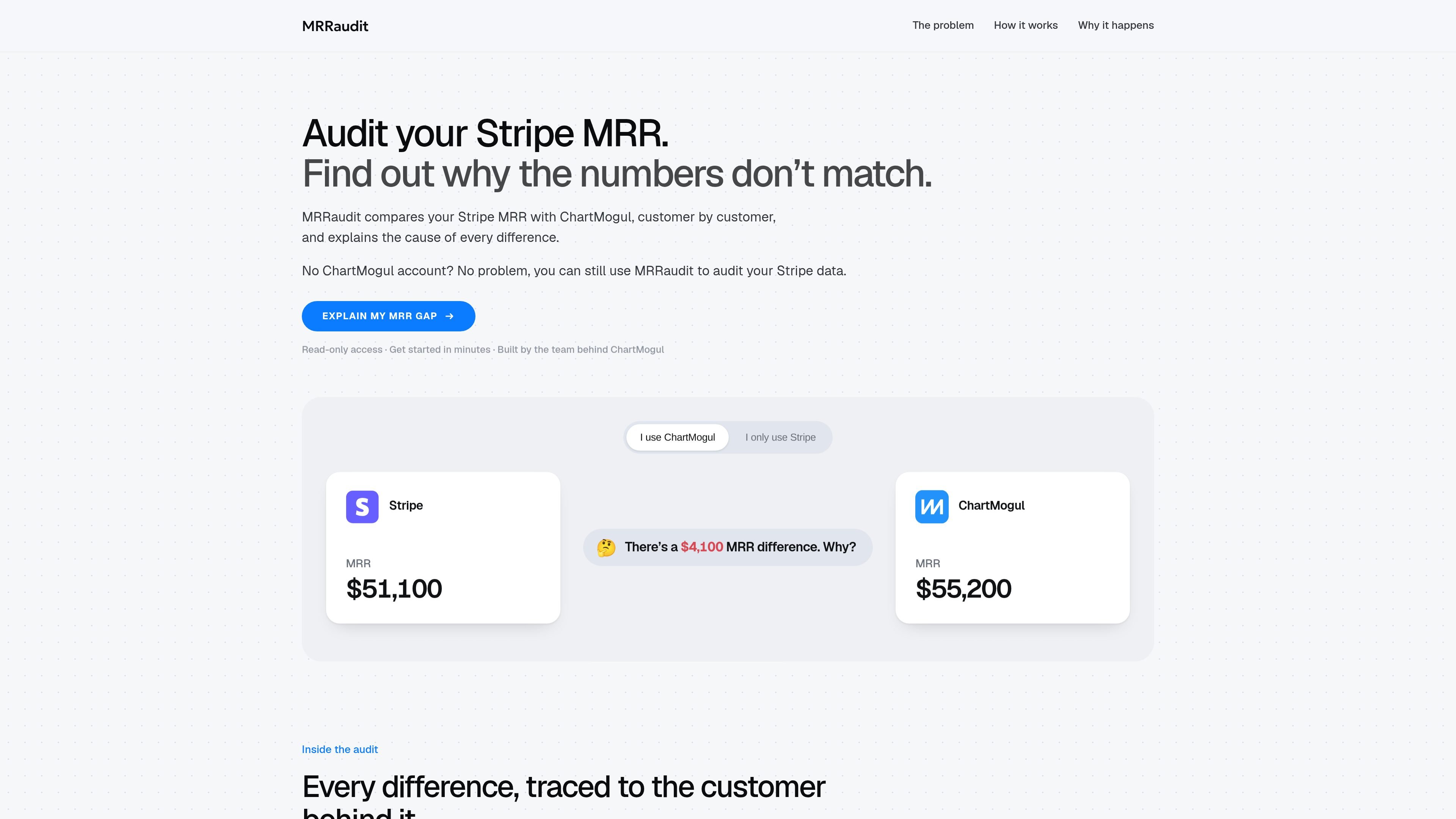
MRRaudit is an MRR auditing tool for Stripe billing data. It compares Stripe with ChartMogul when both are connected, or audits Stripe data on its own, then identifies the customers and billing events behind differences in reported MRR.
The product is designed for situations where billing history has accumulated different treatments for refunds, discounts, usage charges, failed payments, invoice changes, or subscription status. Users can set reporting rules, review explanations tied to source records, and choose the treatment that reflects how their business reports recurring revenue.
Compares Stripe MRR with ChartMogul MRR at the customer level, showing the overall gap and the customers contributing to it.
Groups discrepancies under causes such as one-off invoices, past-due customers, refunds, discounts, usage revenue, subscription status differences, and missing customers.
Links audit rows to the underlying customer, invoices, and subscription events so the calculation can be investigated rather than treated as an unexplained total.
Explains billing treatments in plain language, including examples involving metered usage, recurring discounts, refunds, voided invoices, and failed payments.
Lets users set rules for how refunds, discounts, failed payments, and other MRR-affecting events should be treated, including whether usage revenue counts as recurring revenue.
Shows summary comparisons such as MRR, active paying subscriptions, and discrepancy counts, with categories including missing in Stripe, missing in ChartMogul, MRR mismatch, and status mismatch.
Compare the MRR shown by Stripe and ChartMogul, then identify which customers account for the aggregate difference instead of reconciling totals manually.
Review metered charges, refunds, discounts, and invoice changes when the business needs to decide whether those amounts belong in recurring revenue.
Trace a surprising customer-level result back to paid or open invoices, subscription status, and related events before reporting the number internally.
Audit Stripe data without ChartMogul to find customers missing from MRR, status differences, and other issues in the source billing history.
Use a documented explanation of MRR differences when finance, operations, or leadership needs a defensible recurring-revenue figure rather than two unexplained totals.
MRRaudit connects to Stripe with read-only access. If ChartMogul is part of the comparison, it can also connect to ChartMogul; the site states that MRRaudit does not change connected data.
You configure how your business treats refunds, discounts, failed payments, usage revenue, and other events that affect MRR. MRRaudit then groups differences by cause and lets you choose the treatment that matches your reporting approach.
No. The site says you can audit Stripe data without a ChartMogul account. ChartMogul is used when you want to compare the two sources customer by customer.
The audit presents overall MRR and active-subscription differences, groups discrepancies by cause, and links individual rows to the related customers, invoices, and subscription events. The examples include missing customers, MRR mismatches, and status mismatches.
The documented workflow focuses on connecting Stripe, optionally connecting ChartMogul, setting MRR rules, reviewing discrepancies, and selecting the treatment that fits your reporting. The available source content does not document exports, team features, pricing, or retention policies.

Richwise is a personal finance app for individuals and households that combines connected accounts, transaction sorting, budgets, net worth and financial projections. Its Wiseguard coaching and Crystal Ball scenarios help users review spending and explore how choices may affect their future.

Timebook is a time tracking, invoicing, and bookkeeping app for freelancers and single-member LLCs. It combines hours, invoices, and basic books in one place, with optional Plaid bank sync and AI-agent support.

Finchum is a personal finance planning tool that aggregates accounts and forecasts future balances for users in the US and Canada. It supports secure sync without sharing bank passwords, with OAuth where available and file-based imports as a fallback.

KlutterAI is an AI-powered expense tracker that helps people capture receipts, categorize spending, and monitor budgets from iOS or Android. The product also surfaces recurring charges, spending alerts, and exportable reports.

CashPylot is finance software for startups and freelancers that combines invoicing, expense tracking, cashflow monitoring, budgets, and client management in one platform. It offers a 7-day free trial on a single paid plan.

Finamie is a personal finance app that uses voice input to log expenses and generate financial insights automatically. It supports English and Spanish, with a free tier and a Premium plan for heavier use.