

Push-to-talk input
Hold the right Option key to start recording, then release it to stop and insert the recognized text into the active field.
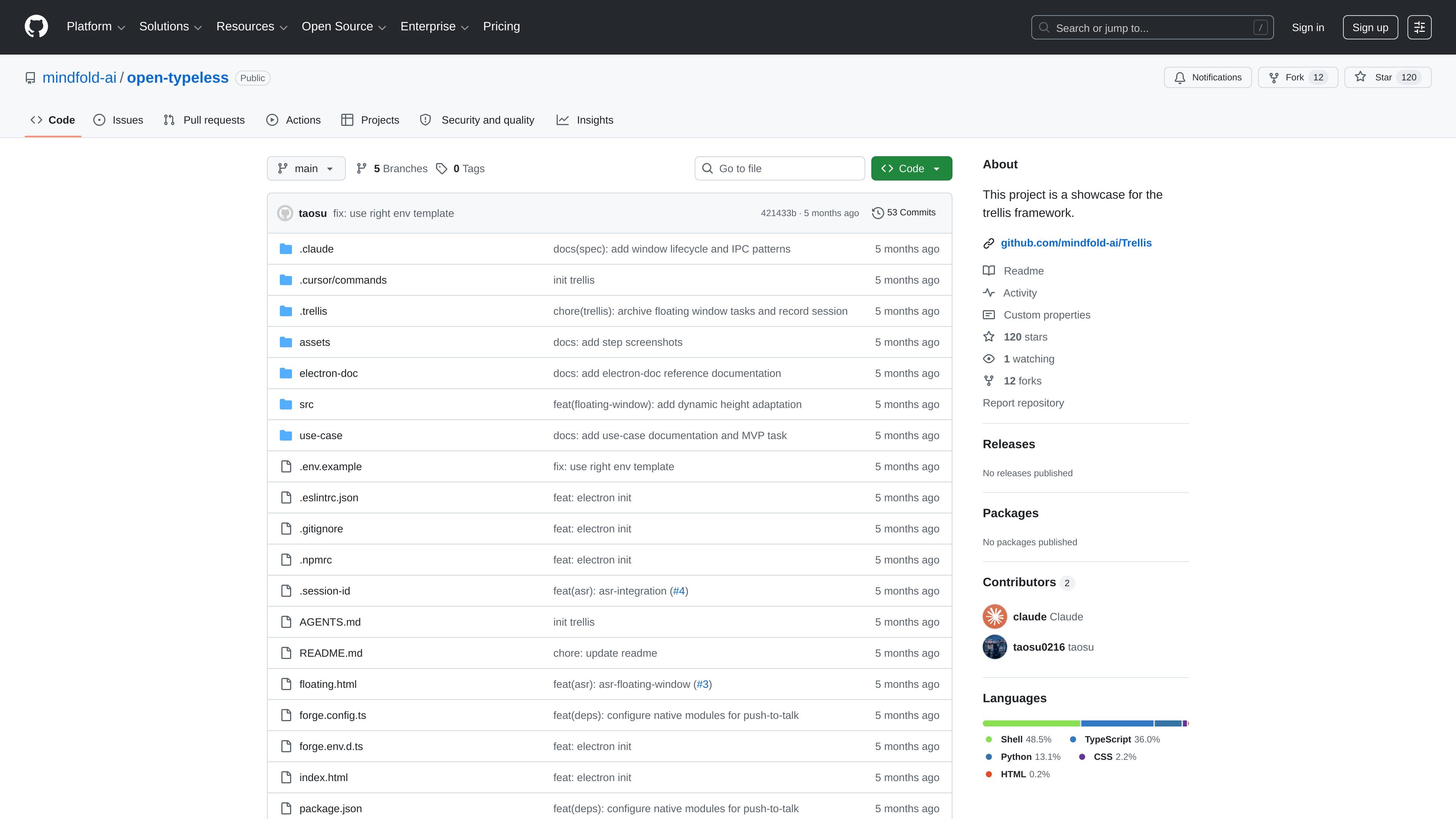
Open Typeless is a macOS voice input tool built as a showcase for the Trellis framework. It lets you hold a shortcut key, speak, and have the recognized text inserted at the current cursor position when you release the key.
The README describes a background app that uses Volcano Engine speech recognition, a floating status window, and text insertion at the active cursor. It is aimed at users who want to dictate text quickly inside other macOS applications without switching windows or interrupting their workflow.
Hold the right Option key to start recording, then release it to stop and insert the recognized text into the active field.
Shows recognition results as they arrive, rather than waiting for a full final transcript.
Uses a floating frosted-glass window to show recording status and live text without switching away from the current app.
Sends the finished text to the current cursor location so you can keep typing in place.
Runs without taking focus away from the app you are using, so it fits into an existing workflow.
Dictate text into any macOS app while keeping your hands on the keyboard. Hold the right Option key, speak, and release to insert text at the cursor.
Capture spoken notes or short messages without opening a separate editor. The floating window shows status and live transcription while you continue working.
Use live recognition to review what is being heard as you speak, which is helpful when you want immediate feedback before the text is inserted.
Integrate the project as a Trellis showcase or reference implementation. The repository includes source layout notes, Electron docs, and use-case documentation for the app structure.
The README describes the app as a macOS voice input tool. It runs in the background, starts recording when you hold the right Option key, and inserts the recognized text at the current cursor position when you release it.
The documented requirements are macOS 12.0+, Node.js 18+, and pnpm. The README also says you need microphone permission and Accessibility permission on first launch.
The project uses Volcano Engine speech recognition. Setup requires copying `.env.example` to `.env` and filling in `VOLCENGINE_APP_ID`, `VOLCENGINE_ACCESS_TOKEN`, and `VOLCENGINE_RESOURCE_ID`.
The shortcut is currently fixed to the right Option key. The README says you can change it by editing `src/main/services/keyboard/keyboard.service.ts`.
The README says the first connection to Volcano Engine may take 1–2 seconds because it establishes a WebSocket connection, and later use is faster.

SpeakoFlow is a free, open-source desktop voice-to-text app for Windows, macOS, and Linux. It supports dictation into any app, voice-driven writing with Flow, cleanup, translation, and a screen-aware assistant.

QuickQuill is a macOS dictation and transcription app that runs locally on the device. It helps users record meetings, transcribe audio, generate summaries, and export notes without using a cloud service.

Zen Whisper is a local-first dictation and transcription app for Apple Silicon Macs running macOS 14 or later. It lets users dictate into most Mac text fields, transcribe media or supported public links, and work across 110 spoken language options.

Speech to Text Converter is a browser-based transcription tool for live dictation and uploaded audio or video files. It offers a free tier for short tasks and a Pro plan for unlimited transcription, AI summaries, translation, speaker identification, and advanced exports.

CAKIE is a Mac app for recording your screen and voice for an AI agent. It adds a transcript and screenshot highlights, then lets you copy a prompt and paste or attach the context in another AI app.

Sanota is an app that turns spoken memories, reflections, and interviews into clear written stories. It supports personal storytelling, family history, and shared memories, with guided prompts and subscription pricing.